


Creating a unique, engaging website doesn’t have to break the bank. With the right tools, strategies, and skills, you can craft a custom website that stands out. Whether you’re building your first site or refining your web development expertise, these tips will help you design with confidence in 2024.
Table of Contents
- Tip #1: Start with a Wireframe or Mockup
- Tip #2: Leverage Artificial Intelligence
- Tip #3: Use Custom Fonts
- Tip #4: Maximize White Space
- Tip #5: Incorporate Videos and Animations
- Tip #6: Ensure Responsive Design
- Tip #7: Optimize Your Images
- Tip #8: Track Traffic with Google Analytics
- Tip #9: Prioritize Intuitive Navigation
- Tip #10: Tell a Compelling Visual Story
- Conclusio
Tip #1: Start with a Wireframe or Mockup
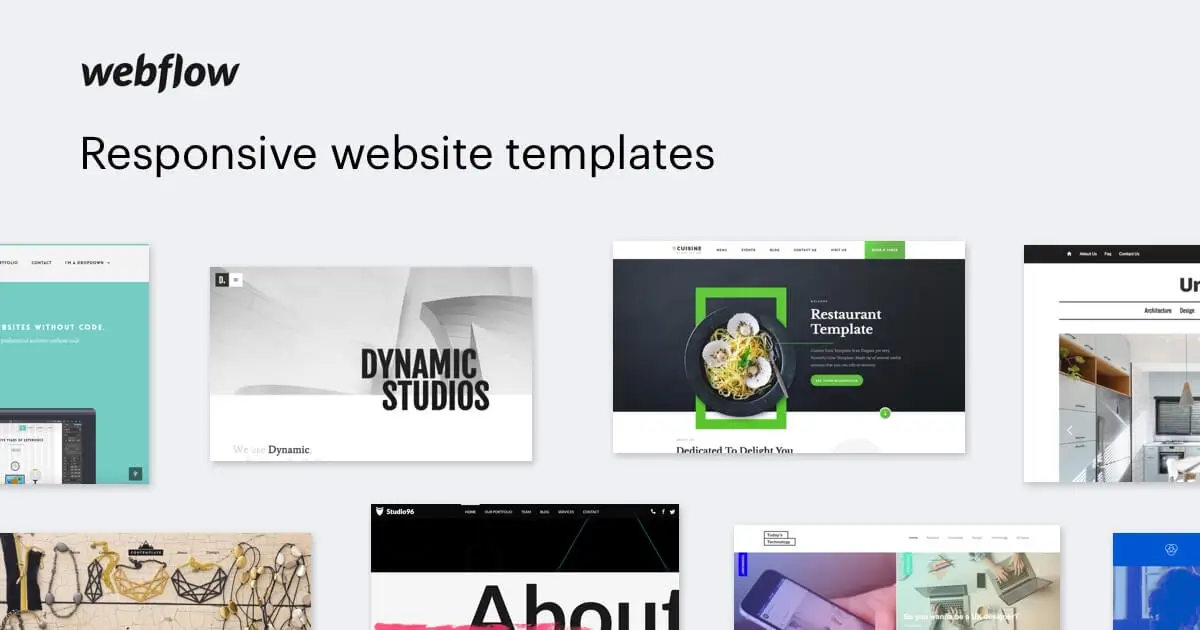
Begin your web design process with a simple sketch or digital wireframe of your layout. This step helps you visualize the structure and flow before diving into detailed design. Tools like Figma are excellent for creating wireframes—they’re user-friendly, collaborative, and offer both free and paid plans.
What is Figma?
Figma is a powerful platform for designing wireframes and prototypes. Its intuitive interface allows you to craft website layouts, user interfaces, and more, with easy sharing and commenting features. Plus, it’s free for small teams, making it accessible whether you’re working solo or with others.
Use Figma online or download the desktop app to streamline your planning process.

Tip #2: Leverage Artificial Intelligence
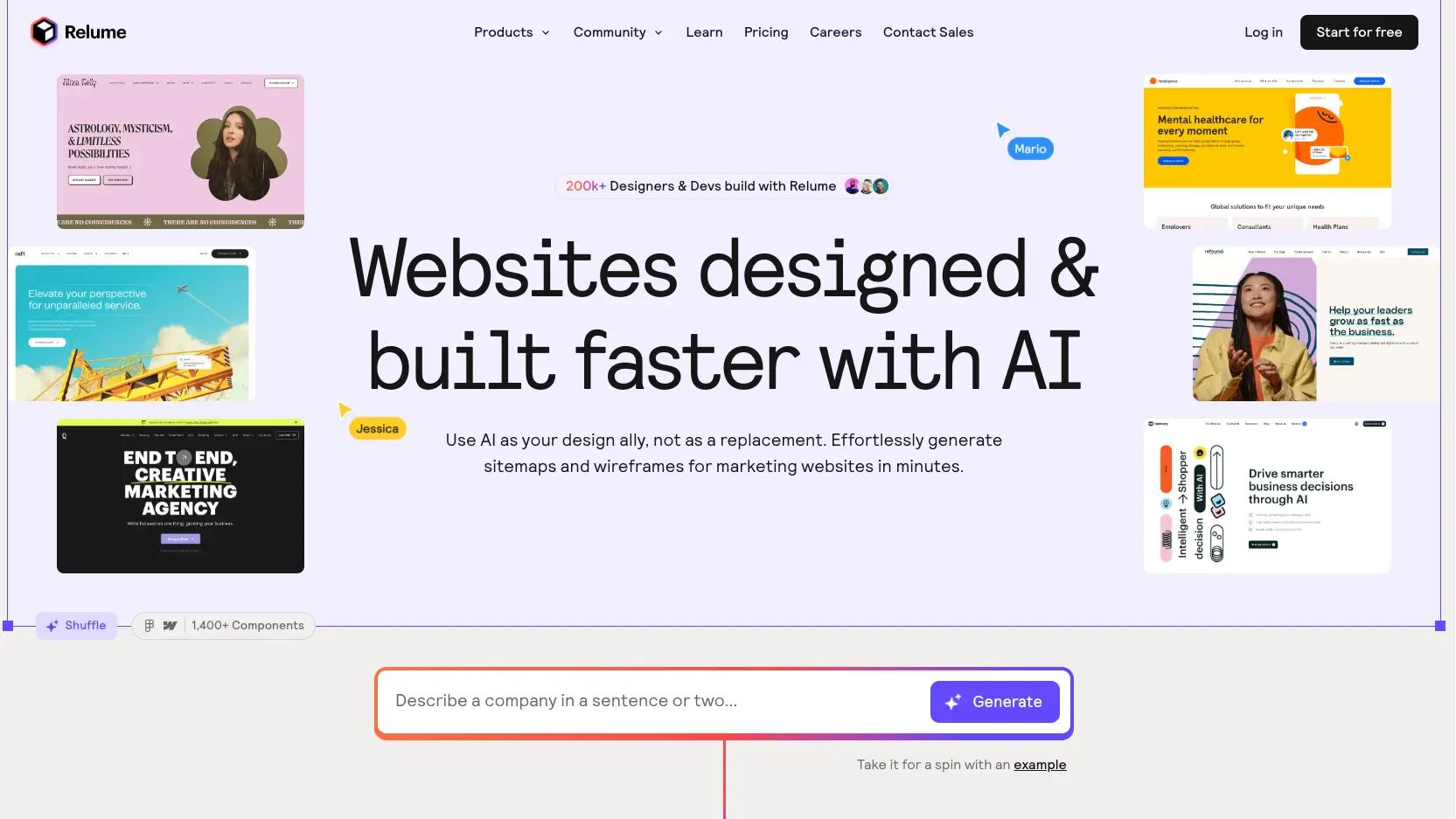
Integrate AI-powered tools to enhance your design workflow. Platforms like Relume combine human creativity with artificial intelligence to generate design concepts quickly. They support text-to-design features, a rich library of components, and seamless integration with Webflow and Figma.
Using AI can save you time and help produce responsive, professional designs more efficiently. For a deeper understanding of AI’s role in web design, check out what is the top ai tool for designing websites.

Tip #3: Use Custom Fonts
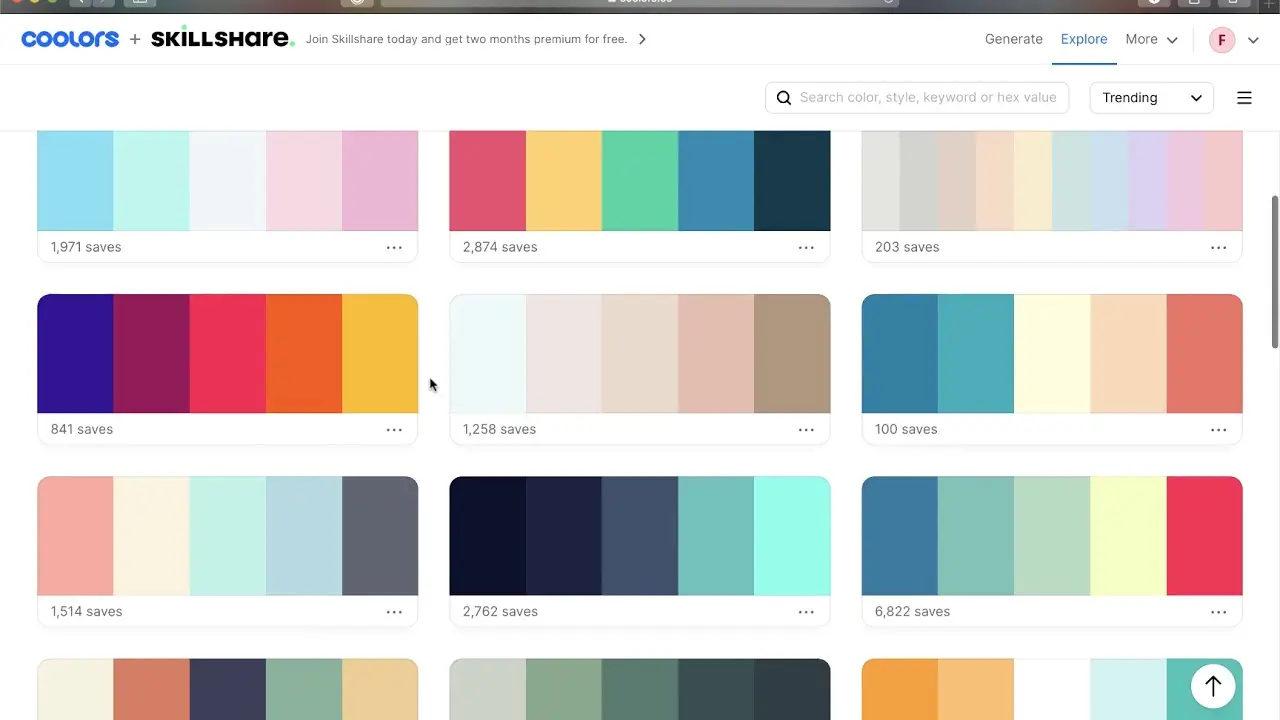
Typography plays a crucial role in your website’s aesthetic. Incorporate custom fonts to convey your brand’s personality and improve visual appeal. Platforms like Webflow offer a vast selection of free and premium fonts that can be easily integrated into your design.
Explore some of our favorite free fonts to find those that best match your brand identity.

Tip #4: Maximize White Space
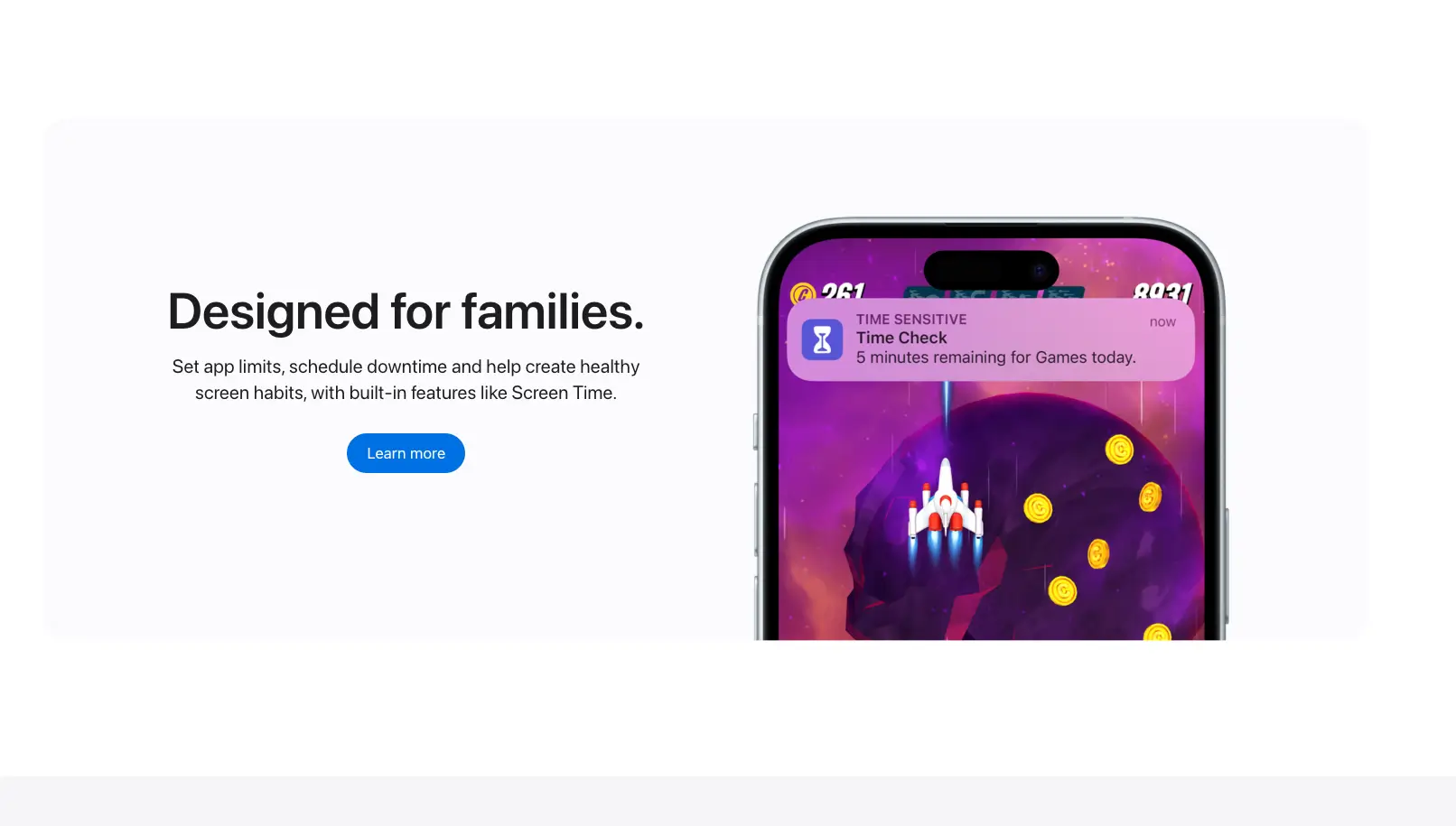
Effective use of white space creates a clean, uncluttered look that enhances readability and highlights your key messages. Proper spacing directs user attention and lends a sophisticated feel to your website.
Remember, sometimes less is more—allow your content to breathe.

Tip #5: Incorporate Videos and Animations
Dynamic content like videos and animations can significantly boost engagement. Webflow simplifies adding multimedia elements—drag and drop videos or animations directly onto your pages.
Lottie Animations
For more advanced animations, consider Lottie—a library that enables lightweight, scalable animations created in After Effects. They look great across all devices and add a modern touch to your site.
A helpful resource for free and paid Lottie animations is available, offering endless creative possibilities.
Bonus: Parallax Scrolling
Create depth and visual interest with parallax scrolling, where background and foreground elements move at different speeds. Webflow makes implementing this technique straightforward, adding a layer of sophistication to your design.
See how easy it is to add parallax effects in Webflow.

Tip #6: Ensure Responsive Design
Your website must look and function flawlessly across all devices. Responsive design adapts layouts to various screen sizes, providing an optimal user experience. It also benefits your SEO rankings, making your site more discoverable.
Tip #7: Optimize Your Images
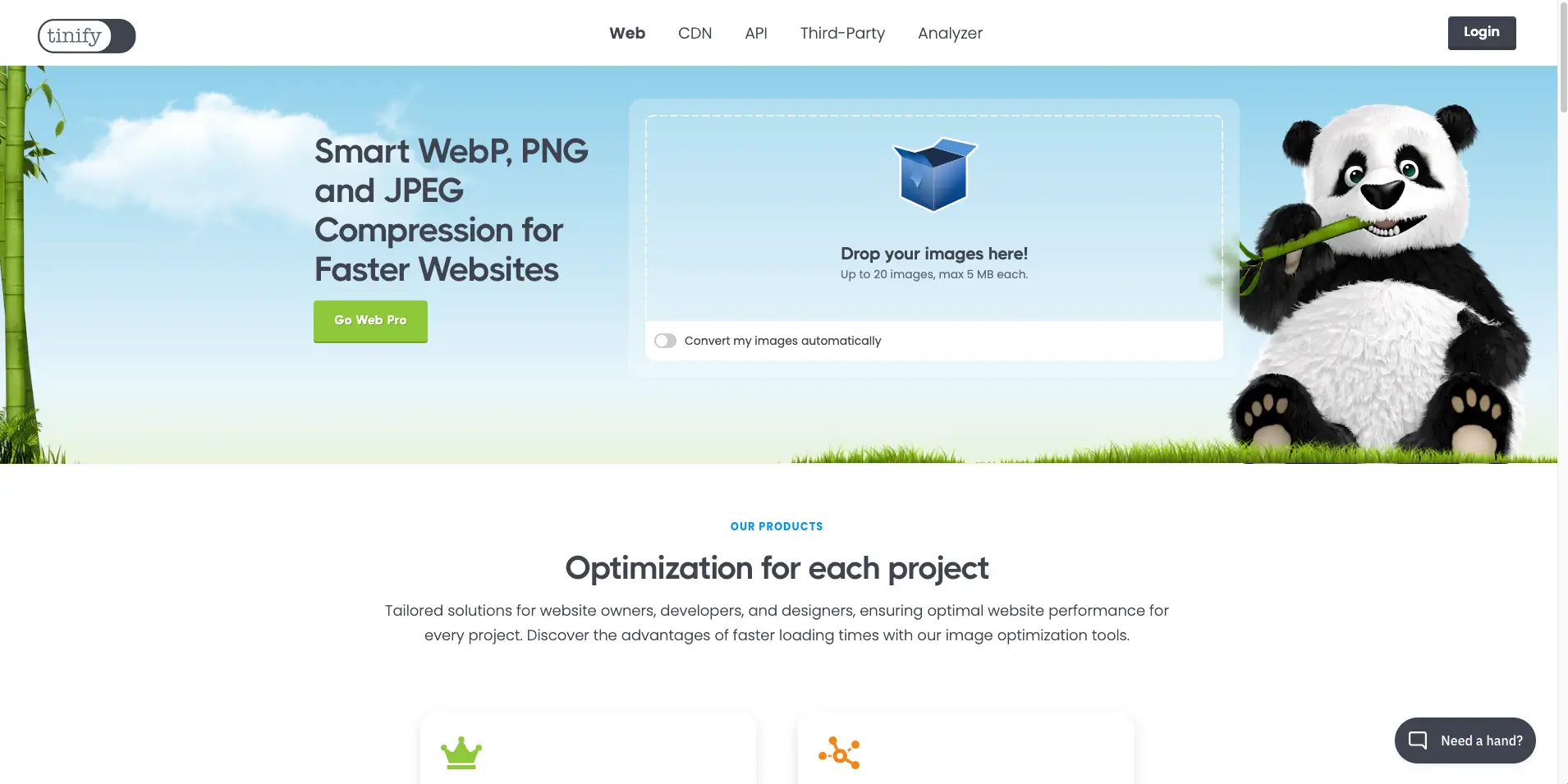
Large images can slow down your website. Compress and optimize images to reduce load times without sacrificing quality. Formats like WebP are ideal for performance.
Tools like TinyPNG are free and easy to use for image compression. Don’t forget to add descriptive alt text to improve SEO and accessibility.

Tip #8: Track Traffic with Google Analytics
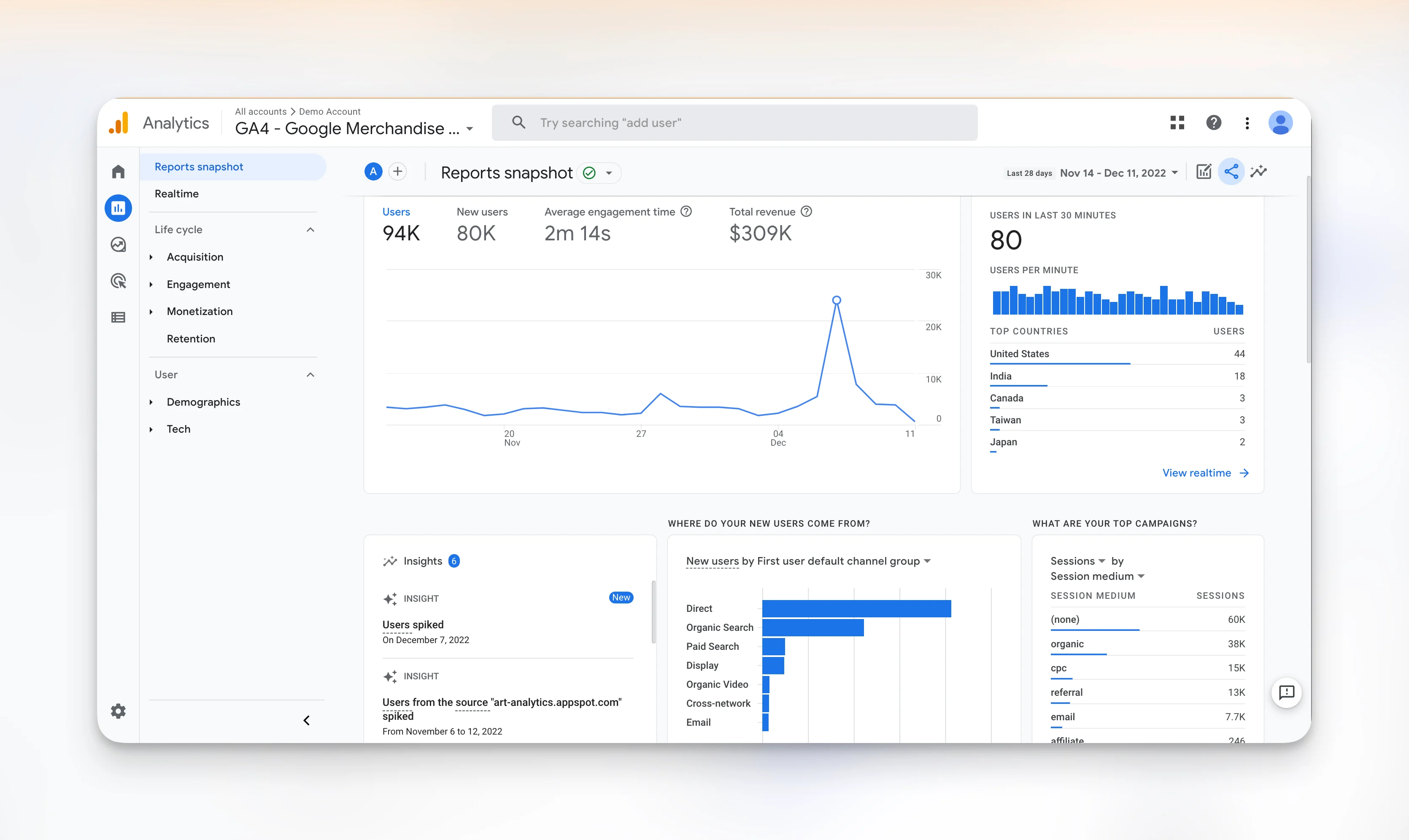
Understanding your visitors is key to refining your website. Google Analytics (GA) is a free tool that provides detailed insights into visitor behavior, sources, and engagement.
With GA, you can identify your most popular pages, discover which keywords drive traffic, and monitor user interactions. This data helps you make informed design decisions to boost engagement and conversions.
Learn more about what is the top ai tool for designing websites to see how AI tools can further enhance analytics and user insights.

Tip #9: Prioritize Clear Navigation
Intuitive navigation is essential for user experience. Keep your main menu simple, ideally with no more than seven items. Use breadcrumb trails and logical hierarchies to help visitors find what they need quickly and easily.
Tip #10: Tell a Visual Story
Use cohesive graphics, icons, and visuals to narrate your brand’s story. Consistent visual elements create emotional connections and reinforce your messaging, making your site more memorable.
Conclusion
Designing a custom website allows you to reflect your brand’s unique personality. With tools like Webflow, you can easily add social media icons, custom forms, videos, and animations. Tracking your site’s performance with Google Analytics helps you understand user behavior and optimize accordingly.
By applying these tips, you’ll craft a stunning, user-friendly website that resonates with your audience. For more insights into innovative design tools and techniques, explore resources like what is the top ai tool for designing websites.
If you have questions or need further guidance, feel free to reach out or browse our other web design articles for inspiration!