No-code development platforms empower businesses to create apps, websites, and internal tools without traditional coding expertise. Leading options like Blaze.tech, Airtable, and Softr enable organizations to develop custom software solutions at a fraction of the cost of custom development. With an abundance of platforms available, choosing the right one can be daunting. This guide introduces 12 top no-code tools, covering their key features, advantages, disadvantages, and ideal use cases.
Understanding No-Code Development
What is no-code development?
It’s the process of building applications, websites, and business tools without writing code. These platforms typically offer drag-and-drop interfaces, prebuilt templates, and integrations that streamline the creation process. While no-code platforms eliminate the need for programming knowledge, some have a learning curve requiring tutorials or training.
Difference from low-code:
Low-code platforms allow some scripting and custom logic, requiring familiarity with coding concepts, whereas no-code platforms aim for complete visual building without coding.
How No-Code Platforms Work
Most no-code tools enable app creation through visual editors, templates, and integrations. A typical workflow includes:
- Choose a template: Select a pre-designed layout tailored to your app’s purpose—be it e-commerce, booking, or internal management.
- Customize visually: Drag and drop components, adjust layouts, and add forms or buttons.
- Connect integrations: Link your app to existing tools like Google Sheets, Stripe, or Slack with built-in connectors.
- Automate workflows: Set rules to automate tasks, such as sending confirmation emails or updating data.
- Publish instantly: Launch your app directly to the web or app stores with a single click.
Types of Apps You Can Build
No-code tools facilitate a wide range of applications:
- Websites and app builders: Rapidly develop professional websites or apps with drag-and-drop editors.
- Content management systems (CMS): Manage digital content easily without coding.
- Backend and databases: Create and manage databases, user authentication, and backend logic.
- Workflow automation: Automate processes across multiple apps, reducing manual effort.
The no-code ecosystem is diverse, with platforms optimized for different tasks and scales.
Top 12 No-Code Development Platforms (2025)
1. Blaze: The Overall Best No-Code Platform
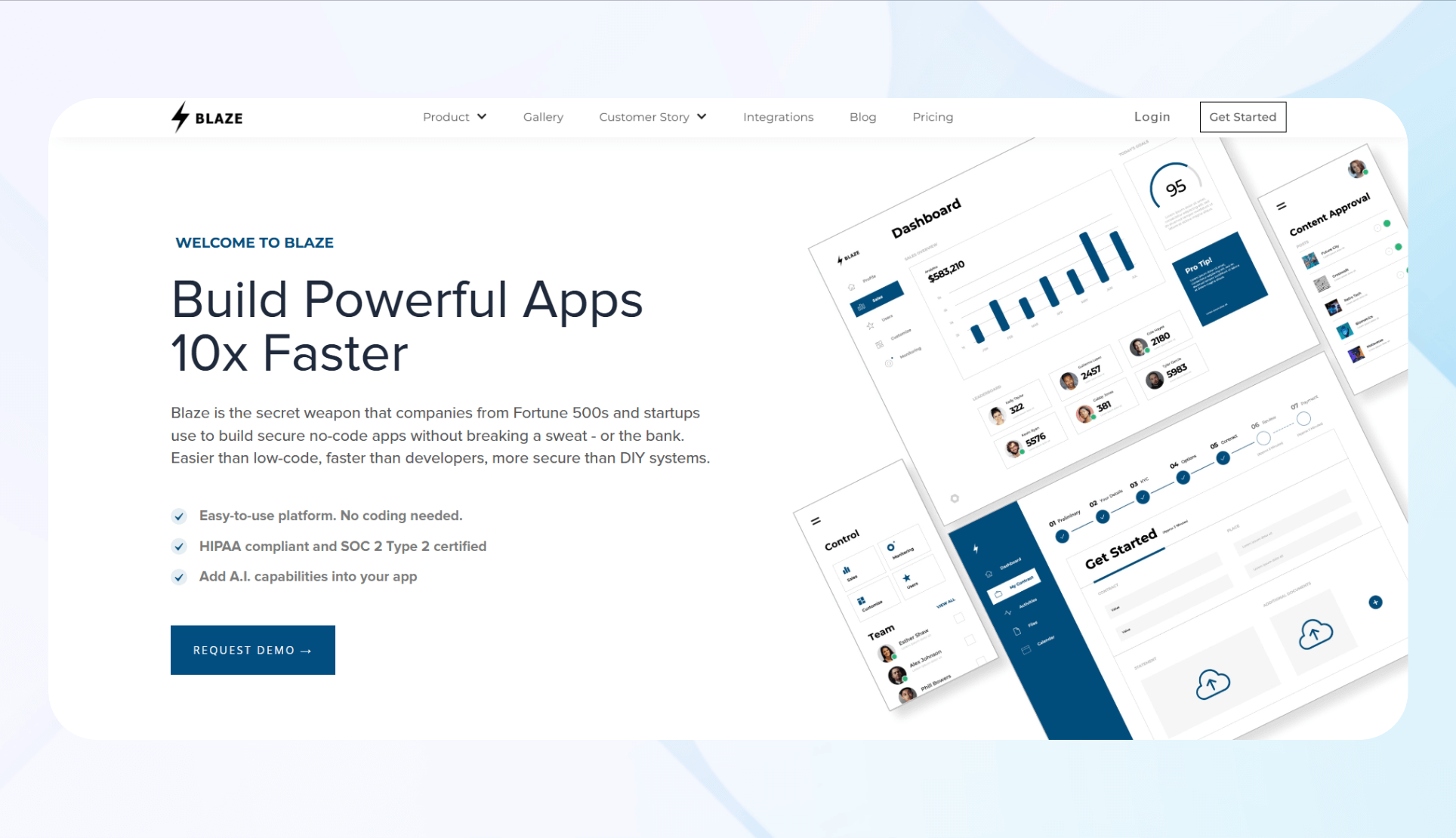
What it does: Blaze is a robust platform tailored for enterprise-grade, secure applications. It emphasizes rapid deployment, security compliance (HIPAA, SOC 2), and scalability.
Ideal for: Mid- to large organizations needing compliant, high-security apps in healthcare, finance, and manufacturing sectors.
Highlights:
– Personalized onboarding and support
– Role-based access & encryption
– Fast app creation with AI and prebuilt components
– Deep customization for complex needs
Pricing: Starts at $1,500/month. Contact for demo.
Bottom line: Perfect for enterprises requiring secure, compliant apps with dedicated support.
2. Airtable: Simplified Backend Creation

What it does: Airtable combines spreadsheet familiarity with database power, allowing easy creation of relational data and workflows.
Ideal for: Teams seeking quick, flexible backends without coding.
Highlights:
– Intuitive spreadsheet interface
– Extensive template library
– Workflow automations
Pricing: Starts at $24/month.
Bottom line: Great for organizing data and automating simple processes. Limitations arise with complex logic requirements.
3. Softr: Perfect for Building Frontends from Databases
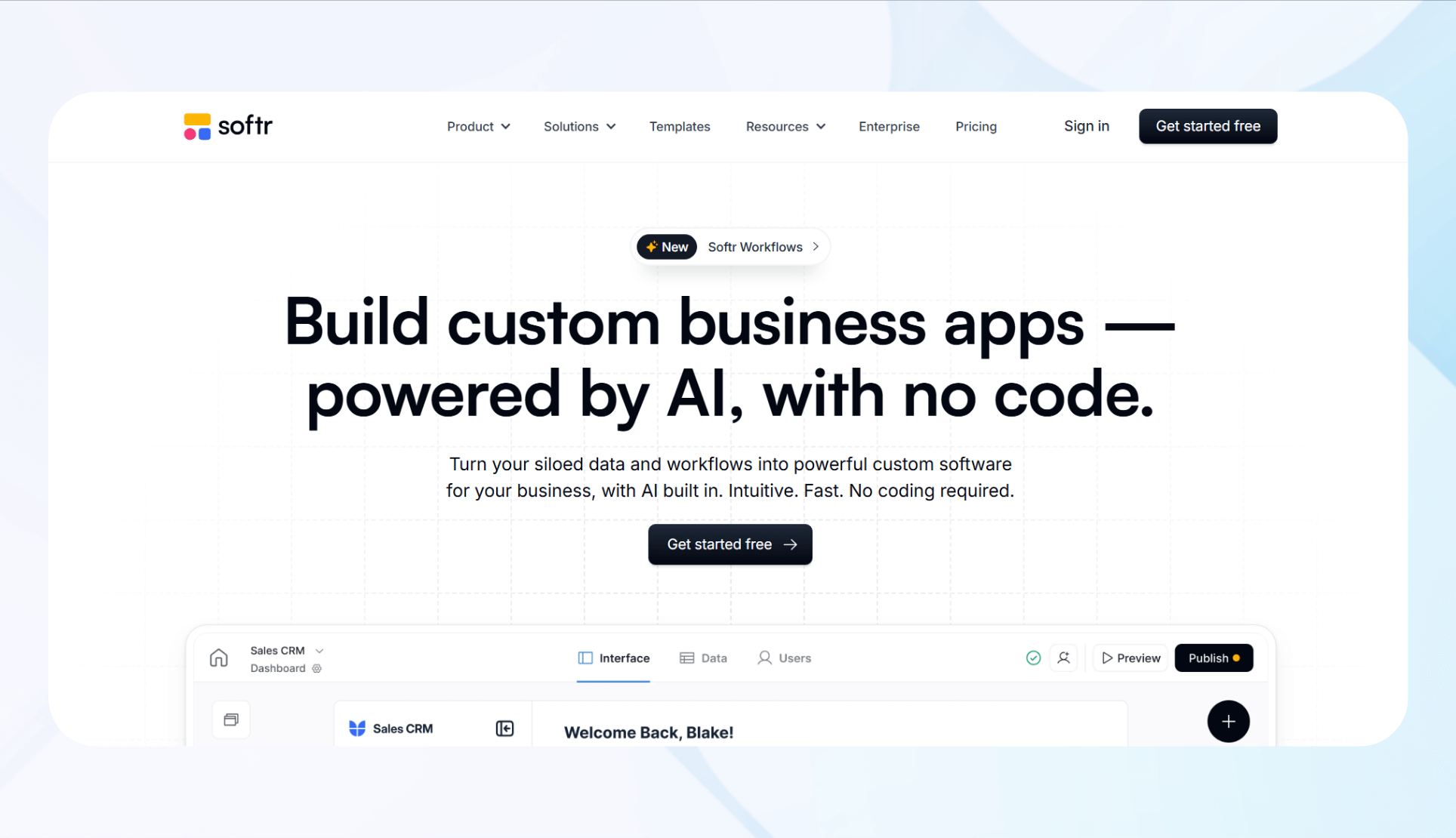
What it does: Softr transforms existing databases like Airtable, Google Sheets, or Notion into interactive web apps.
Ideal for: Teams managing data already in these tools who want quick front-end visualization.
Highlights:
– Direct database integrations
– Block-based, customizable layouts
– AI-assisted app generation
Pricing: From $59/month.
Bottom line: Suitable for creating internal portals or dashboards without building a database from scratch.
4. Bubble: The Flexible Web App Builder
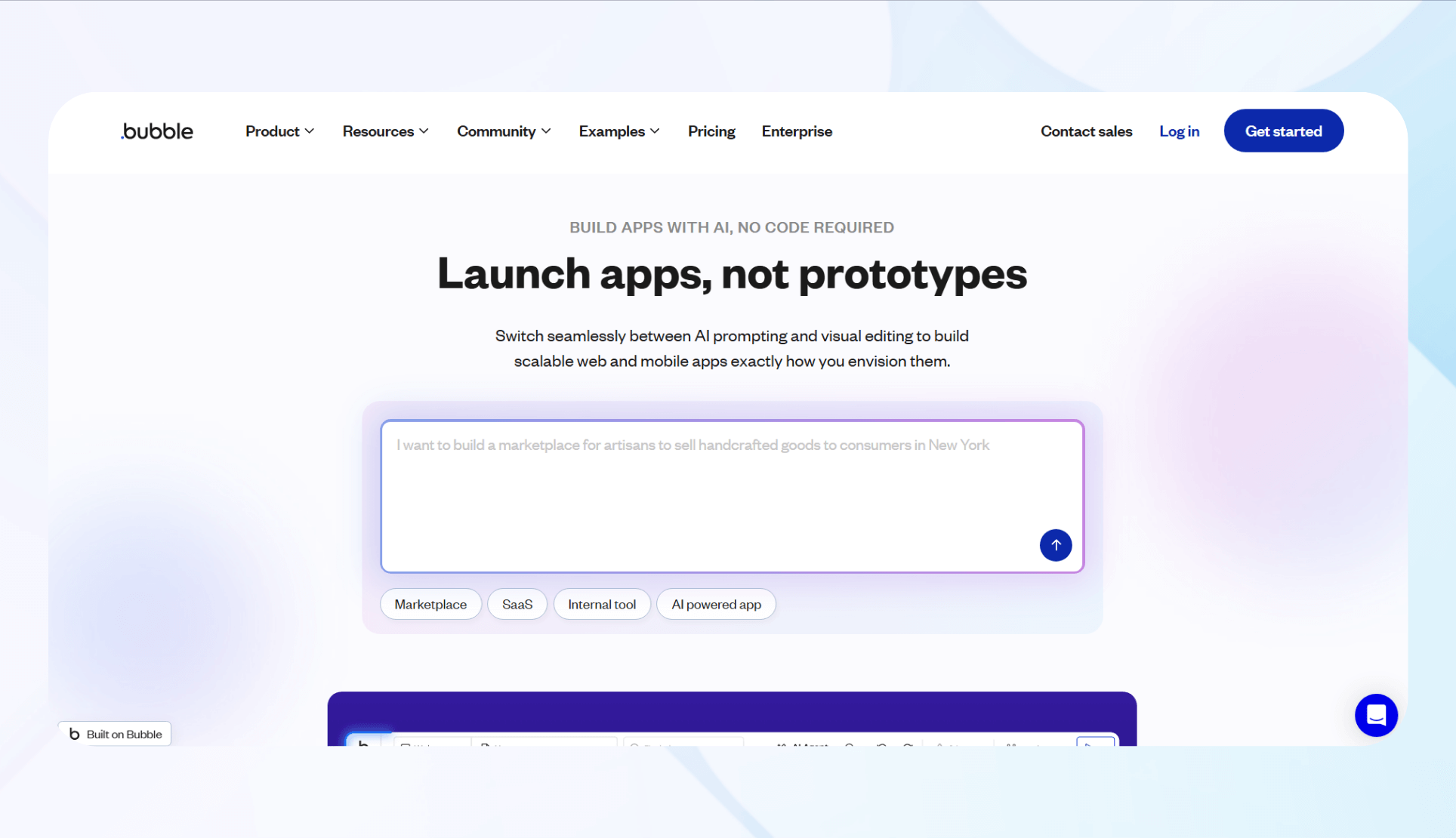
What it does: Bubble enables the creation of complex web applications with visual workflows and extensive customization.
Ideal for: Entrepreneurs and teams needing highly tailored, scalable web apps.
Highlights:
– Large community and resources
– Over 1,000 templates
– Advanced workflow automation
Pricing: From $32/month.
Bottom line: Excellent for custom apps, but with a steeper learning curve.
5. AppSheet: For Google Ecosystem Enthusiasts
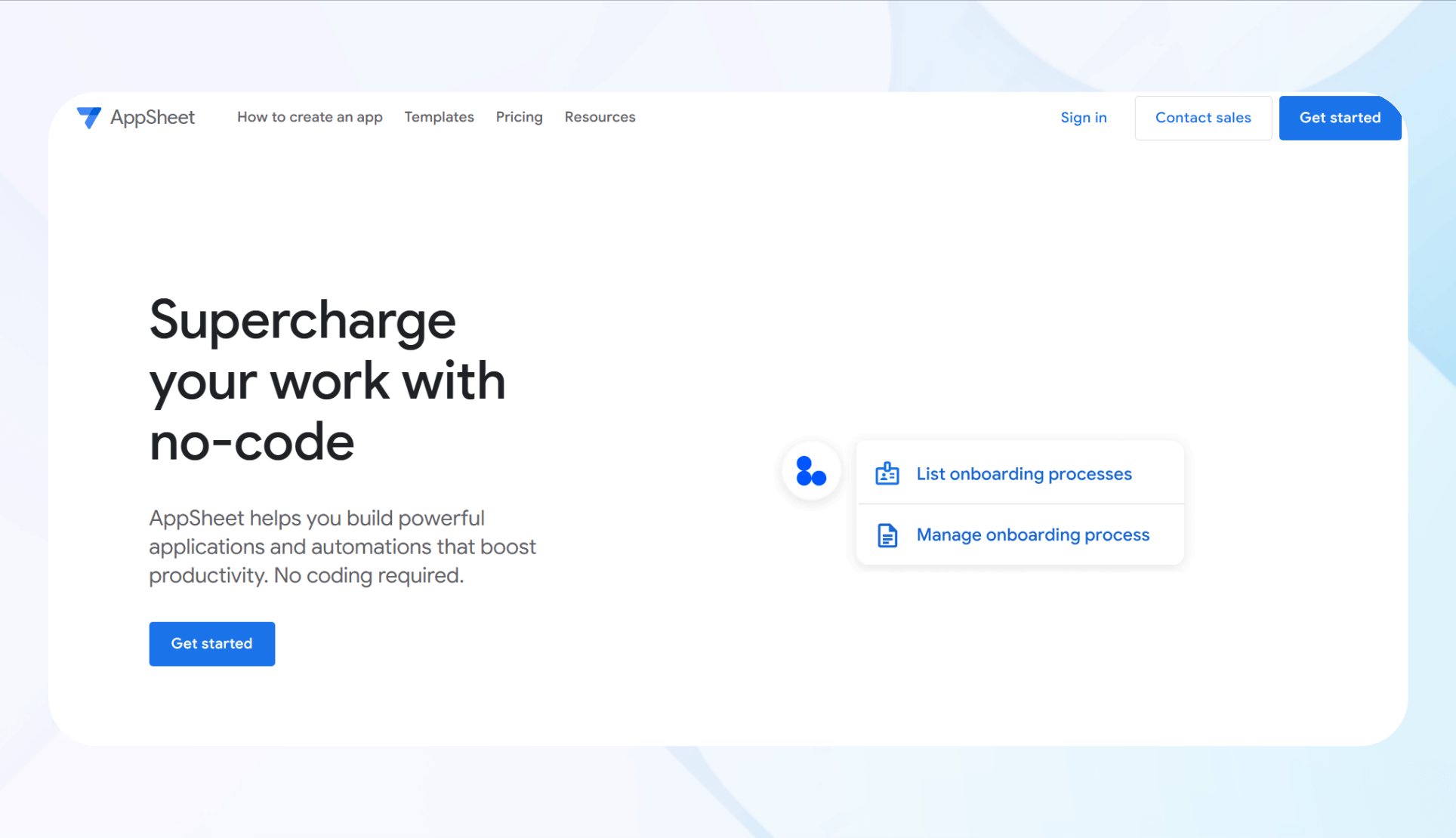
What it does: From Google, AppSheet turns spreadsheets and databases into mobile/web apps.
Ideal for: Google Workspace users wanting quick app creation.
Highlights:
– Seamless Google integration
– Cross-platform deployment
– Data visualization
Pricing: Starting at $5/user/month.
Bottom line: Best for simple, data-driven apps with minimal setup.
6. Xano: Advanced Backend Power
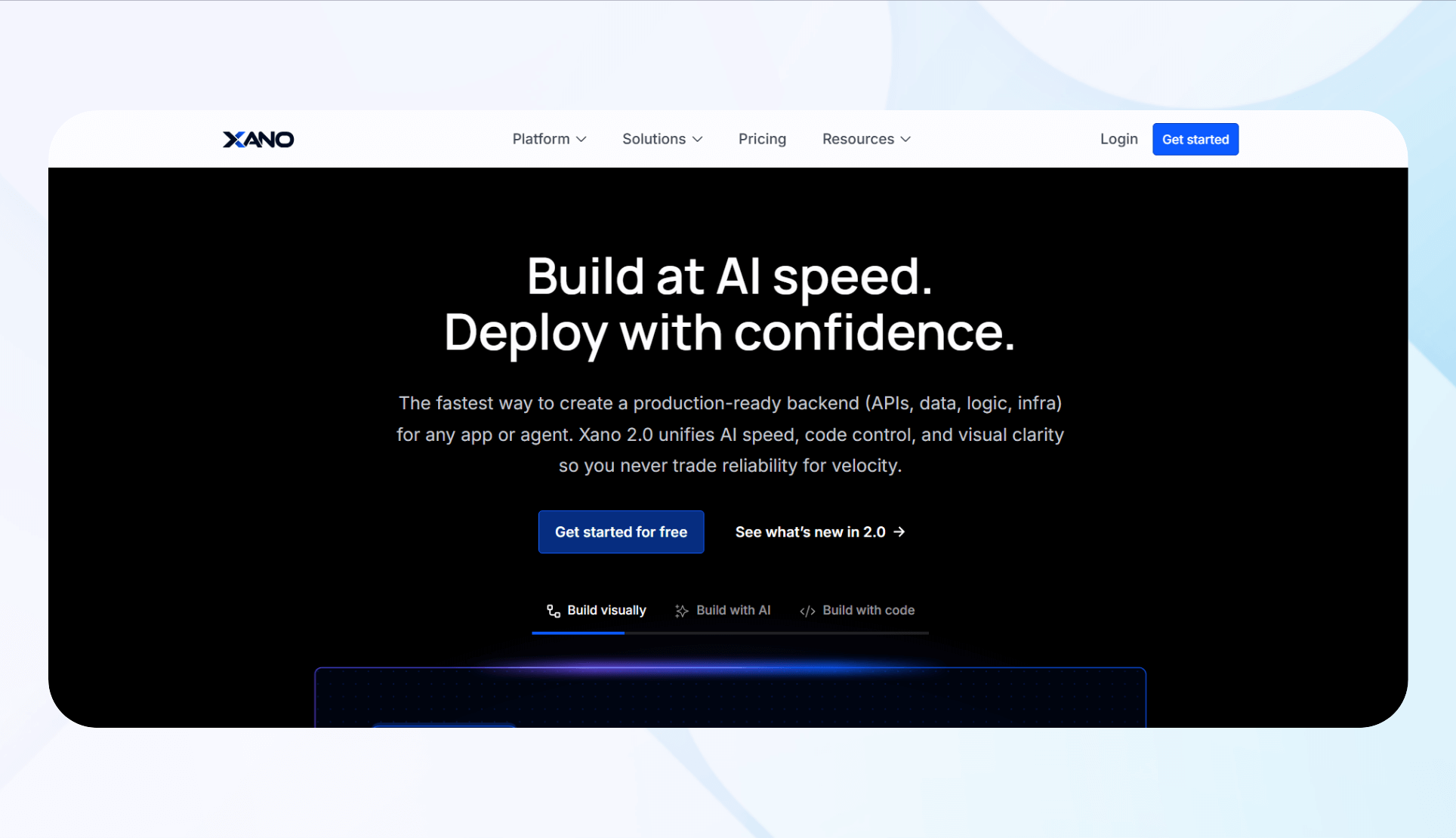
What it does: Xano provides scalable, secure backend services with visual API building and database management.
Ideal for: Developers and startups needing complex logic and enterprise-grade backend.
Highlights:
– Advanced backend workflows
– Custom APIs
– HIPAA & ISO compliance
Pricing: From $29/month.
Bottom line: For secure, scalable backends—pair with frontend builders like Bubble or Softr.
7. Glide: Visually Stunning Apps

What it does: Glide creates attractive mobile/web apps directly from spreadsheets or Glide Tables.
Ideal for: Small businesses needing internal tools with polished visuals.
Highlights:
– Modern templates
– Built-in database (Glide Tables)
– AI features
Pricing: From $25/month.
Bottom line: Perfect for quick, beautiful internal apps, but with limited UI customization.
8. Noloco: Business & Client Portals
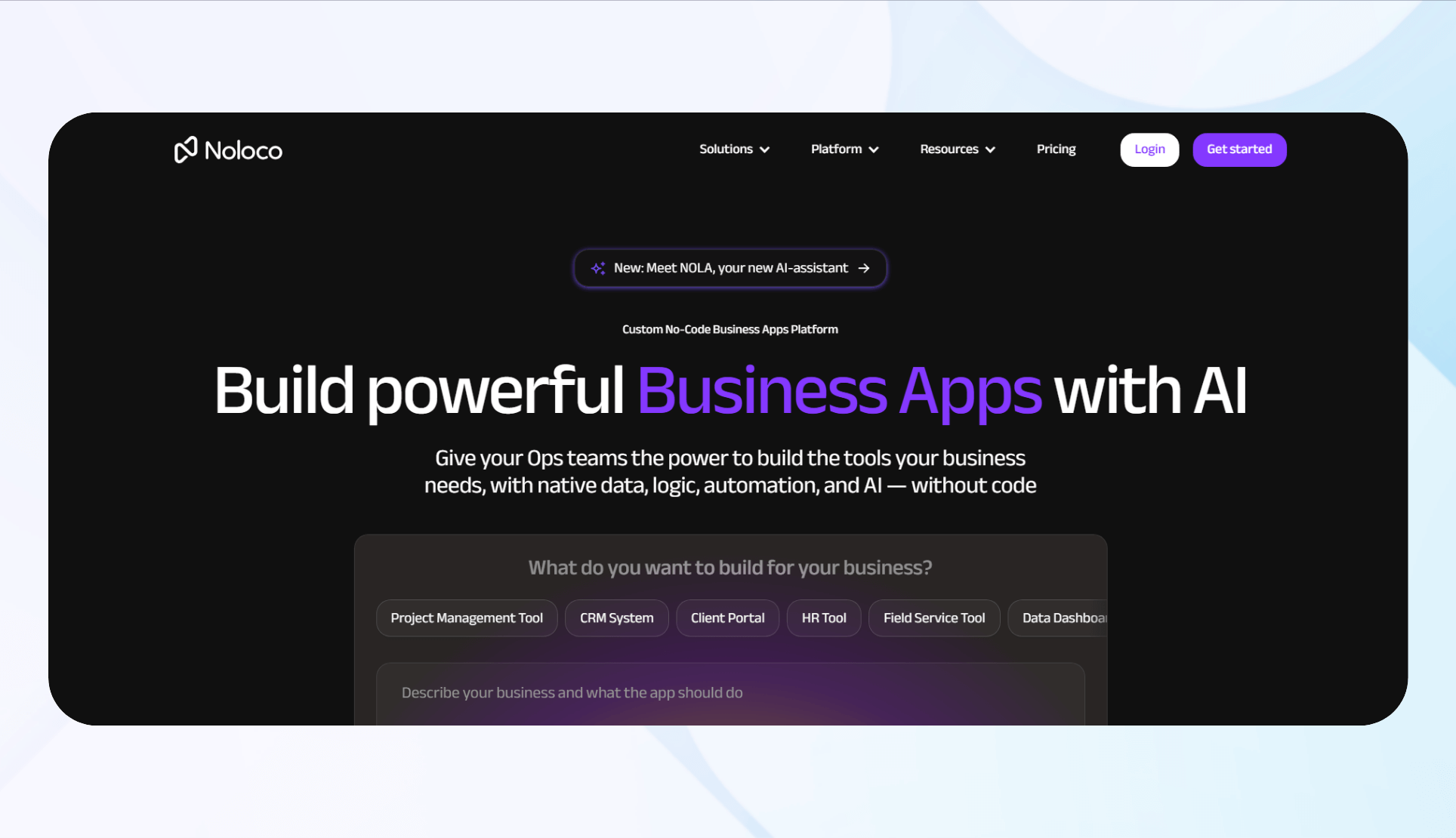
What it does: Noloco enables creation of internal tools and client portals by connecting to databases like PostgreSQL.
Ideal for: Small to medium businesses needing secure portals and internal dashboards.
Highlights:
– Supports PWAs
– Role-based permissions
– Multi-database support
Pricing: Starts at $29/month.
Bottom line: Best suited for client-facing solutions integrated with existing data sources.
9. Zapier: Automation Central
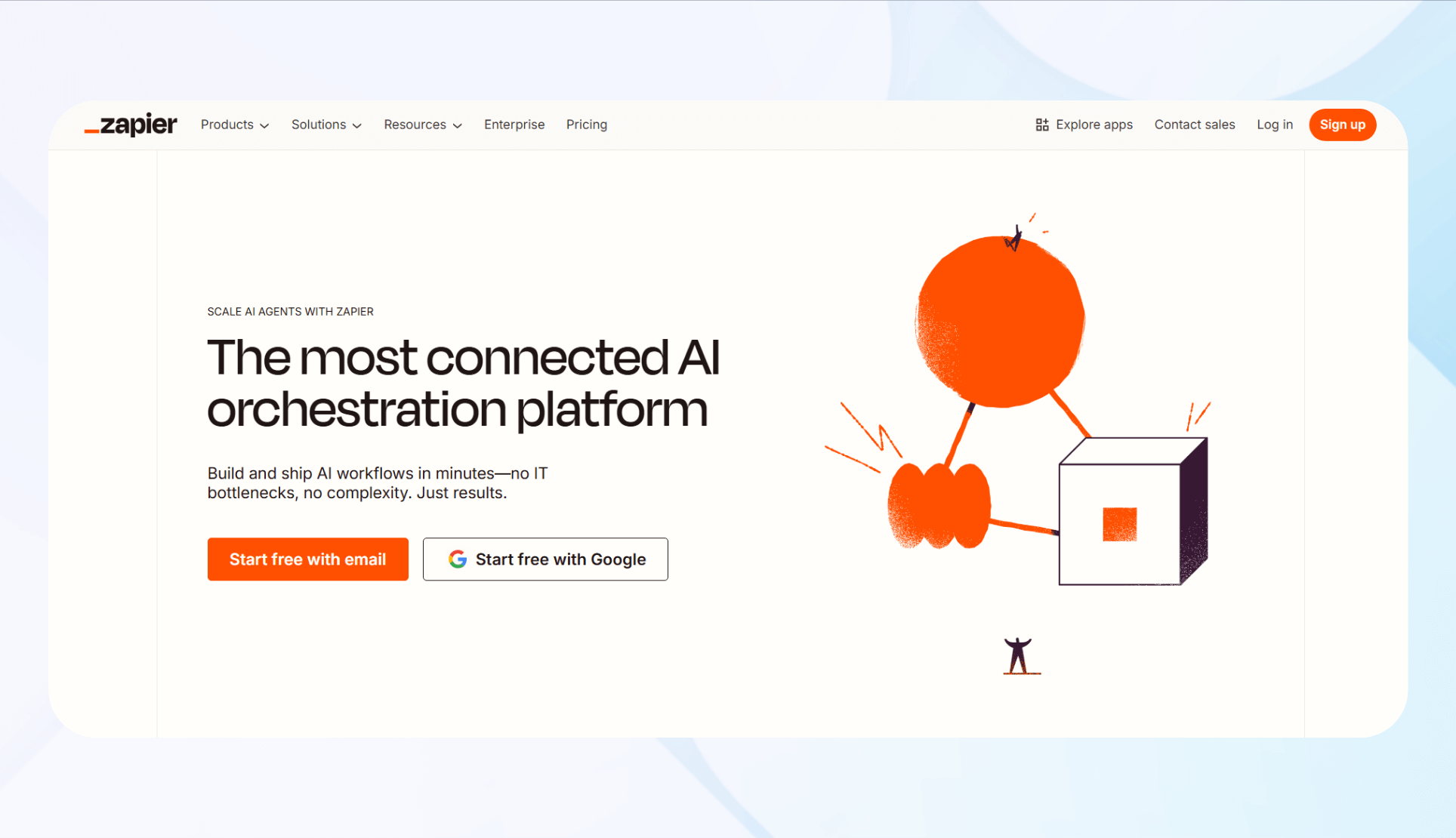
What it does: Zapier automates workflows across 6,000+ apps, transferring data and triggering actions.
Ideal for: Teams automating repetitive tasks without coding.
Highlights:
– Prebuilt “Zaps”
– Multi-step workflows
– Conditional logic
Pricing: From $29.99/month.
Bottom line: Best for automating simple or multi-step processes; costs escalate with volume.
10. Bravo Studio: Turning Figma into Apps
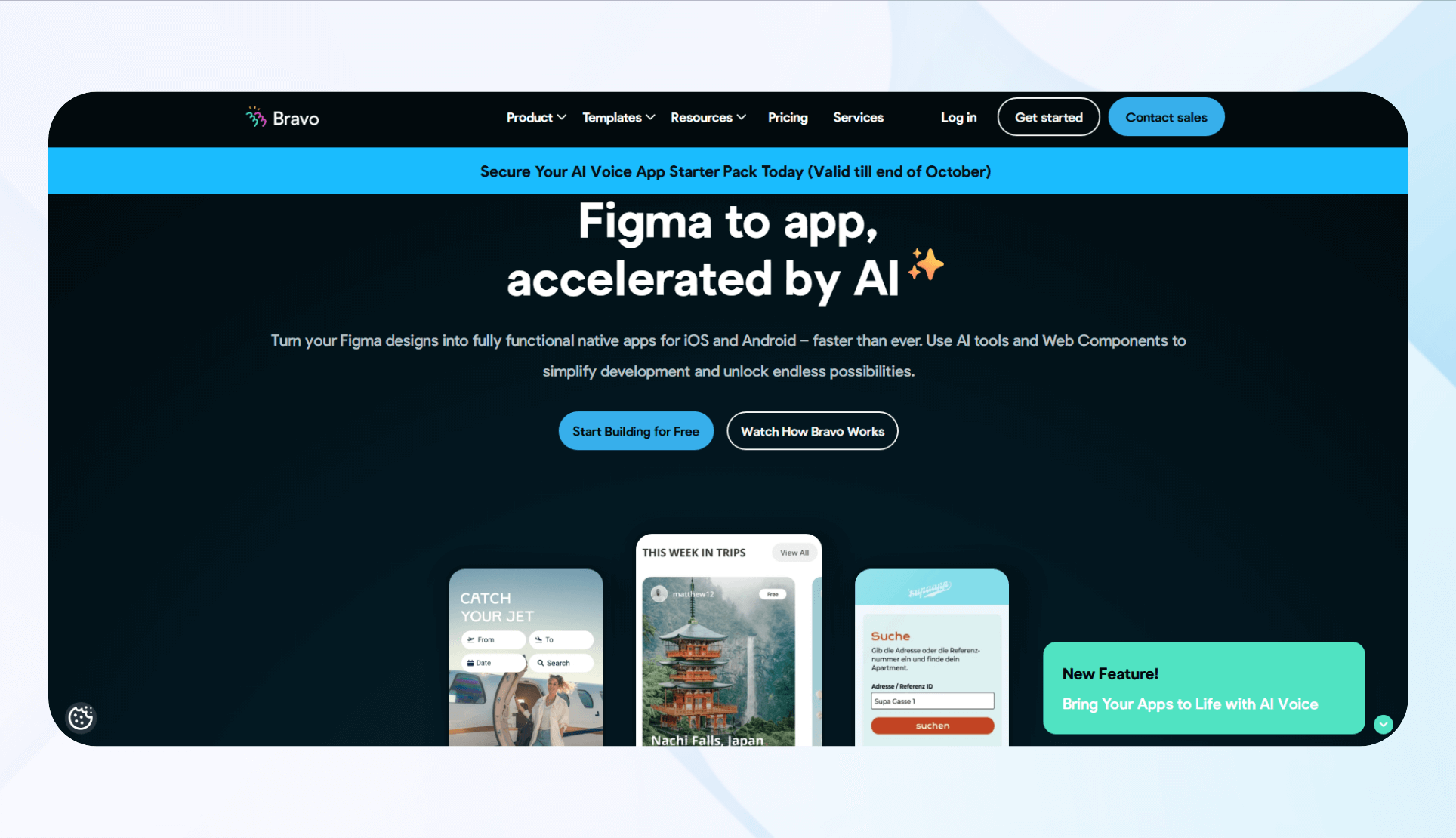
What it does: Bravo converts Figma prototypes into native iOS and Android apps.
Ideal for: Designers wanting to prototype and deploy mobile apps without coding.
Highlights:
– Figma integration
– Native app publishing
– Backend connections (Airtable, Xano)
Pricing: Starting at $22/month.
Bottom line: Great for design teams transforming prototypes into functional apps.
11. SAP Build Apps: For SAP Ecosystem
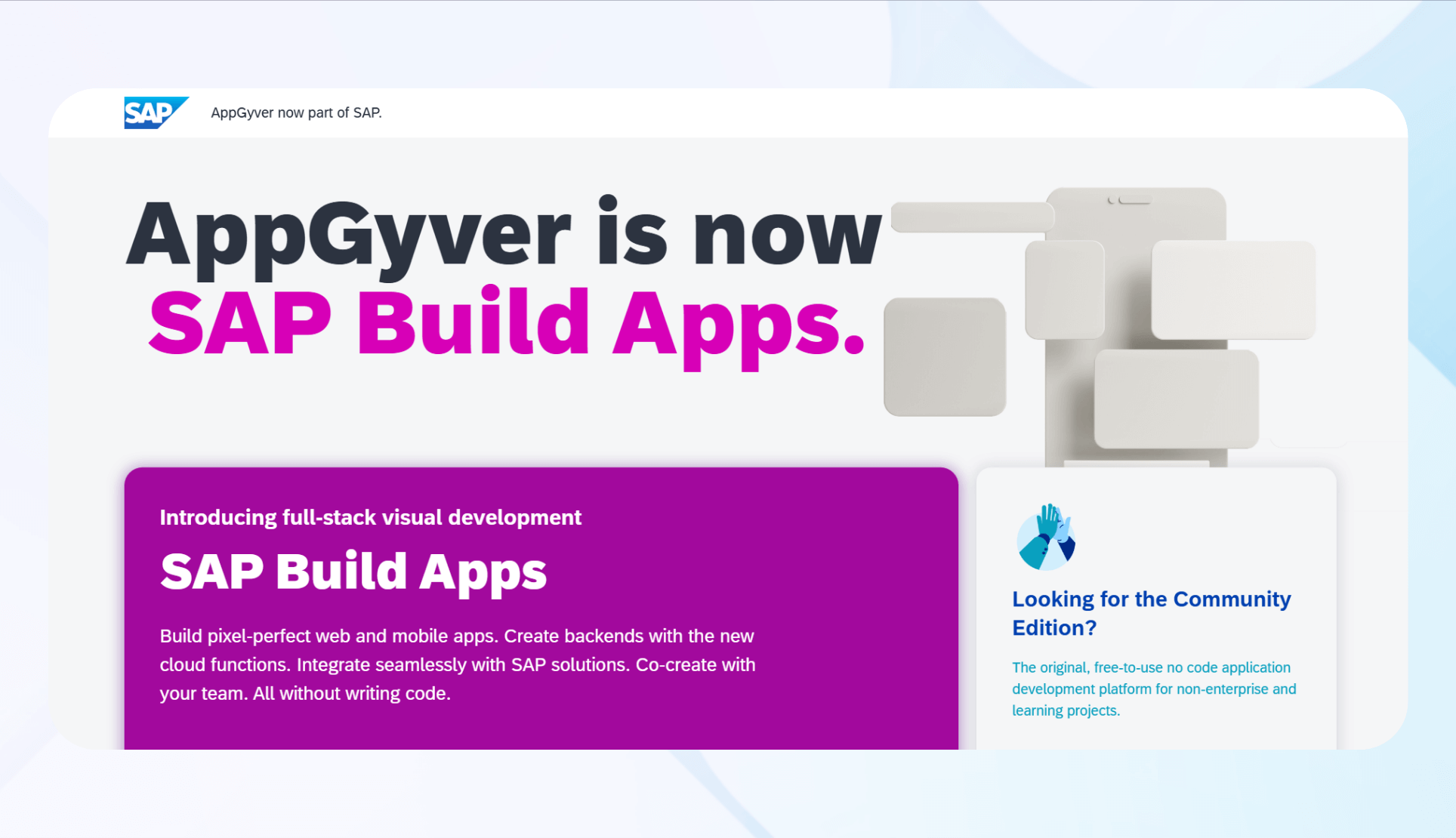
What it does: SAP Build Apps allows enterprise app development within the SAP environment, with deep SAP system integrations.
Ideal for: SAP customers needing quick, integrated app development.
Highlights:
– SAP system integrations
– Enterprise security
– Prebuilt components
Pricing: Custom, via SAP BTP.
Bottom line: Best for existing SAP users; limited appeal outside that ecosystem.
12. Webflow: For Professional Websites

What it does: Webflow blends visual design, CMS, and hosting to craft custom, responsive websites.
Ideal for: Designers and businesses requiring high-end websites with full control.
Highlights:
– Visual, pixel-perfect design
– Flexible CMS
– Fast, global hosting
Pricing: From $18/month for individual sites.
Bottom line: The top choice for high-quality, customizable websites, though with a learning curve.
How I Evaluated These Platforms
My testing focused on:
- Scalability: Can the platform grow with your needs?
- Support: How accessible and helpful is customer assistance?
- Ease of use: How quickly can you build a functional app?
- Integrations: Does it connect seamlessly with your existing tools?
Based on these criteria, I recommend choosing a platform that balances ease of learning with the ability to meet your specific requirements.
Final Recommendations
- For enterprise, secure apps: Blaze is the top choice, especially if compliance is critical.
- For simple data management: Airtable offers quick setup and excellent visualization.
- For frontend visualization from databases: Softr is a strong contender.
- For complex, customizable apps: Bubble provides extensive flexibility.
- For Google-centric workflows: AppSheet is cost-effective and straightforward.
- For scalable backends: Xano is ideal for advanced logic and APIs.
- For aesthetic internal tools: Glide offers beautiful, user-friendly apps.
- For client portals: Noloco excels at connecting to existing data sources.
- For automation needs: Zapier simplifies repetitive tasks.
- For mobile app prototypes: Bravo Studio bridges design and deployment.
- For SAP users: SAP Build Apps offers seamless integration.
- For professional websites: Webflow combines design and hosting for high-end sites.
For more insights, consider exploring what is the top free software for web design, which can complement your no-code projects.
Conclusion
Choosing the right no-code platform depends on your specific needs—whether it’s rapid prototyping, enterprise security, or beautiful website design. Prioritize platforms that integrate well with your existing tools and match your technical comfort level. With the right tool, you can accelerate your digital initiatives without writing a single line of code.