Creating a seamless and engaging user experience on your landing page is crucial for driving conversions. One of the most powerful yet often overlooked tools in web design is the strategic use of anchor tags. These simple elements serve as navigational cues that guide visitors through your content, highlight key information, and facilitate actions—all without overwhelming or distracting users. When implemented thoughtfully, anchor tags can significantly improve the usability of your landing page, making it easier for visitors to find what they need and encouraging them to take the desired steps.
In this article, we will explore how anchor tags function as essential tools for user engagement, examine various practical applications on landing pages, and provide insights into best practices for leveraging them to boost conversions. Whether you are designing a long-form sales page or a concise product showcase, understanding how to utilize anchor tags effectively can elevate your web design to new heights. For more on maintaining a cohesive and professional online presence, consider exploring the importance of consistency in web design.
What is an anchor tag?
An anchor tag, often called an anchor link, is an HTML element used to create hyperlinks within a webpage. It allows users to jump to different sections of the same page or to external websites. On long or content-rich pages, anchor tags are particularly useful because they enable visitors to navigate directly to specific parts of the content without scrolling extensively. This functionality enhances user convenience and keeps visitors engaged by reducing friction in their journey through your site.
Clicking an anchor link results in a smooth transition to the targeted section, which can be either static or animated. Animated anchor tags, for example, might feature subtle movements or highlighting that draw attention to the link, especially when combined with ample white space. This combination can make navigation more intuitive and visually appealing. Examples of creative anchor tag implementations can be found in various successful landing pages, demonstrating how animation and design work together to guide user focus.
What can anchor tags highlight on landing pages?
Important copy
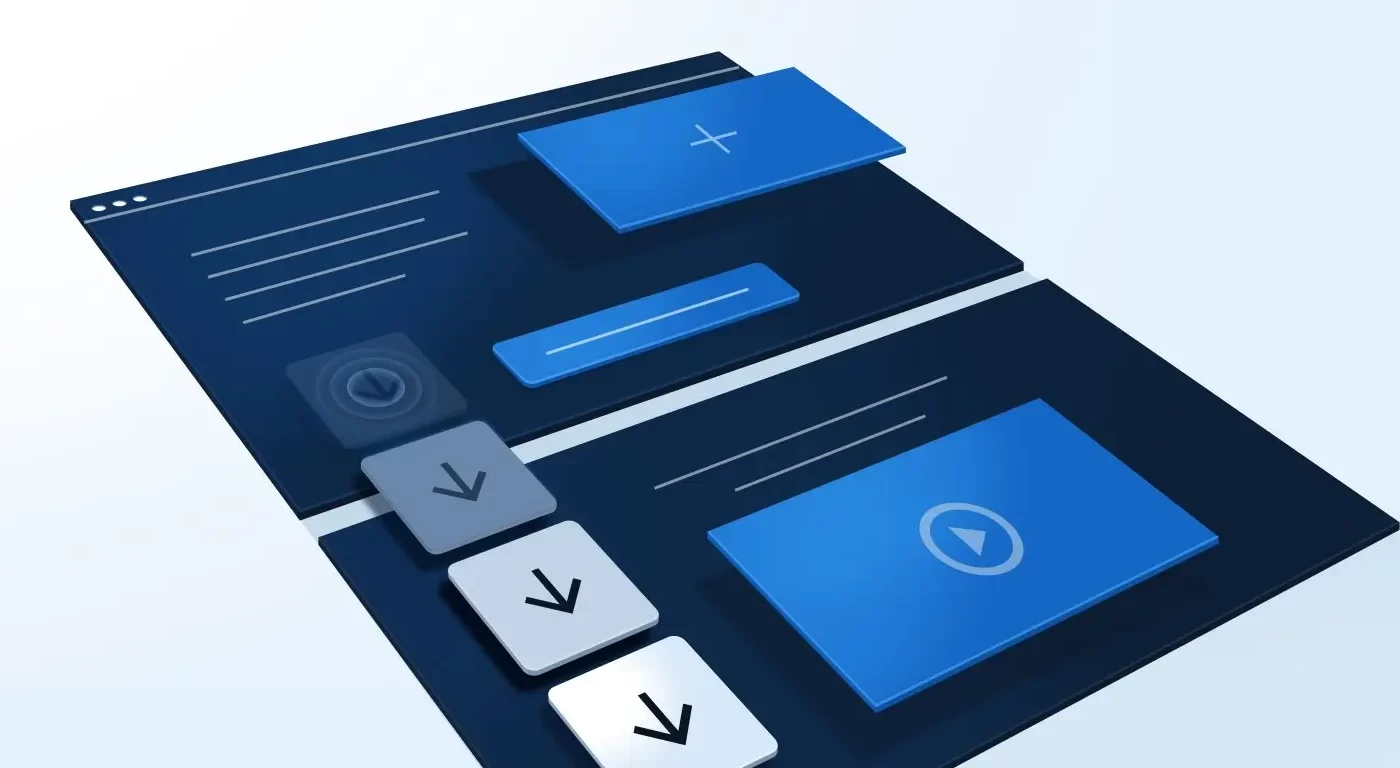
Highlighting critical content with anchor tags helps guide visitors’ attention to key messages or benefits. For instance, a landing page might include a down arrow icon that, when clicked, scrolls the user directly to a section describing the main features or advantages of a product. This approach ensures that visitors quickly access vital information without having to search for it manually.
For example, Constant Contact employs anchor links that smoothly scroll users to specific sections of their landing page, highlighting essential benefits. Similarly, social media review sites often use anchor tags to direct users to review summaries or ratings, making it easier for visitors to find relevant information. These techniques increase the likelihood that users will read and engage with essential copy, boosting the chance of conversion.
Customer success stories
Customer testimonials and success stories are powerful social proof tools that can sway visitors toward making a purchase or signing up. To prevent these valuable sections from being overlooked, many brands incorporate bouncing or animated arrow indicators that link directly to testimonials. When clicked, these anchor links take visitors straight to success story videos or written reviews, bypassing less relevant content.
Dynamic Yield, for example, uses animated arrows that attract attention and guide visitors to success stories, which often have a high impact on conversion rates. Since reviews and testimonials tend to be more persuasive than product descriptions alone, ensuring they are easily accessible through anchor navigation can significantly influence purchasing decisions.
Use cases
Different brands utilize anchor tags to emphasize specific use cases or features. For instance, Boardvantage positions an “Explore Use Cases” callout next to an anchor icon, surrounded by white space to enhance visibility. Clicking this link transports visitors to a section below the fold where the company showcases product features with minimal text, short videos, and images—maximizing impact with concise content.
This tactic ensures that visitors don’t miss out on critical information about the product’s capabilities. By directing attention to the most compelling aspects of the offering, anchor tags help streamline the user journey and reinforce the value proposition.
Product add-ons
Navigation menus often rely on anchor tags to guide visitors to various sections of a landing page. Lyft’s landing page, for example, uses navigation links that scroll users to detailed explanations of their product features or FAQs. When a user clicks “Get Yours,” they are smoothly taken to the relevant section where they can learn more about acquiring the product.
This method simplifies complex pages by allowing users to jump directly to the information they seek, reducing frustration. Even less common sections like FAQs benefit from anchor links, as they can address common questions quickly and efficiently, helping to reduce barriers to conversion.
Lead capture form
Capturing visitor information is vital for lead generation, and anchor tags can facilitate this process by guiding users toward forms. On a Salesgenie landing page, multiple anchor links—such as arrows or CTA buttons—direct visitors toward the lead capture form positioned further down the page. Conversely, CTA buttons at the bottom can send users back to the top for easy access to the form.
Brightly colored, compelling CTA buttons—like those in orange—stand out and encourage clicks. When these buttons are implemented as anchor links, they facilitate quick navigation, making it easier for prospects to complete the desired action. Similarly, platforms like AppFolio use anchor tags within their demo experiences to direct users to forms, increasing the likelihood of lead conversion by minimizing navigation friction.
CTA button
Effective call-to-action (CTA) buttons are central to any landing page, and anchor tags can enhance their visibility and accessibility. For example, a landing page may feature navigation links that, when clicked, bring visitors directly to specific CTA sections further down the page. This ensures that prospects can reach the conversion point with minimal effort.
In the QuickBase example, multiple anchor links guide visitors to different sections containing CTA buttons—each designed to prompt action. Whether it’s “Success Story” or “What is QuickBase,” these links streamline the path to engagement, emphasizing the importance of well-placed anchor tags in driving conversions.
How do you use anchor tags?
The examples provided illustrate just a few ways anchor tags can assist with user engagement and conversion. Whether you’re linking to specific content sections, creating navigational menus, or guiding visitors toward forms and CTAs, anchor tags are versatile tools that enhance user experience. They simplify navigation, reduce bounce rates, and make your landing page more intuitive.
To implement anchor tags effectively, consider adding custom code to your landing pages or utilizing website builders that support smooth scrolling. Proper placement and descriptive link text are crucial for clarity and usability. For further insights into creating a cohesive and user-friendly design, explore the significance of consistency in web design.
Incorporating these techniques can lead to higher engagement rates, more conversions, and a better overall user experience. Remember, the goal is to make your landing page as navigable and persuasive as possible—anchor tags are a simple yet powerful way to achieve this.