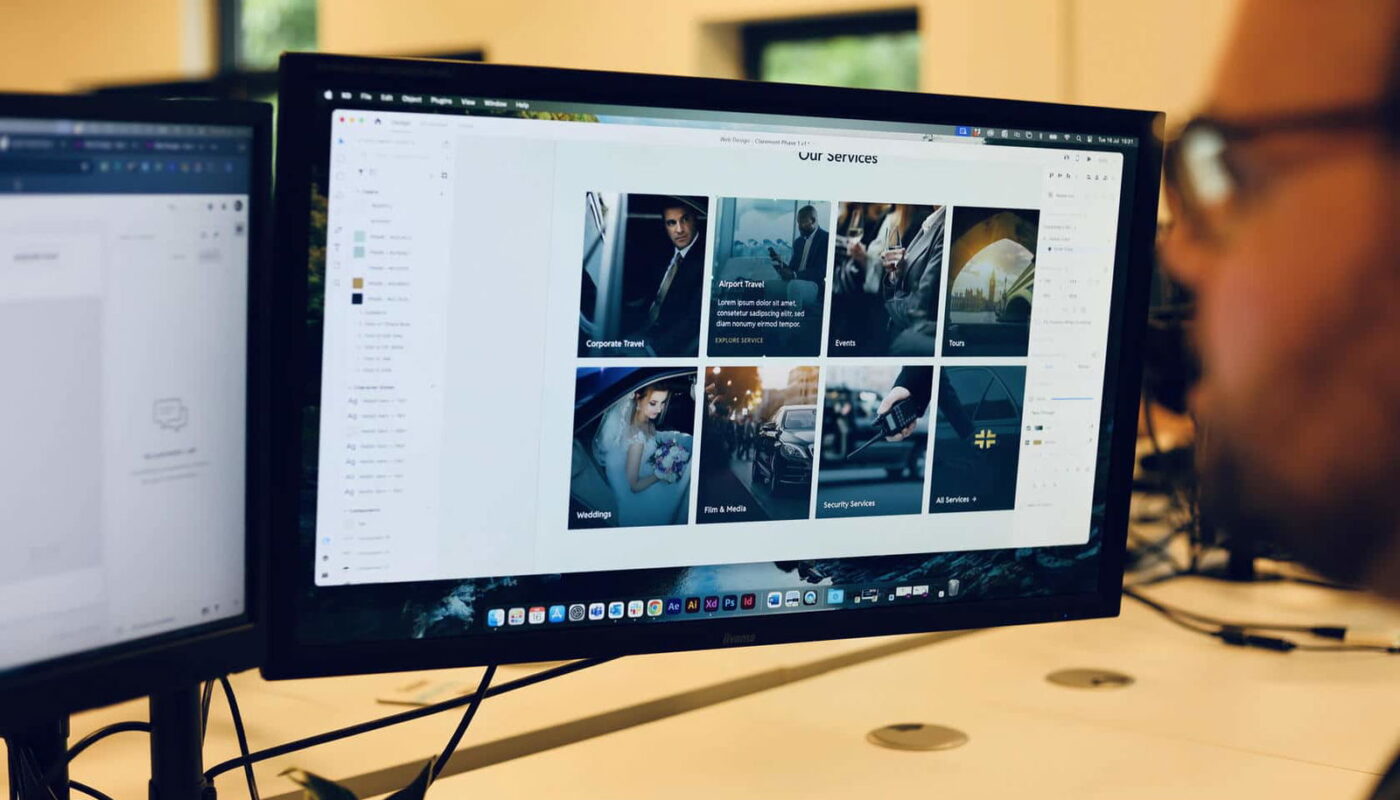
A compelling website combines aesthetic appeal with seamless functionality, ensuring visitors have a positive experience from the moment they arrive. It’s not enough for a site to look attractive; it must also be intuitive, fast, accessible, and tailored to the needs of its users. Understanding and applying core web design principles is essential for building sites that attract, engage, and convert audiences effectively. This guide explores six fundamental principles that underpin successful web design, illustrating why they matter and how to implement them with confidence.
Recognizing the Significance of Exceptional Website Design
Design is inherently visual, but its influence extends far beyond aesthetics. A well-crafted website acts as a powerful tool for establishing credibility, guiding user interactions, and supporting your broader marketing goals. When designed correctly, your site not only captures attention but also provides a smooth journey that encourages visitors to stay, explore, and take action.
A thoughtfully designed website can serve as the central hub of your digital presence, enhancing brand recognition and customer trust. Conversely, neglecting design principles can result in a confusing, slow, and unprofessional site that hampers your marketing efforts and damages your reputation. To ensure your website delivers maximum value, it’s vital to understand and implement these foundational design concepts.
Principle #1: Simplicity
Simplicity remains one of the most effective strategies in web design. While many assume that vibrant colors and dynamic features create engaging sites, overcomplicating your design can lead to confusion and overwhelm. Instead, focus on clarity and ease of use.
A simple design emphasizes the essential elements—clear navigation, straightforward content, and uncluttered visuals—allowing users to find what they need effortlessly. This approach doesn’t mean sacrificing content; rather, it involves prioritizing the most important features and removing distractions that don’t serve your goals.
How simplicity boosts user engagement
Simplified websites load faster, especially on mobile devices, and are easier to optimize for responsiveness. A clean design reduces cognitive load, enabling visitors to process information quickly and make decisions with less effort. Conversely, cluttered interfaces can slow down page loading times, hinder mobile usability, and frustrate users, leading to higher bounce rates.
Strategies for creating minimalist websites
Minimalist Layouts: Use ample white space to focus attention on key elements like calls-to-action and product images. This technique guides visitors’ eyes naturally to areas of importance.
Clear Navigation: Implement an intuitive menu structure that is uncluttered and accessible. A straightforward navigation bar helps users find what they’re seeking without confusion.
Readable Typography: Choose legible fonts and appropriate sizes to ensure content is easy to read on any device. Establish a visual hierarchy with headings, subheadings, and body text to enhance readability.
Example of simplicity in web design
Apple’s website exemplifies minimalism, emphasizing their products through clean imagery and concise messaging without unnecessary embellishments. Their use of clear imagery and direct language directs attention exactly where it should be—on their offerings.
Principle #2: Consistency
Consistency is vital for creating a cohesive user experience. It involves maintaining uniformity in colors, fonts, layout styles, and overall branding throughout your website. This predictability helps visitors understand your site structure and builds familiarity, which enhances confidence and ease of navigation.
Influence of consistency on user perception
A consistent design reduces cognitive load by establishing predictable patterns. When users recognize familiar elements, they navigate more efficiently and develop stronger brand associations. Consistency also reinforces your brand identity, making your site more memorable and trustworthy.
How to foster design uniformity
Brand Elements: Use the same color palette, logo placement, and imagery styles across all pages to strengthen brand recognition.
Navigation: Keep menu layouts and positions uniform to help users feel comfortable moving through your site.
Content Layouts: Repeating content structures—like product descriptions or blog post formats—improve readability and user satisfaction.
Example of cohesive design
The BBC News website demonstrates consistent use of fonts, colors, and layout structures, providing users with a familiar and intuitive browsing experience regardless of the section they visit.
Principle #3: Visual Hierarchy
Effective visual hierarchy guides visitors’ attention to the most critical content on your pages. By strategically arranging elements—through size, color, placement, and contrast—you create a clear pathway that leads users naturally from one piece of information to the next.
Impact of visual hierarchy on user experience
A well-structured hierarchy improves readability and accessibility, enabling users to scan pages efficiently. When key messages and calls-to-action stand out, they increase engagement and conversions. Conversely, poor hierarchy causes confusion and frustration, increasing bounce rates.
Techniques for establishing hierarchy
Size and Scale: Make important elements—like headlines or buttons—larger and more prominent to draw immediate attention.
Color and Contrast: Use contrasting colors or bold hues for primary actions, ensuring they stand out against background elements.
Positioning: Place vital information at the top or center of the page. Group related items to create logical clusters that facilitate understanding.
Example of clear hierarchy
Amazon’s product pages exemplify this principle, with large, bold product titles, prominent pricing, and visually distinct ‘Add to Cart’ buttons grouped at the top, making the purchasing process straightforward.
Principle #4: Mobile Responsiveness
With over half of all web traffic originating from mobile devices, designing for mobile responsiveness is no longer optional. A mobile-friendly website provides a consistent, user-centric experience across all devices, which is crucial for engagement, SEO, and conversions.
How mobile responsiveness influences user engagement
A site that adapts seamlessly to different screen sizes ensures visitors can navigate, read, and interact easily. Slow-loading pages or poorly formatted content on mobile frustrate users, causing them to leave prematurely. Conversely, responsive designs with touch-friendly elements and simplified navigation encourage longer visits and higher interaction rates.
Building a mobile-responsive website
Flexible Layouts: Use grid systems and scalable images that adjust automatically to various screen sizes.
Streamlined Navigation: Implement collapsible menus or ‘hamburger’ icons to save space, and use expandable sections to prevent clutter.
Accessible Interaction Points: Make buttons large enough with sufficient spacing to facilitate easy tapping and avoid accidental clicks.
Example of mobile-friendly design
The website created for Armorgard prioritizes mobile responsiveness, allowing users to browse products effortlessly on smartphones and tablets. This approach enhances user experience and supports business growth.
Principle #5: User-Centred Design
Putting your users at the core of your design process ensures your website meets their needs, preferences, and behaviors. User-centred design (UCD) enhances engagement, builds loyalty, and increases conversions by creating intuitive, relevant experiences.
Importance of prioritizing users
Understanding your audience allows you to tailor content, layout, and functionality to their expectations. Conducting UX research, such as surveys and usability testing, provides insights into user goals and pain points, guiding your design decisions.
How to implement user-focused strategies
Create User Personas: Develop profiles representing your typical visitors, including their demographics and motivations, to inform design choices.
Conduct UX Testing: Gather real-world feedback to identify usability issues and refine your site continuously.
Personalize User Journeys: Use data to customize content and calls-to-action, making interactions more relevant and compelling.
Example of user-centric design
Dropbox’s website features a straightforward, intuitive layout that simplifies onboarding and usage, demonstrating a deep understanding of user needs and behaviors.
Principle #6: Accessibility
Accessible web design ensures your site is usable by everyone, including people with disabilities. This not only broadens your audience but also demonstrates your commitment to inclusivity and improves overall user experience.
Benefits of accessible design
Accessible sites attract a wider audience, boost brand reputation, and often align with SEO best practices. Features like proper HTML structure and descriptive alt-text contribute to both accessibility and search engine rankings.
How to make your website accessible
Semantic HTML: Use correct heading tags and structural elements to help screen readers interpret your content accurately.
Color Contrast: Ensure sufficient contrast between text and background colors to improve readability for all users.
Keyboard Navigation: Make sure all interactive elements are accessible via keyboard, with clear focus indicators to assist navigation without a mouse.
Example of accessible design
The UK Government’s website exemplifies high accessibility standards, meeting ‘AA’ level criteria as specified in the WCAG, ensuring that vital information is reachable by all users.
Final Thoughts
Incorporating these web design principles creates a solid foundation for a successful, user-friendly website. Neglecting them risks frustrating visitors and damaging your brand’s reputation, while adherence can lead to increased engagement, higher conversions, and sustained growth. Mastering these core concepts will help you craft websites that are not only visually appealing but also highly functional, accessible, and aligned with your audience’s needs.
For more insights on defining project scope and creating effective proposals, consider exploring resources on crafting detailed RFPs, or learn how to plan a site overhaul with comprehensive redesign templates. If you’re planning to launch a web design business, check out the essential steps for success.