


Choosing the ideal content management system (CMS) for your website can be a daunting task. With countless options available, each boasting unique features and capabilities, making an informed decision is essential for long-term success. This guide provides an in-depth comparison of the most popular CMS platforms in 2025, helping you identify the best fit for your project—whether it’s a blog, an eCommerce store, or a corporate website.
Our experience has shown that understanding your specific needs, including ease of use, customization options, scalability, and support, is crucial. For instance, if you’re exploring options to enhance your web development skills, you might consider investing in courses that teach web design fundamentals—these can vary significantly in cost depending on the program, so it’s worth exploring what is the cost of web design courses.
In this comprehensive review, we’ll evaluate each platform’s strengths and limitations, along with practical insights into their setup and management. Whether you’re a beginner or a seasoned developer, this comparison aims to empower you to confidently select the CMS that aligns with your goals.
Popular CMS Platforms: An Overview
Before diving into detailed reviews, let’s briefly outline what makes each platform stand out. From user-friendly builders to enterprise-grade solutions, the options are vast. For example, many successful websites leverage design principles outlined in resources like 10 key principles of outstanding web design to ensure their sites are both functional and visually appealing.
Our testing methodology involves hands-on experimentation, setting up test projects, and analyzing the support communities behind each CMS. This approach ensures that our recommendations are based on real-world usability and performance.
1. WordPress.org


As the most widely used CMS globally, WordPress.org powers over 43% of all websites, making it the go-to choice for many web professionals. Its open-source nature means that it’s free to use, but you’ll need to purchase web hosting and a domain. Hosting providers like Bluehost and SiteGround offer streamlined WordPress hosting with one-click installations, simplifying the setup process.
Advantages include:
- Extensive library of themes and plugins, both free and premium, allowing for limitless customization.
- User-friendly block editor that makes content creation straightforward without any coding skills.
- Strong SEO capabilities, with many SEO plugins available to optimize your site effectively.
- A vibrant community of developers and users for support and resource sharing.
- Easy data export options, enabling smooth migration if you decide to switch platforms later.
Challenges involve managing backups and security, which are your responsibility when self-hosting. To get a clearer picture of your investment, consider the typical expenses for web development courses here.
2. HubSpot Content Hub
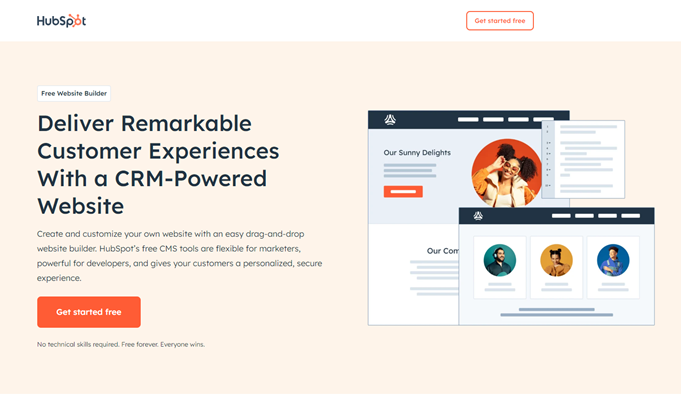

HubSpot Content Hub is an integrated CMS tailored for marketers and small to medium-sized businesses. Built on top of HubSpot’s comprehensive CRM platform, it combines website management with marketing automation, sales, and customer service tools.
Strengths include:
- Intuitive interface suitable for users with limited technical experience.
- Personalization features that dynamically adjust content based on visitor data.
- Seamless integration with HubSpot’s marketing and sales tools, streamlining workflows.
- Robust security with features like a global CDN and Web Application Firewall.
Limitations involve its less ideal fit for eCommerce sites unless integrated with external platforms like Shopify or WooCommerce. For marketers aiming to craft unique web experiences, exploring 10 inspiring tips for custom web design in 2024 can be beneficial.
3. Wix Studio
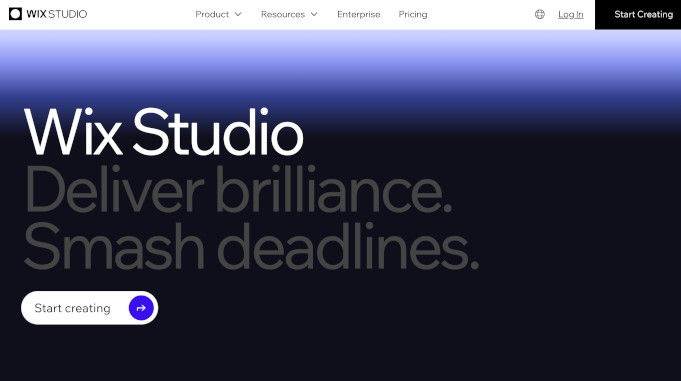

Wix Studio caters to creative professionals and agencies seeking high design flexibility and advanced features. Unlike the basic Wix platform, Wix Studio offers enhanced control, including custom code integration, advanced layout options, and client collaboration tools.
Pros include:
- Drag-and-drop interface coupled with AI-driven design suggestions.
- Management dashboard for multiple client websites.
- No need to handle hosting or security—Wix manages everything.
Cons to consider: It has a steeper learning curve than simple website builders and is less flexible than open-source solutions like WordPress when it comes to third-party integrations. You can explore different hosting options and pricing plans to fit your project needs.
4. Joomla
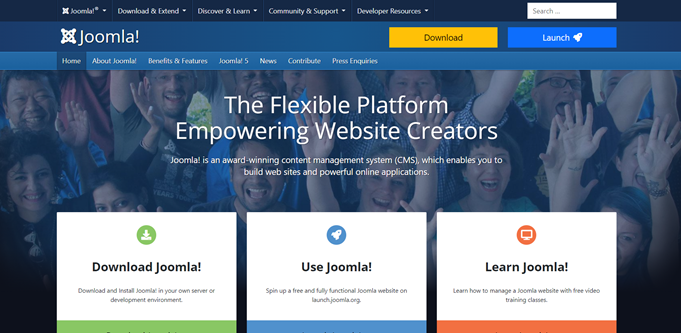

Joomla is a free, open-source CMS that balances complexity with flexibility. It’s suitable for developers and users comfortable with technical setup, offering extensive extension options and multilingual support.
Advantages:
- Powerful for building complex, multilingual, or community-driven sites.
- Rich ecosystem of templates and extensions.
- Strong user management capabilities.
Disadvantages: Its steep learning curve may be daunting for beginners, and fewer pre-built themes and plugins mean more customization work. Budget considerations include hosting costs and potential developer fees.
5. WooCommerce
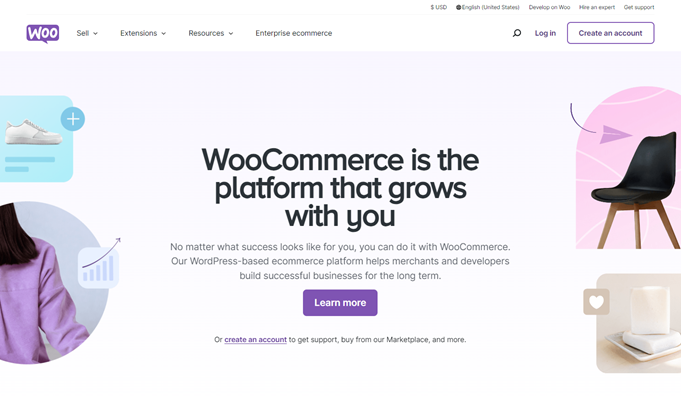

As the leading eCommerce plugin for WordPress, WooCommerce transforms your site into a fully functional online store. It’s flexible, with numerous themes and extensions, making it a favorite among small and medium businesses.
Benefits include:
- Free core plugin with a vast library of paid add-ons.
- Supports physical, digital, and affiliate product sales.
- Inventory management and multiple payment gateway options.
Potential drawbacks: Its extensive options can be overwhelming for newcomers, and choosing the right themes and extensions requires careful consideration. For detailed setup guidance, review 10 principles of good web design.
6. Drupal
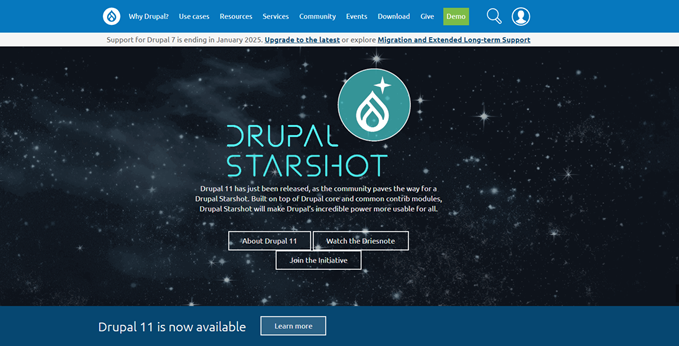

Drupal is a highly scalable, enterprise-level CMS suited for large organizations and websites with complex data needs. It requires significant technical expertise but offers unmatched flexibility.
Pros:
- Handles large, multilingual, and multi-site setups efficiently.
- Extensive module system for customization.
- Robust user permissions and access controls.
Cons: Its complexity makes it less suitable for beginners, and ongoing maintenance often requires professional developers. Costs include hosting, development, and security management.
7. BigCommerce
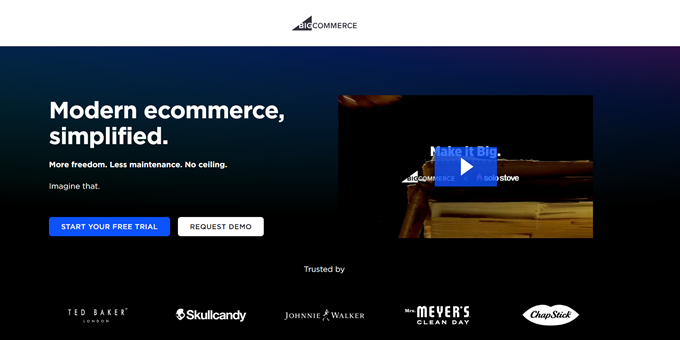

BigCommerce is a hosted eCommerce platform that offers a comprehensive solution for online selling. It handles security, hosting, and maintenance, allowing merchants to focus on business growth.
Strengths:
- Built-in payment options and multiple sales channels.
- 24/7 support via chat, email, and phone.
- Scalable plans suitable for growing businesses.
Limitations: Customizability is somewhat limited compared to open-source platforms like WooCommerce. Pricing plans increase with sales volume, so budget planning is essential.
8. Shopify


Shopify provides an all-in-one hosted eCommerce solution, ideal for entrepreneurs wanting a straightforward setup. Its intuitive interface and extensive app store make store management simple.
Advantages:
- Secure payment processing with Shopify Payments and third-party providers.
- Wide range of themes and third-party apps.
- Excellent customer support available 24/7.
Drawbacks: Higher ongoing costs, especially when integrating third-party apps, and limited customization options compared to open-source options. Plans start at $39/month, scaling up with your sales.
9. WordPress.com
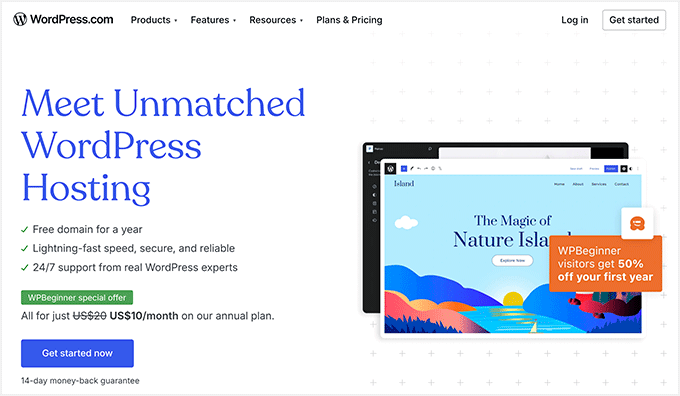

WordPress.com offers a hosted version of WordPress, making it easy for beginners to start a blog or small website. It provides a range of plans, from free to premium, with options to upgrade for additional features.
Pros:
- Quick setup with pre-hosted infrastructure.
- Easy content management and theme switching.
- Built-in analytics and growth options.
Cons: Limited monetization and customization unless you upgrade to higher-tier plans. To unlock full control, consider migrating to WordPress.org.
10. Ghost
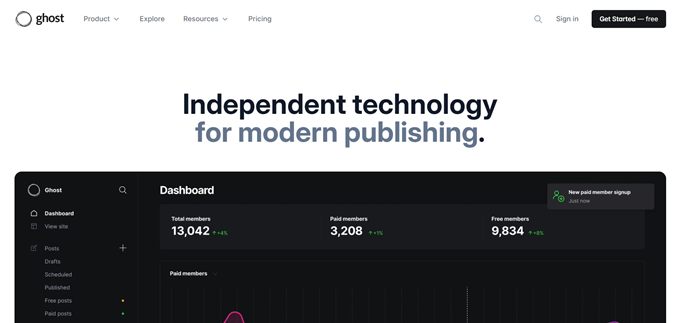

Ghost is designed specifically for bloggers and publishers seeking a streamlined, modern publishing experience. It supports memberships, subscriptions, and SEO optimization out of the box.
Strengths:
- Markdown editor for seamless content creation.
- Fast performance optimized for content delivery.
- Built-in tools for monetization through paid memberships.
Challenges: It’s less suitable for complex websites or eCommerce, and you’ll need to pay for hosting. Prices start at $9/month for Ghost(Pro).
11. Magento
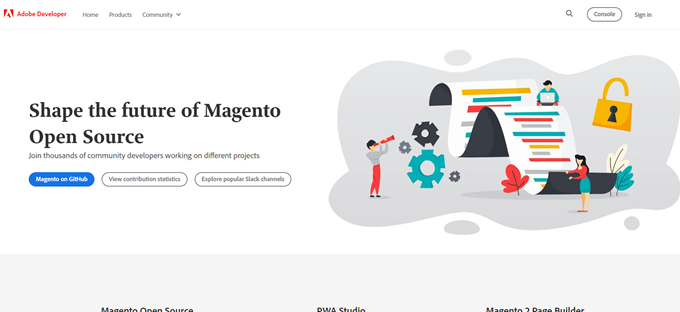

Magento, now part of Adobe Commerce, is a powerful eCommerce platform tailored for large-scale and enterprise-level online stores. It offers extensive customization but requires technical expertise.
Advantages:
- Highly scalable with thousands of products.
- Extensive extension marketplace.
- Supports multiple payment gateways.
Drawbacks: Expensive to operate, with costs starting at approximately $22,000 annually. It’s best suited for large businesses with dedicated development teams.
12. Textpattern
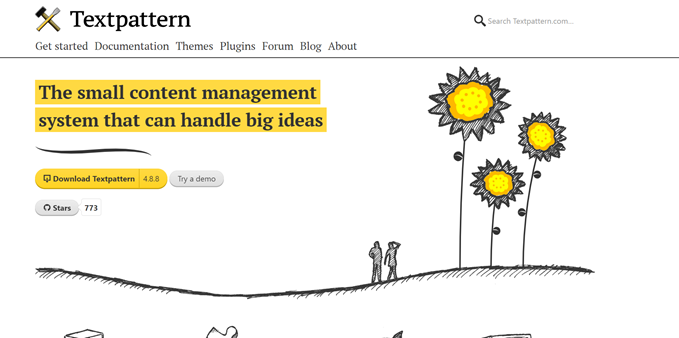

Textpattern is a lightweight, flexible CMS that’s been around since 2003. It’s ideal for users who prefer a simple, no-frills platform with customizable templates.
Pros:
- Free and open source.
- Flexible content organization.
- Large repository of free plugins and templates.
Cons: No one-click installs from major hosts, and its smaller community means fewer developers and themes are available.
13. Blogger


Blogger, owned by Google, is a free platform best suited for hobby bloggers. It’s easy to set up and use, with integration into Google’s ecosystem.
Benefits:
- Simple, fast setup.
- Free hosting with Google’s reliability.
- Easy to monetize via AdSense and affiliate links.
Limitations: Limited customization and no eCommerce features. For more control, consider switching to platforms like WordPress.org once your blog outgrows Blogger.
14. Bitrix24
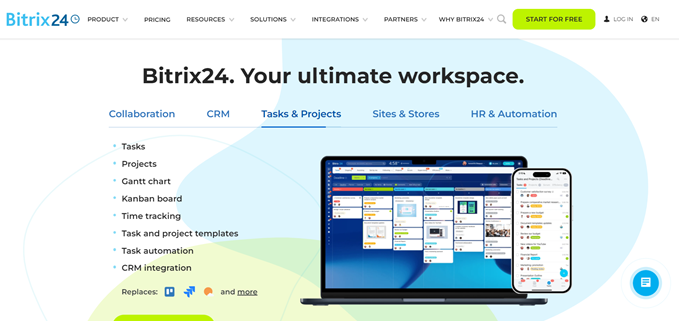

Bitrix24 combines project management, CRM, and website building into a single platform. It’s suited for small to medium-sized businesses seeking an all-in-one solution.
Pros:
- Free basic plan with essential features.
- Extensive tools for collaboration and customer management.
- Drag-and-drop website builder.
Cons: Complex interface and primarily designed for CRM, which might be overkill if you only need a CMS. Plans start at $43/month for advanced features.
15. TYPO3
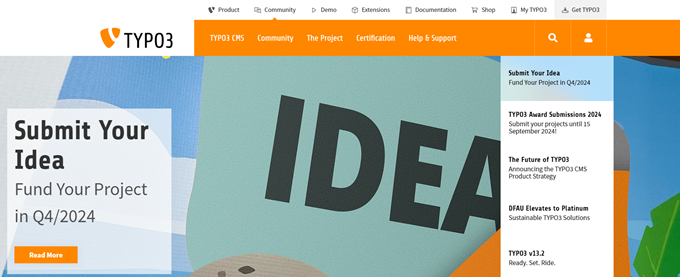

TYPO3 is an enterprise CMS designed for large organizations managing multiple websites in various languages. It’s highly scalable but requires significant technical knowledge.
Advantages:
- Supports complex multilingual and multi-site setups.
- Over 6,000 extensions for customization.
- Role-based access controls.
Disadvantages: Its complexity and limited themes make it less accessible for small businesses or non-technical users. Hosting costs depend on your provider.
Bonus: PrestaShop
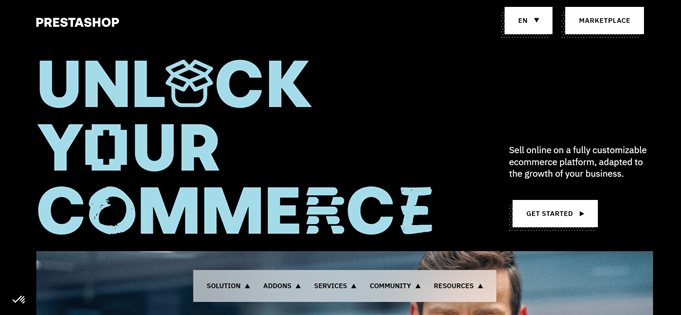

PrestaShop is an open-source eCommerce solution that you host yourself. It’s suitable for small to medium online stores and has a large community for support.
Pros:
- Extensive modules and themes.
- No ongoing licensing fees.
- Flexible and customizable.
Cons: Steep learning curve and variable quality of themes. Hosting and development costs should be factored into your budget.
Which CMS Should You Pick?
WordPress.org remains the top choice for most users due to its flexibility, extensive community, and scalability. It can support virtually any type of website—from blogs and small business sites to large eCommerce stores. For a beginner-friendly experience, you might consider managed hosting providers like Bluehost or SiteGround, which simplify setup and maintenance.
To optimize your website’s design and functionality, consider exploring 10 inspiring tips for custom web design in 2024 or 10 principles of good web design smashing magazine.
FAQ: Selecting the Ideal CMS
Which platform is best for eCommerce?
WordPress with WooCommerce offers unmatched flexibility and a vast ecosystem of extensions, making it a top choice for online stores.
Can I create a small business website with any CMS?
Yes, WordPress makes it straightforward to develop a professional small business site with numerous themes and tools.
Is a domain and hosting necessary?
All websites require hosting. Platforms like Blogger or WordPress.com include hosting in their plans, but for full control, self-hosted solutions like WordPress.org are recommended.
Do I need a CMS to blog?
Absolutely. CMS platforms are specifically designed for content publishing, with WordPress being the most popular among bloggers.
What’s the best CMS for advanced users?
WordPress, thanks to its open-source nature and extensive developer support, remains the preferred choice for experienced web professionals.
Additional Resources
- Learn how to create your first website with our step-by-step guide.
- Find out how to choose the right hosting for your CMS-based site.
- Discover top business communication tools to complement your website.
By understanding the strengths and limitations of each platform, you can confidently select the CMS that will support your website’s growth and success in 2025 and beyond.