Optimizing your website is crucial for delivering a seamless user experience, improving search engine rankings, and increasing conversions. With an abundance of website optimization tools available today, choosing the right ones can seem overwhelming. Whether you’re aiming to boost your SEO, gather user feedback, or accelerate your site speed, selecting the appropriate tools tailored to your needs is essential. This guide introduces you to some of the most effective software options for elevating your website’s performance in 2025, highlighting their key features, advantages, and considerations to help you make informed decisions.
Improving your website’s effectiveness involves a strategic blend of various tools that can address different aspects such as user engagement, technical performance, and content optimization. For instance, deploying contextual survey software like Qualaroo can help identify visitor issues during their journey, while A/B testing platforms like Optimizely enable you to refine your UI elements based on real user data. It’s important to evaluate your specific goals and select tools that integrate well into your existing workflow.
To ensure comprehensive coverage, this list features a diverse range of options, from free tools like Google’s Page Speed Insights to advanced platforms such as VWO and Convert.com. Each tool offers unique features to help you analyze, test, and optimize different facets of your website. For example, if you want to improve your website’s speed, Google’s Page Speed Insights provides detailed insights, while tools like Hotjar give behavioral insights through heatmaps and session recordings. Incorporating multiple tools can lead to a more holistic approach to website optimization.
Here’s an overview of some of the most recommended website optimization tools for 2025:
17 Best Website Optimization Tools for 2025
1. Qualaroo
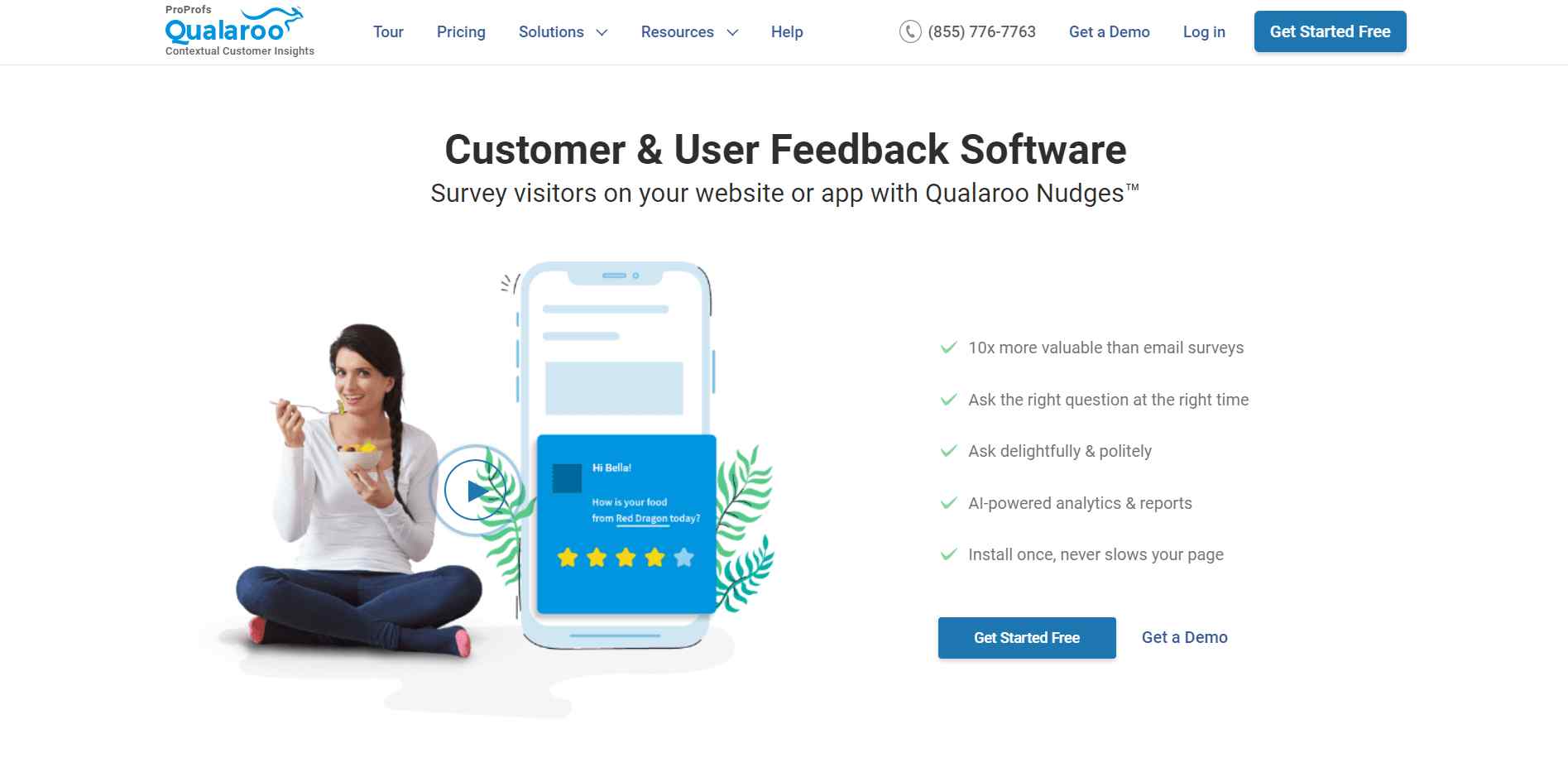
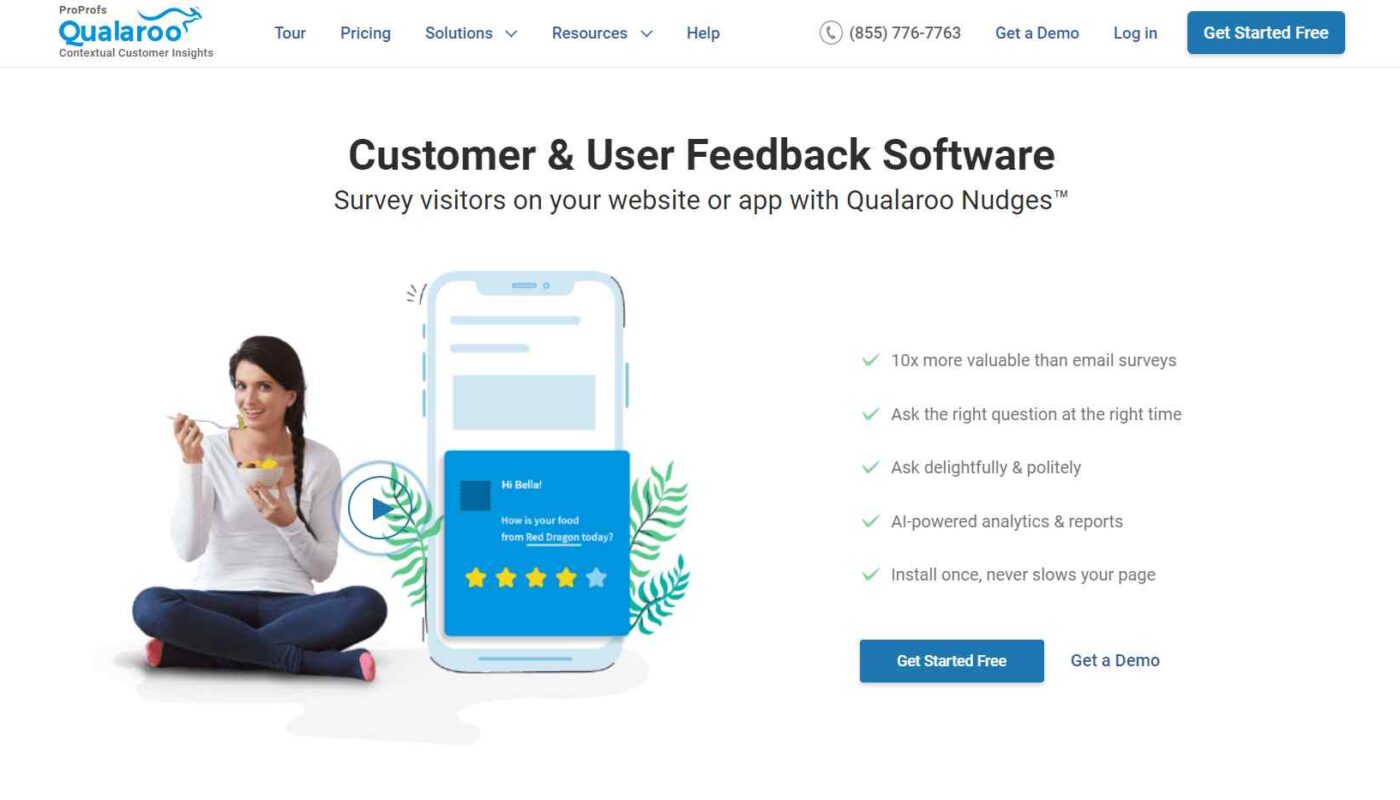
Understanding what visitors experience on your website is vital for effective optimization. Qualaroo excels at capturing detailed feedback through targeted survey Nudges™, allowing you to gather insights directly from users about their challenges and preferences. It supports multi-channel outreach—including your website, mobile apps, and SaaS products—and uses AI-driven sentiment analysis to help interpret feedback efficiently. This makes it invaluable for refining user experience strategies, especially when integrated with tools like HubSpot or Mailchimp. If you’re interested in exploring innovative ways to enhance your site’s engagement, this platform is highly recommended.
Best For: On-site feedback collection, AI-powered sentiment analysis, multi-channel outreach
Suitable For: Small to large enterprises
Features include:
- Ready-to-use survey templates for exit-intent, NPS, CSAT, and other metrics
- Multiple answer types, skip logic, and multi-language support
- AI-based feedback analysis for real-time insights
- Advanced targeting based on visitor behavior and source
- Seamless integrations with marketing automation platforms such as HubSpot and Zapier
Pros
- User-friendly setup and operation
- Excellent for prototype testing and design validation
Cons
- Filtering options in reports could be more robust
- More industry-specific survey templates would enhance usability
Pricing
Starting at $69/month
2. Picreel
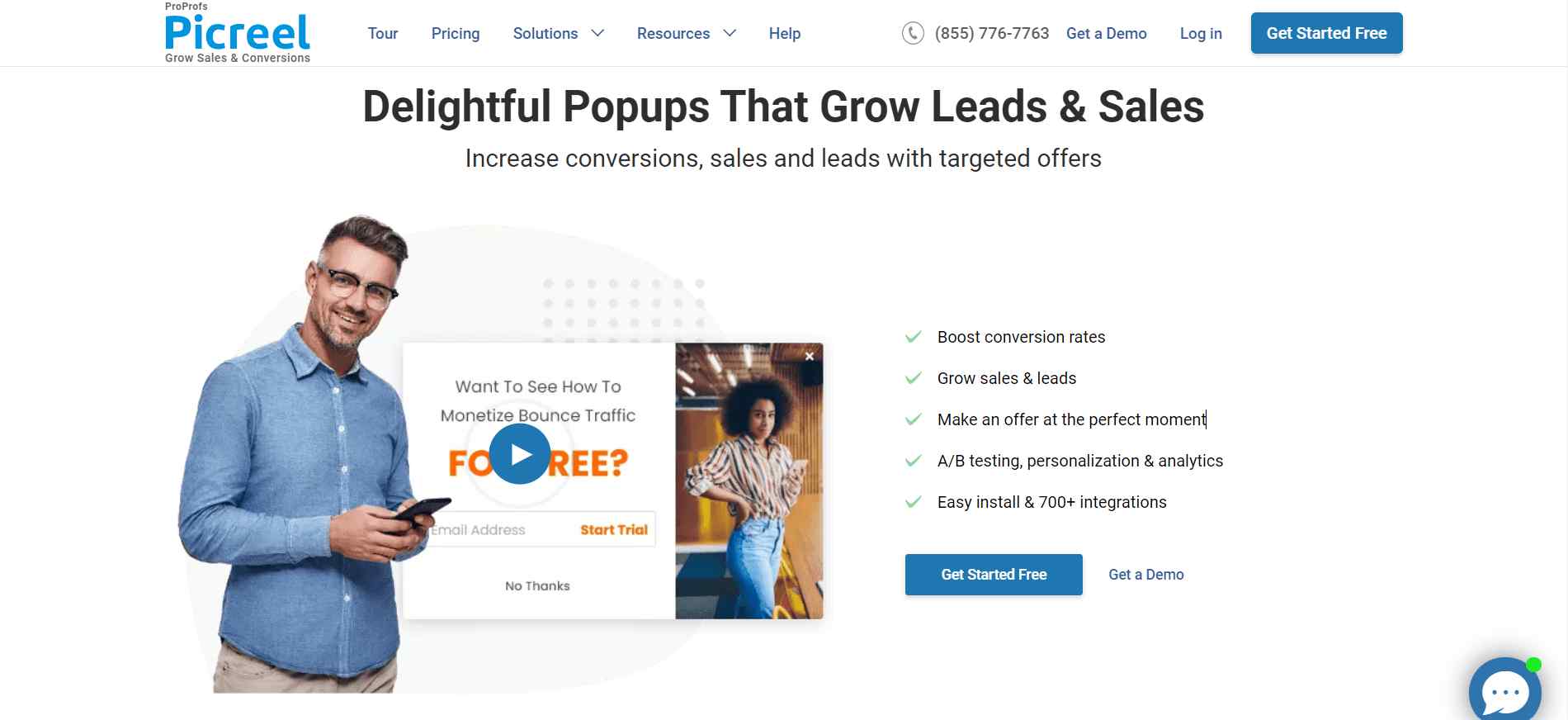
Pop-ups are a powerful method for engaging visitors and boosting conversions. Picreel specializes in creating attractive overlays that can drive actions such as lead capture and feedback solicitation. Its easy-to-use interface allows quick setup—install in just seconds—and provides access to over 100 customizable templates. With advanced targeting and interactive elements like timers and CTAs, Picreel helps convert visitors at critical moments. It also supports A/B testing to refine your pop-up strategies continuously.
Best For: Conversion-focused pop-ups, lead generation overlays, discounts
Suitable For: Small to medium-sized businesses
Features include:
- Rapid setup with a user-friendly interface
- Extensive library of customizable templates
- Interactive overlays with timers and call-to-action buttons
- Precise visitor retargeting through behavioral triggers
- Mobile-responsive design
Pros
- HTML/CSS editing for advanced customization
- Sophisticated targeting capabilities
Cons
- The A/B testing interface could be more intuitive
- Slightly dated UI for some features
Pricing
From $14/month billed annually
3. Google’s Page Speed Insights
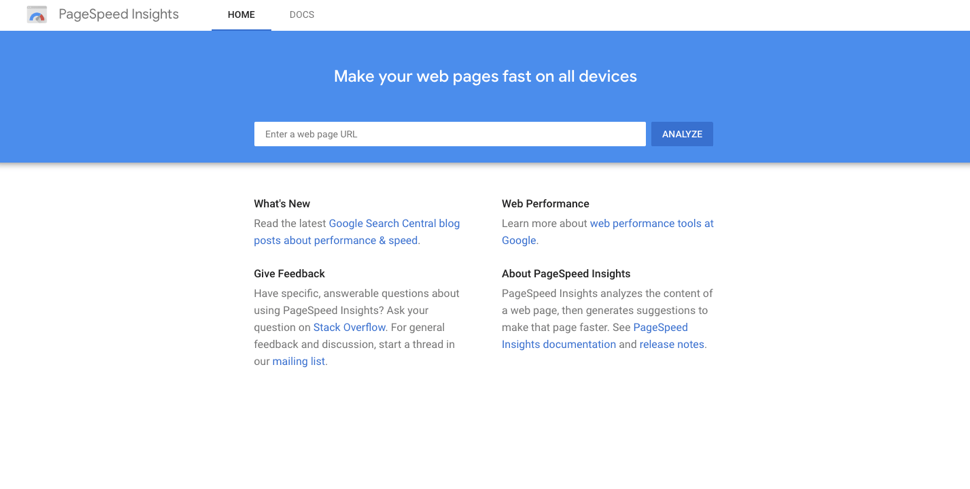
Website speed is a critical factor influencing both SEO and user experience. Google’s Page Speed Insights offers a straightforward way to analyze and improve your site’s load times across mobile and desktop devices. It provides actionable insights and detailed reports on technical issues, enabling developers and marketers to prioritize performance enhancements. The tool combines real-world user data with lab analysis, giving a comprehensive view of your site’s speed, helping you meet Google’s standards and improve your ranking.
Best For: Speed testing, technical performance analysis
Suitable For: Small to large organizations
Features include:
- Speed tests for individual web pages
- In-depth reports on load time factors
- Real-world and lab performance data
- Performance scores and improvement suggestions
Pros
- Detailed technical insights
- Free to use
Cons
- User interface can be complex for beginners
- Results may vary slightly upon re-testing
Pricing
Free
4. Ahrefs

A powerhouse for SEO analysis, Ahrefs provides comprehensive tools for keyword research, backlink tracking, competitive analysis, and site audits. Its detailed insights into your site’s link profile and search rankings help craft targeted SEO strategies. Whether optimizing content or monitoring competitors’ performance, Ahrefs offers the data needed to refine your digital presence. Its extensive database and user-friendly dashboard make it a favorite among SEO professionals.
Best For: Keyword research, backlink analysis, competitor insights
Suitable For: Small to large businesses
Features include:
- Keyword exploration with difficulty and search volume metrics
- Site audits identifying technical issues
- Backlink profile analysis and tracking
- Content explorer for trend discovery
- Integration with tools like Rank Ranger and Tray.io
Pros
- Deep insights into competitors’ strategies
- Valuable ideas for content creation
Cons
- Slight learning curve
- Interface can be overwhelming initially
Pricing
Starting at $83/month (billed annually)
5. OptinMonster
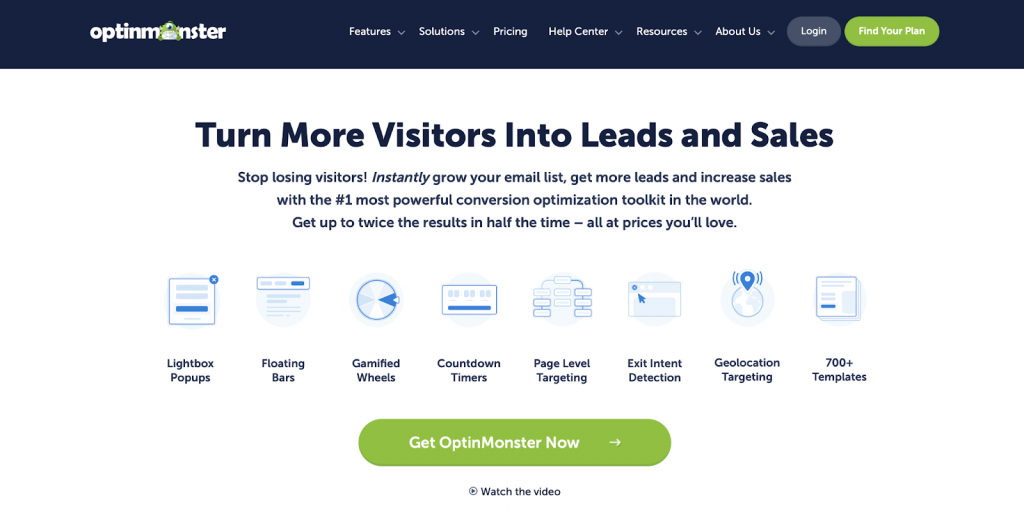
Growing email lists is vital for ongoing engagement. OptinMonster utilizes behavioral targeting and smart triggers to deliver personalized pop-ups and opt-in forms at precisely the right moment. Its drag-and-drop builder simplifies campaign creation, and advanced rules ensure messages appear based on visitor actions. A/B testing helps optimize your campaigns, and mobile-friendly templates ensure responsiveness across devices.
Best For: Lead capture, email list growth, conversion optimization
Suitable For: Small to large businesses
Features include:
- Customizable, drag-and-drop campaigns
- Behavior-based targeting rules
- A/B testing for campaign variations
- Multichannel compatibility
- Integrations with email marketing platforms
Pros
- Highly adaptable and easy to use
- Maximizes engagement with personalized offers
Cons
- Feature-rich interface may be daunting for beginners
- Pricing may be high for small-scale sites
Pricing
From $7/month billed annually
6. SE Ranking

Achieving higher organic traffic requires diligent SEO management. SE Ranking offers an all-in-one platform for tracking rankings, auditing websites, researching keywords, and analyzing competitors. Its comprehensive reports help identify technical issues and opportunities for growth. The platform also provides insights into backlink health and content performance, making it a versatile tool for marketers and agencies aiming for continuous SEO improvement.
Best For: Rank tracking, site audits, competitive analysis
Suitable For: Agencies, SMBs, enterprises
Features include:
- Keyword position monitoring with difficulty scores
- Technical site audits with detailed reports
- Backlink analysis and outreach suggestions
- Competitor tracking and comparison
- Integration with Google Analytics and Search Console
Pros
- Extensive SEO insights
- Streamlined workflow for optimization tasks
- Regular updates and new features
Cons
- Complex interface initially
- Extra costs for additional features
Pricing
Starting at $49/month (billed annually)
7. Moz
Moz combines accessible tools with in-depth SEO insights, focusing on keyword research, site audits, and local SEO management. Its Mozbar browser extension offers on-the-fly metrics during browsing, and the platform’s comprehensive reports help improve rankings and visibility. Moz is an excellent choice for small and large businesses aiming to refine their SEO strategy with user-friendly features.
Best For: Keyword research, local SEO, site audits
Suitable For: Small to large businesses
Features include:
- Keyword exploration with difficulty and opportunity metrics
- Site crawl audits highlighting technical issues
- Local listing management
- Competitive analysis
- MozBar browser extension
Pros
- Intuitive interface
- Strong community and support resources
Cons
- Limited features in free tier
- Some advanced tools require higher-tier plans
Pricing
Starting at $79/month (billed annually)
8. Hotjar
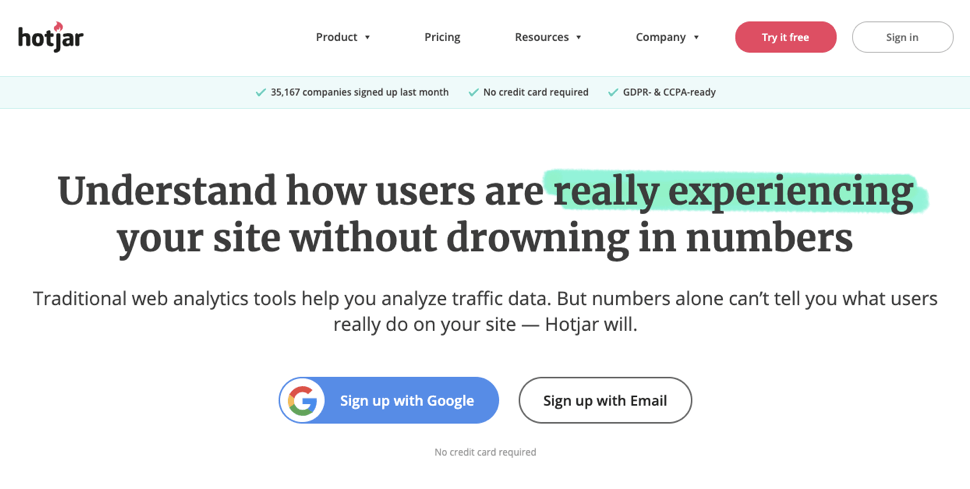
Understanding how visitors behave on your site is easier with Hotjar’s behavioral analytics. Heatmaps, session recordings, and click-tracking reveal visitor interactions visually, helping identify usability issues. Combining this with surveys provides qualitative insights to improve overall user experience. Hotjar’s visual tools make it straightforward to interpret visitor data, making it a top choice for UX teams.
Best For: Heatmaps, session recordings, user feedback
Suitable For: Small to large businesses
Features include:
- Visual heatmaps for clicks, scrolls, and movements
- Session recordings to observe actual user interactions
- Feedback polls and surveys
- Conversion funnels analysis
- Easy integration with your website
Pros
- Visual and intuitive data presentation
- All-in-one behavior analysis platform
Cons
- Heatmap accuracy can vary on complex menus
- Limited customization options for survey themes
Pricing
From $31/month
9. Screaming Frog SEO Spider
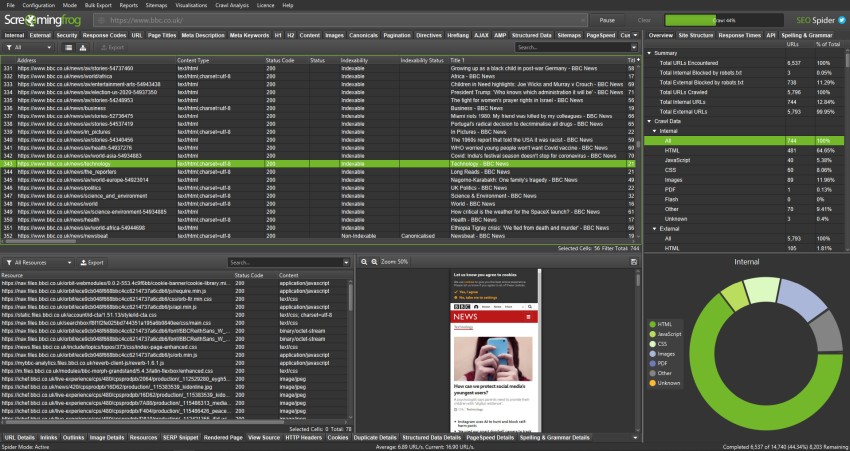
This desktop crawler conducts in-depth SEO audits by analyzing website architecture, metadata, redirects, and duplicate content. It helps identify issues such as broken links, incorrect redirects, and missing meta tags, providing actionable recommendations to improve technical SEO. It also visualizes site structure, aiding in strategic planning and sitemap optimization.
Best For: Technical SEO audits, site architecture analysis
Suitable For: Small to large businesses
Features include:
- Crawl and analyze websites for SEO issues
- Generate XML sitemaps
- Detect duplicate content and broken links
- Schedule automated crawls
- Integrate with Google Analytics and Search Console
Pros
- Powerful, comprehensive crawling capabilities
- Excellent for technical diagnostics
Cons
- Slightly complex interface for beginners
- Comparing multiple URLs can be limited
Pricing
Starts at €185/year
10. Google Search Console
A vital free tool for monitoring your website’s presence in Google Search results. It provides insights into search traffic, indexing status, crawl errors, and keyword performance. Using it, you can submit sitemaps, analyze search queries, and identify issues affecting your rankings. Regular use ensures your site remains optimized and visible to your target audience.
Best For: Search performance tracking, indexing, troubleshooting
Suitable For: Small to large websites
Features include:
- Search query analysis
- Performance reports on clicks, impressions, CTR, and position
- Indexing status and URL inspection
- Sitemap submission
- Backlink monitoring
Pros
- Free and comprehensive
- Direct insights from Google’s data
Cons
- Slight learning curve for beginners
- Limited in-depth analysis compared to paid tools
Pricing
Free
11. Google Analytics
Google Analytics offers detailed data on your website’s traffic, user behavior, and conversions. It helps you understand which pages perform best, how visitors navigate your site, and what marketing efforts drive results. By analyzing this data, you can refine your content and design strategies, ultimately boosting engagement and conversions.
Best For: Website performance analysis, user behavior insights
Suitable For: Small to large organizations
Features include:
- In-depth reports on page views, bounce rate, and session duration
- Conversion tracking and goal setup
- Audience demographics and geographic data
- Real-time visitor monitoring
- Custom report creation
Pros
- Free and widely adopted
- Deep integration with other Google products
Cons
- Setup can be complex for new users
- Data privacy considerations
Pricing
Free
12. Google Marketing Platform
Testing different website versions is key to maximizing conversions. Google’s platform facilitates A/B, multivariate, and redirect tests with a visual editor and robust targeting options. Its seamless integration with Google Analytics and Search Console allows for comprehensive analysis of test results, enabling data-driven decisions that improve site performance.
Best For: Conversion testing, personalization, experimentation
Suitable For: Small to large enterprises
Features include:
- Split URL, A/B, multivariate, and redirect testing
- Visual editor for quick variation creation
- Advanced targeting based on device, location, and source
- Real-time statistical significance tracking
- Integration with Google’s ecosystem
Pros
- Free version available
- Easy to set up and use
Cons
- Limited attribute-based segmentation
- Maximum of five simultaneous tests in the free version
Pricing
Free (Google Optimize) or paid version with advanced features
13. Crazy Egg
Crazy Egg combines heatmaps, scrollmaps, and session recordings to reveal how visitors interact with your site. Its visual reports help identify which elements attract attention and which are ignored. The platform also supports A/B testing, enabling you to create variations and discover the most effective layouts without coding.
Best For: Visual analytics, heatmaps, A/B testing
Suitable For: Small to large businesses
Features include:
- Click and scroll heatmaps
- Session recordings
- A/B testing with variation tracking
- No-code variation builder
- Conversion funnel analysis
Pros
- Visualize visitor behavior easily
- No coding required for tests
Cons
- Dashboard could display more detailed test insights
- Limited in advanced multivariate testing
Pricing
Starting at $24/month
14. VWO
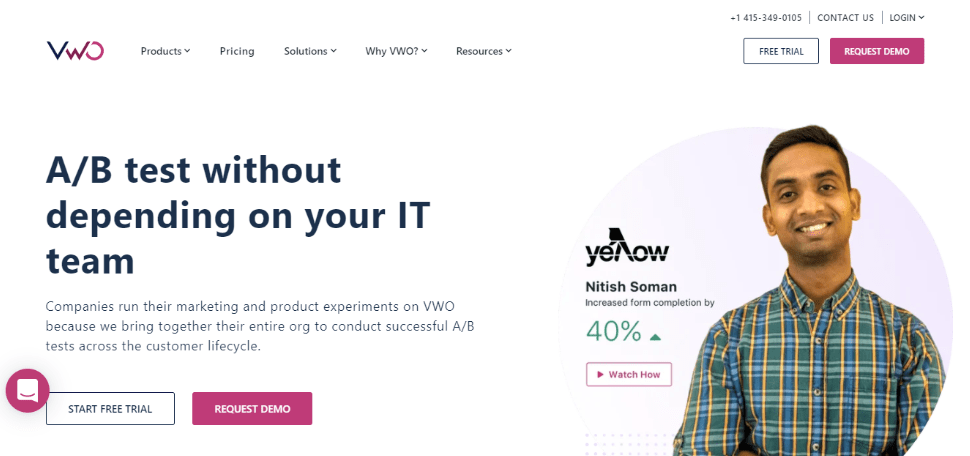
VWO offers a comprehensive suite for testing and personalization, including A/B testing, heatmaps, session recordings, and surveys. Its full-stack experimentation capabilities support both client-side and server-side tests, making it suitable for complex optimization strategies. The platform’s intuitive interface and detailed analytics help teams execute continuous improvement cycles effectively.
Best For: Multichannel testing, personalization, user insights
Suitable For: Medium to large organizations
Features include:
- A/B, multivariate, and split URL tests
- Heatmaps and session recordings
- On-page surveys and feedback tools
- Funnel analysis
- Custom widget creation
Pros
- All-in-one platform for testing and insights
- Supports advanced testing scenarios
Cons
- Steep learning curve for new users
- Higher cost for full feature access
Pricing
Contact for quotes
15. UserTesting
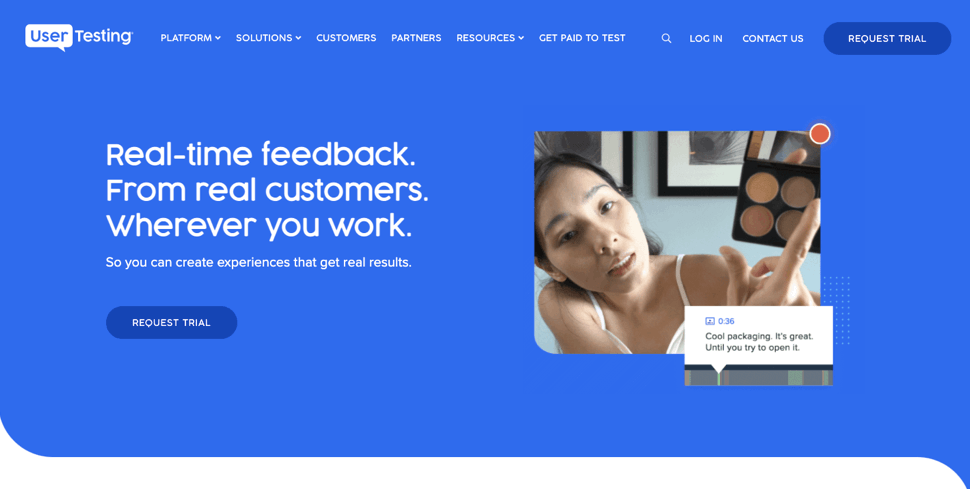
For real-time usability insights, UserTesting enables remote user testing through video recordings and live interviews. It helps you observe how actual users navigate your site, identify pain points, and gather qualitative feedback. This hands-on approach is ideal during development or redesign phases, ensuring your website meets user expectations.
Best For: Usability testing, remote interviews, user feedback
Suitable For: Small to large teams
Features include:
- Usability testing without coding
- Participant recruitment from target demographics
- Screen and audio recordings during tests
- Custom test templates
- Live interviews and follow-up questions
- Integration with project management tools like Jira
Pros
- Real user interaction data
- Visual feedback during testing
Cons
- Requires detailed planning
- Limited to testing and feedback collection (no surveys)
Related Read: Explore alternative platforms for user testing at this resource.
16. Trymata
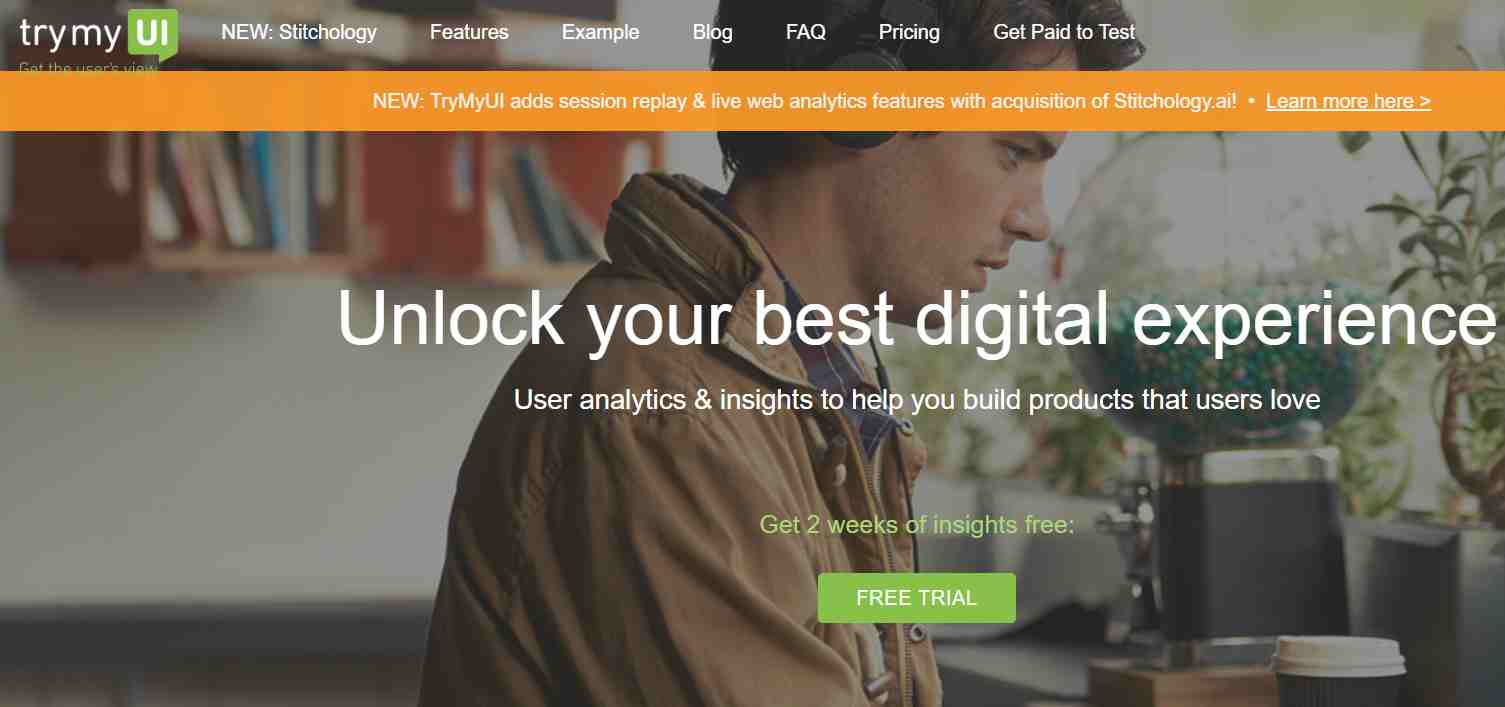
From prototypes to live websites, Trymata offers remote usability testing with video feedback. Its panel of participants helps you find relevant users to evaluate your site, pinpoint usability issues, and validate design changes. The platform supports both moderated and unmoderated tests, making it versatile for ongoing optimization efforts.
Best For: Usability testing and user experience improvement
Suitable For: Small to large teams
Features include:
- Live and remote unmoderated testing
- Video annotations and highlight reels
- Participant recruitment tools
- Multi-user collaboration
- Video transcripts and feedback analysis
- Support for wireframes, prototypes, and live sites
Pros
- Rich qualitative feedback
- Facilitates collaborative analysis
Cons
- Dated interface compared to newer tools
- Higher price point for extensive testing
Pricing
From $99/month
17. Convert.com
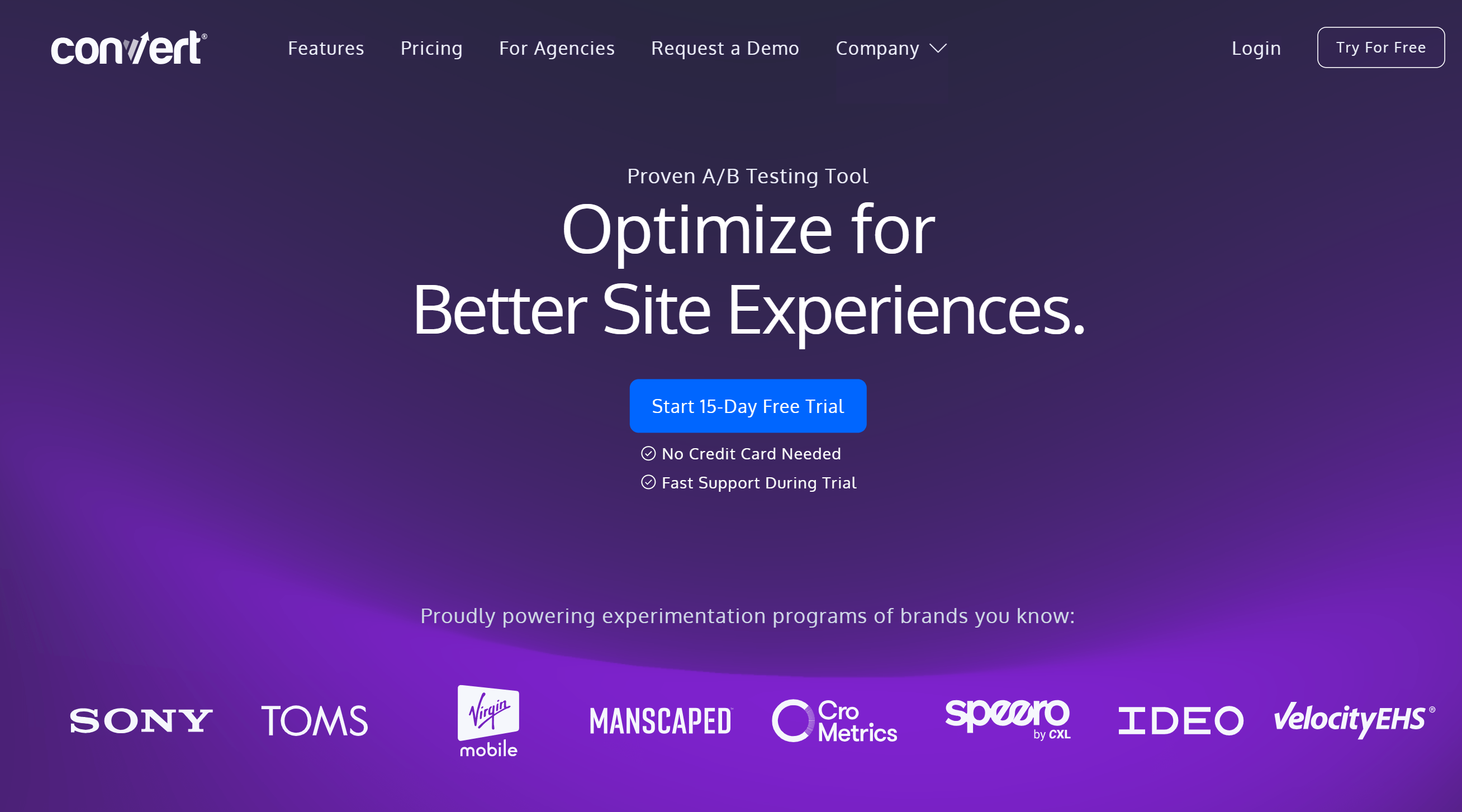
Convert.com delivers enterprise-grade A/B testing and personalization with a focus on eCommerce and advanced experimentation. Its features include full-stack testing, multivariate tests, and behavioral targeting, all with a transparent pay-as-you-go pricing model. The platform supports GDPR and CCPA compliance, ensuring data privacy while executing fast, flicker-free tests across multiple channels.
Best For: Advanced A/B testing, personalization, full-funnel optimization
Suitable For: Medium to large eCommerce and CRO teams
Features include:
- Seamless A/B and multivariate testing
- Real-time traffic allocation with multi-armed bandits
- Full-stack and server-side testing
- Audience segmentation and targeting
- Built-in QA tools for validation
- Shopify integration and UX signals
Pros
- Transparent, flexible pricing
- Powerful, enterprise-level capabilities
- Fast test execution
Cons
- Entry-level plans lack multivariate testing
- Advanced features require higher-tier plans
Pricing
Starting at $399/month (or $299/month billed annually for 100K MTUs)
Build an Effective Optimization Strategy
This curated selection ensures you can find at least one suitable tool tailored to your specific needs. To streamline your choice, categorize tools based on their primary function—such as speed, SEO, user behavior, or testing—and evaluate each according to your priorities. Combining multiple tools can provide a comprehensive approach, leading to better insights and more impactful improvements.
Start leveraging the right website optimization tools today to grow your customer base and strengthen your brand presence. Remember, continuous testing and refinement are key to staying ahead in the digital landscape.
Unlock full access with our FREE trial—experience all features without restrictions!