


Building a website involves choosing the right platform that aligns with your skills, goals, and budget. WordPress and Dreamweaver stand out as two of the most popular options, each catering to different types of users. WordPress offers a user-friendly experience with extensive customization possibilities through themes and plugins, making it ideal for beginners and those seeking quick deployment. Conversely, Dreamweaver is a powerful development tool suited for experienced coders who want complete control over their site’s design and functionality. Understanding the core differences between these platforms can help you make an informed decision that best fits your project needs.
WordPress vs Dreamweaver: Who Are They For?
While both platforms enable you to create effective, responsive websites, their approaches are fundamentally different. To determine which best suits your needs, it’s important to understand what each platform offers.
What is WordPress?
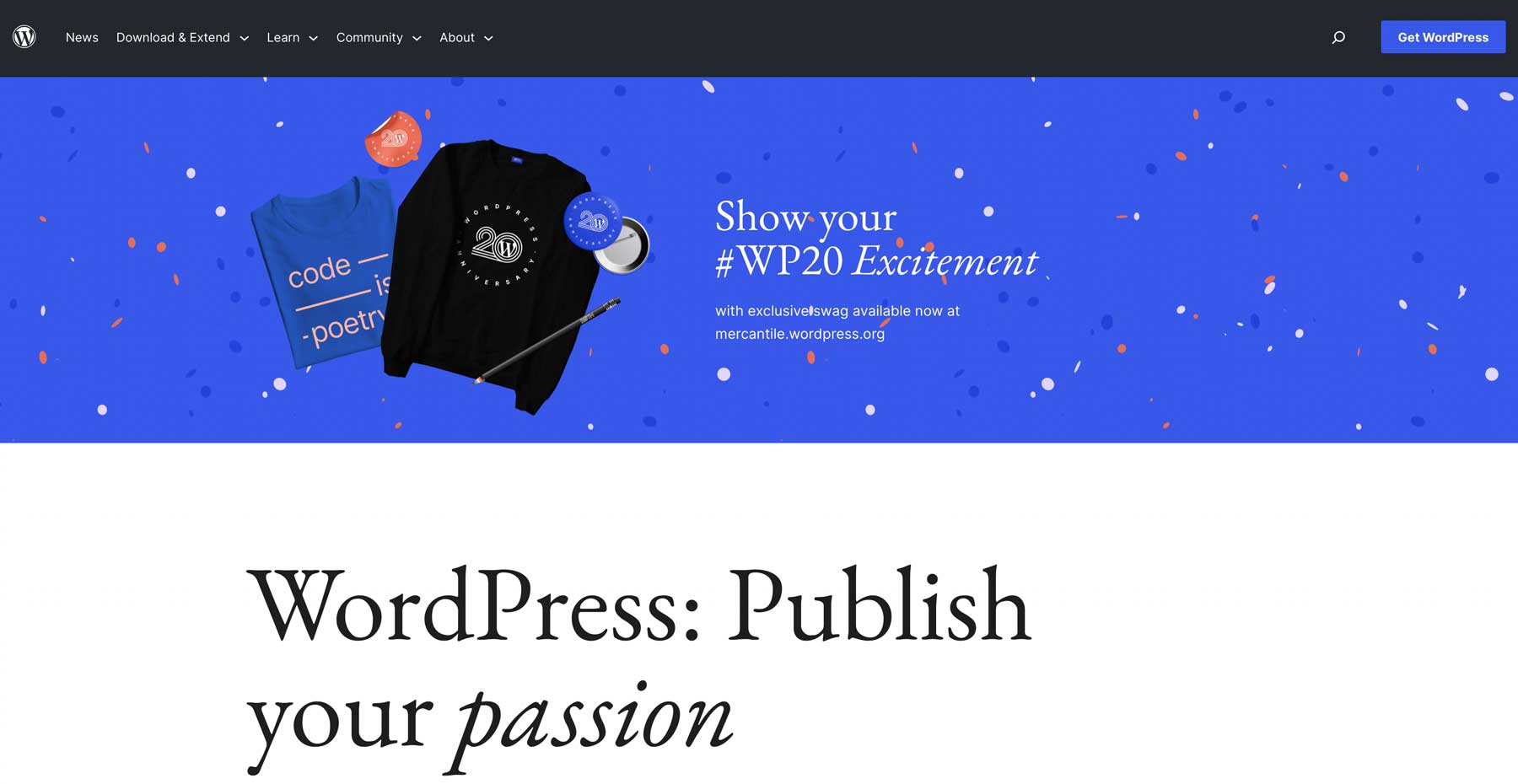

WordPress is an intuitive content management system (CMS) that simplifies website creation and management. Its open-source nature means it’s free to use, with a vast ecosystem of themes and plugins—both free and premium—that extend its core capabilities. This flexibility allows users to develop anything from blogs and membership sites to e-commerce stores. Beginners appreciate WordPress’s ease of use, while seasoned developers can customize and optimize sites extensively. For a comprehensive overview, see which perth agency excels in web design.
What is Dreamweaver?
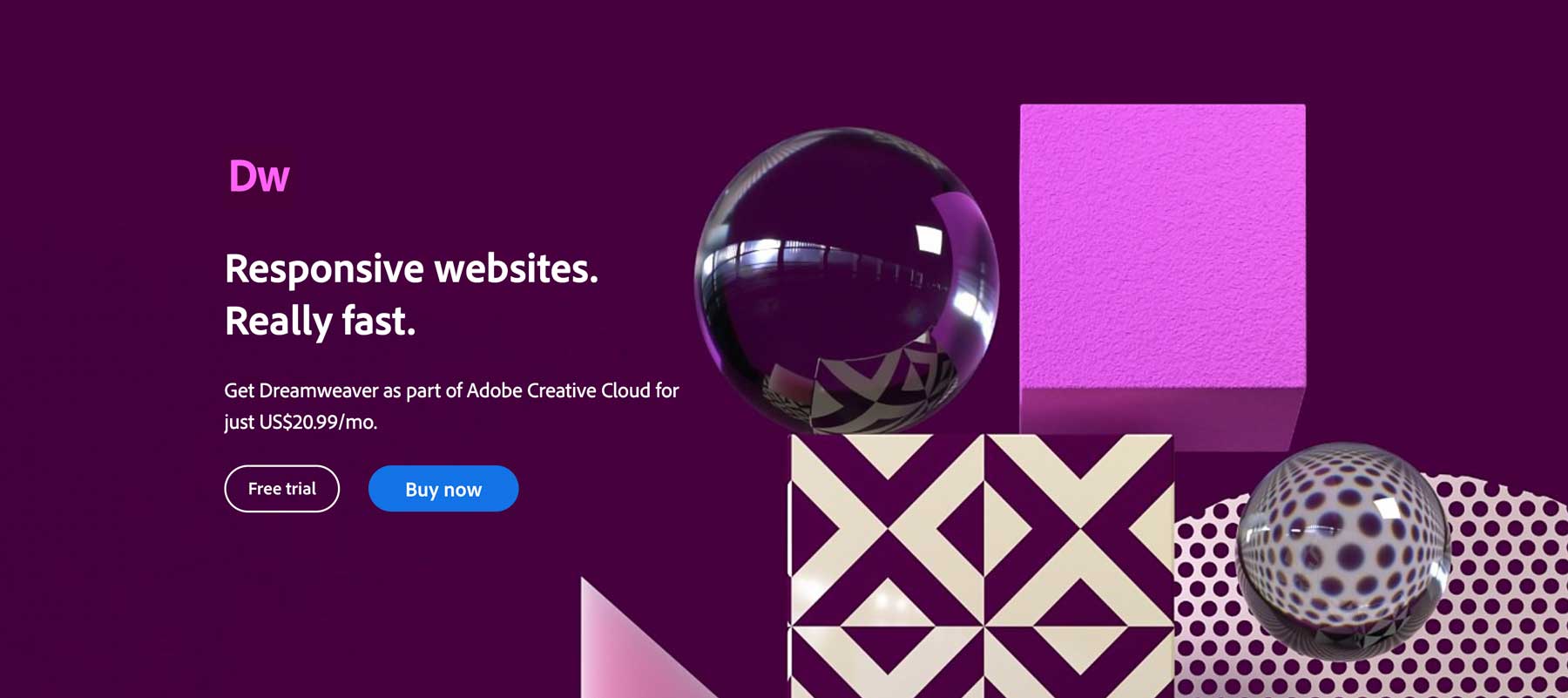

Adobe Dreamweaver is a professional web development environment that supports designing, coding, and deploying websites. It offers multiple editing interfaces—code, split (visual and code), and a drag-and-drop visual editor. However, creating complex, responsive websites typically requires solid coding skills in HTML, CSS, JavaScript, and PHP. Dreamweaver enables developers to build from scratch or modify pre-made templates, with live previews across browsers and devices. While less popular than WordPress, Dreamweaver still powers a significant portion of professional websites. For pricing insights, visit what is the price of a custom website design.
Who Are They For?
Choosing between WordPress and Dreamweaver depends on your technical background and project goals. WordPress is ideal for non-technical users seeking quick results, flexibility, and ease of maintenance. It’s suitable for small businesses, bloggers, and e-commerce entrepreneurs. Dreamweaver caters to developers and designers with coding expertise who require full control over every aspect of their site’s structure and appearance. If you’re considering a complex or highly customized project, exploring what are the best web design agencies in erie pa can provide additional options.
WordPress vs Dreamweaver: Pricing
Cost considerations vary significantly between these platforms. While WordPress itself is free, deploying a fully functional site involves expenses for domains, hosting, themes, and plugins. Dreamweaver requires a subscription fee, but if you already possess coding skills, the overall costs may be comparable.
WordPress Pricing
Although WordPress is free, users must pay for domain registration and hosting. Depending on your needs, additional costs can include premium themes, plugins, security services, and SEO tools. For example, building an online store with WooCommerce involves various add-ons that might increase expenses. Managed hosting providers like SiteGround and Pressable offer optimized environments for WordPress sites, making setup smoother.
Dreamweaver Pricing
Dreamweaver is subscription-based, costing approximately $22 per month for individual licenses. If you opt for Adobe’s full Creative Cloud package, the price rises to about $55 monthly, which includes tools like Photoshop and Illustrator. Additionally, you’ll need to purchase domain registration and hosting. For static websites, a basic hosting plan from providers such as A2 Hosting or Green Geeks suffices and tends to be more affordable.
WordPress vs Dreamweaver: Ease of Use
Ease of use is a critical factor, especially for beginners. WordPress excels in accessibility, offering a gentle learning curve after initial familiarization. Dreamweaver’s complexity depends on your coding experience.
WordPress
Once you understand the basics of the dashboard and content editing, WordPress becomes remarkably straightforward. Many themes, like Divi, feature visual builders that eliminate the need for coding, enabling you to design pages in real time. Resources and tutorials are plentiful, helping users overcome initial challenges. Familiarizing yourself with the default block editor (Gutenberg) and its functionalities is recommended for efficient content creation.
Dreamweaver
Dreamweaver provides a more technical environment. Its setup screen guides users through basic configurations, but substantial coding knowledge is required to maximize its potential. Beginners might find the steep learning curve daunting, though experienced developers can leverage its features to craft highly customized websites. Using templates and snippets can ease the process, but creating complex sites still demands familiarity with coding languages like HTML, CSS, and JavaScript. For insights into choosing a development platform, explore which perth agency excels in web design.
WordPress vs Dreamweaver: Customization
Customization options are vital for ensuring your website aligns perfectly with your vision. Both platforms offer extensive possibilities but through different mechanisms.
WordPress
WordPress’s ecosystem is built around themes and plugins, allowing users to rapidly change layouts, add new functionalities, and tailor their sites. Thousands of free and premium themes can be installed in seconds, while plugins enable features such as membership systems, contact forms, galleries, and more. Custom CSS and HTML editing further enhance the flexibility, enabling advanced users to fine-tune designs and behaviors. For a detailed look at customization options, see what is the price of a custom website design.
Dreamweaver
Dreamweaver offers granular control over every design element. Users can modify CSS, integrate third-party libraries, and build responsive layouts with frameworks like Bootstrap. Its visual editor and code view facilitate precise adjustments, ideal for developers comfortable with coding. Installing extensions can add functionalities such as image galleries or contact forms. Mastery of CSS and JavaScript is essential to unlock its full potential.
WordPress vs Dreamweaver: Hosting
Hosting requirements differ based on the platform. Static websites built with Dreamweaver need less powerful hosting solutions compared to dynamic WordPress sites.
WordPress Hosting
Managed WordPress hosting providers like SiteGround optimize server configurations for performance and security. Costs vary depending on the plan, but generally include features like automatic backups, staging environments, and expert support.
Dreamweaver Hosting
Static sites created with Dreamweaver can run on basic shared hosting plans from providers such as A2 Hosting or Green Geeks. These plans are affordable and sufficient for sites that do not require server-side scripting. As long as the hosting supports FTP, deploying your site is straightforward.
Is There a Clear Winner?
Both WordPress and Dreamweaver have their strengths, and the optimal choice depends on your specific project requirements. WordPress is the best option for those seeking ease of use, rapid deployment, and a vast support network. Dreamweaver appeals to developers who desire full control over their site’s code and design, especially for complex or highly customized projects. If you prefer a quick setup without deep coding, what are the best web design agencies in erie pa may help you find professional assistance.
Frequently Asked Questions (FAQs)
Q: Which platform is more cost-effective for small businesses?
A: WordPress tends to be more budget-friendly initially since it is free and scalable with affordable hosting options.
Q: Do I need coding skills to use WordPress?
A: Not necessarily. Basic site setup can be done without coding, especially with visual page builders. Advanced customization, however, may require some coding knowledge.
Q: Can I switch from Dreamweaver to WordPress later?
A: Transitioning requires rebuilding your site in WordPress, as they are fundamentally different platforms. Planning for future migration is advisable if you anticipate changing platforms.
Q: Which platform supports e-commerce better?
A: WordPress, with plugins like WooCommerce, provides a comprehensive e-commerce solution, making it more suitable for online stores.