Creating a website that is accessible to everyone is not just a legal obligation—it’s a crucial aspect of modern digital design that broadens your reach and enhances user experience. As online spaces become increasingly central to daily life, ensuring your website adheres to ADA standards can boost traffic, improve reputation, and prevent costly legal issues. This comprehensive guide explores the fundamentals of ADA compliance, its connection with global accessibility standards, and practical steps to build or update your website to serve all users effectively.
What Is the ADA and Why Is It Relevant to Web Design?
Enacted in 1990, the Americans with Disabilities Act (ADA) is a landmark civil rights law that prohibits discrimination against individuals with disabilities in various areas, including employment, transportation, and public accommodations. Originally focused on physical spaces, the ADA has evolved to encompass digital environments, recognizing that websites, mobile applications, and other digital content are vital public access points.
The extension of ADA protections into the online realm highlights the growing importance of inclusive design practices. Modern businesses must ensure their digital platforms are accessible to all, including those with visual, auditory, motor, or cognitive impairments. Failing to do so can result in legal action, financial penalties, and damage to reputation.
The Role of WCAG in Meeting ADA Standards
The Web Content Accessibility Guidelines (WCAG) serve as a globally recognized framework for making digital content accessible. Published by the World Wide Web Consortium (W3C), these guidelines set measurable standards that help developers create inclusive websites.
Since its inception, WCAG has undergone several updates to keep pace with evolving technology. As of 2024, organizations are encouraged to aim for compliance with WCAG 2.1 Level AA, which is considered the current best practice for ADA adherence. Implementing WCAG guidelines ensures your website is accessible across various devices, browsers, and assistive technologies, fostering a more equitable online environment.
For an in-depth understanding of how web standards influence accessibility, explore resources on adapting to modern web architectures. Building websites that meet these standards helps you avoid legal pitfalls and enhances usability for all visitors.
How ADA Regulations Impact Web Design
Under ADA Title III, entities classified as “public accommodations” are required to ensure their websites are accessible. This broad category includes banks, hospitals, educational institutions, retail stores, entertainment venues, transportation providers, and many others.
The prevailing standard for compliance is WCAG 2.0 Level AA, but newer versions like WCAG 2.2 are already available, with upcoming updates on the horizon. The Department of Justice has indicated that adherence to WCAG 2.1 Level AA may become the expected standard for compliance, making it essential for businesses to align their web accessibility efforts accordingly.
Failure to meet these standards can lead to legal actions, fines, and reputational harm. Therefore, designing your website with accessibility in mind is both a legal safeguard and a strategic advantage.
Building an ADA-Compliant Website: Best Practices
Designing an accessible website involves adhering to several core principles. Here are key elements to consider, along with additional resources that provide detailed guidance:
Keyboard Navigation
Ensure your website can be fully navigated using only a keyboard. All interactive elements—links, buttons, forms—must be accessible without a mouse. Incorporate skip navigation links to allow users to bypass repetitive menus and jump directly to the main content, enhancing usability for keyboard and assistive technology users.
Responsive and Mobile-Friendly Design
Use a content management system that supports accessibility features. Your site should be fully responsive, adapting seamlessly across devices such as smartphones, tablets, and desktops. Content should remain clear and functional regardless of screen size or orientation.
Color Contrast and Readability
Choose fonts that are easy to read, including options suitable for dyslexic users. Maintain a high contrast ratio between text and background—at least 4.5:1 for regular text and 3:1 for larger text—to ensure visibility. Avoid relying solely on color to convey information; use text labels or icons to supplement color cues.
Accessible Forms
Design forms that are straightforward to navigate and complete. Label all fields clearly, provide helpful instructions, and make error messages descriptive and accessible. Avoid imposing time limits that could hinder users with cognitive or physical disabilities.
Alt Text for Images
Add descriptive alternative text to all meaningful images, enabling screen readers to convey visual content to users with visual impairments. Decorative images should be marked as such to prevent unnecessary distraction. Proper use of alt text is especially crucial for eCommerce sites, where product images are central.
Multimedia Accessibility
Provide captions for videos and transcripts for audio content. Ensure that multimedia controls can be operated via keyboard. Avoid flashing content that exceeds three flashes per second to prevent seizures, and include options to pause, stop, or adjust volume for auto-playing media.
Consistent and Logical Navigation
Use semantic HTML5 elements like <header>, <nav>, <main>, <section>, and <footer> to structure your content. Maintain a logical hierarchy with headings (H1, H2, H3, etc.) to facilitate navigation for assistive technologies. Clear and descriptive labels for menus, links, and buttons improve predictability and ease of use.
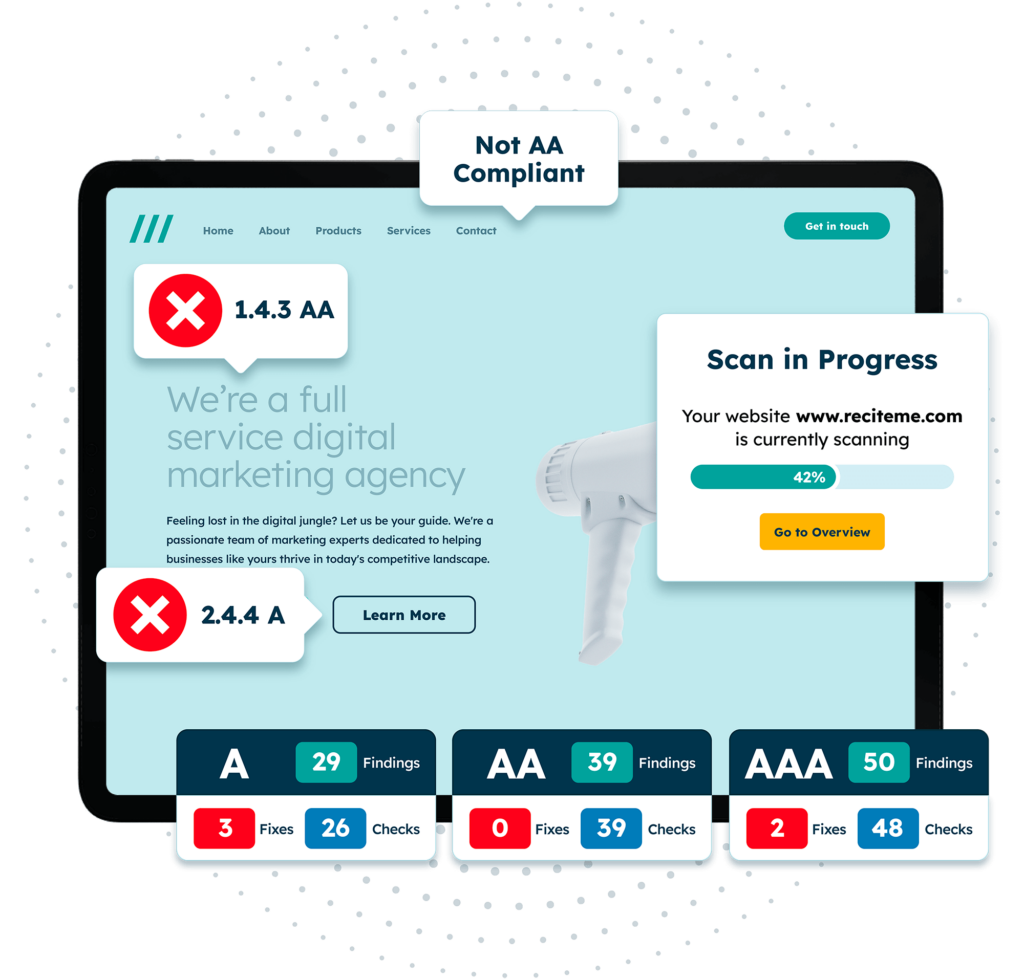
Regular audits—such as free automated ADA compliance checks—help identify and rectify accessibility issues, ensuring ongoing compliance.
The Advantages of Designing for ADA Compliance
Beyond legal safety, accessible websites unlock numerous business benefits:
Legal and Financial Security
An accessible website reduces the risk of lawsuits, fines, and associated costs. Penalties for ADA violations can reach hundreds of thousands of dollars, not including legal fees and settlement expenses. Several states also have their own accessibility laws, increasing the scope of compliance requirements.
Reaching a Larger Audience
Approximately 20% of the population has a disability affecting online interaction. Many users will leave a site that isn’t accessible, while a significant portion is willing to spend more on sites that accommodate their needs. Making your website inclusive can dramatically expand your customer base.
Improved Brand Image and Public Relations
Over half of consumers consider a company’s values when making purchasing decisions, especially Millennials and Gen Z. Demonstrating a commitment to accessibility can boost your reputation, foster goodwill, and differentiate your brand from competitors.
Enhanced User Experience and SEO
Accessibility best practices align with search engine optimization (SEO). Improving functionality and content clarity benefits all users, making your site more user-friendly and easier to find through search engines. This synergy helps attract and retain more visitors.
Risks of Ignoring ADA Accessibility
Non-compliance can lead to significant setbacks, including limited market reach, reduced revenue, and damage to brand loyalty. Indirect costs include decreased employee morale, loss of investor confidence, and possible ineligibility for government grants or contracts.
Legal costs and potential lawsuits are substantial. For small businesses especially, these expenses can be crippling. Operating an inaccessible website simply isn’t worth the risk—taking proactive steps to achieve compliance is a strategic investment.
Need Assistance with ADA Compliance?
Achieving and maintaining ADA compliance can be complex, but numerous resources are available to guide you through the process:
- Access comprehensive training courses on accessibility standards and best practices.
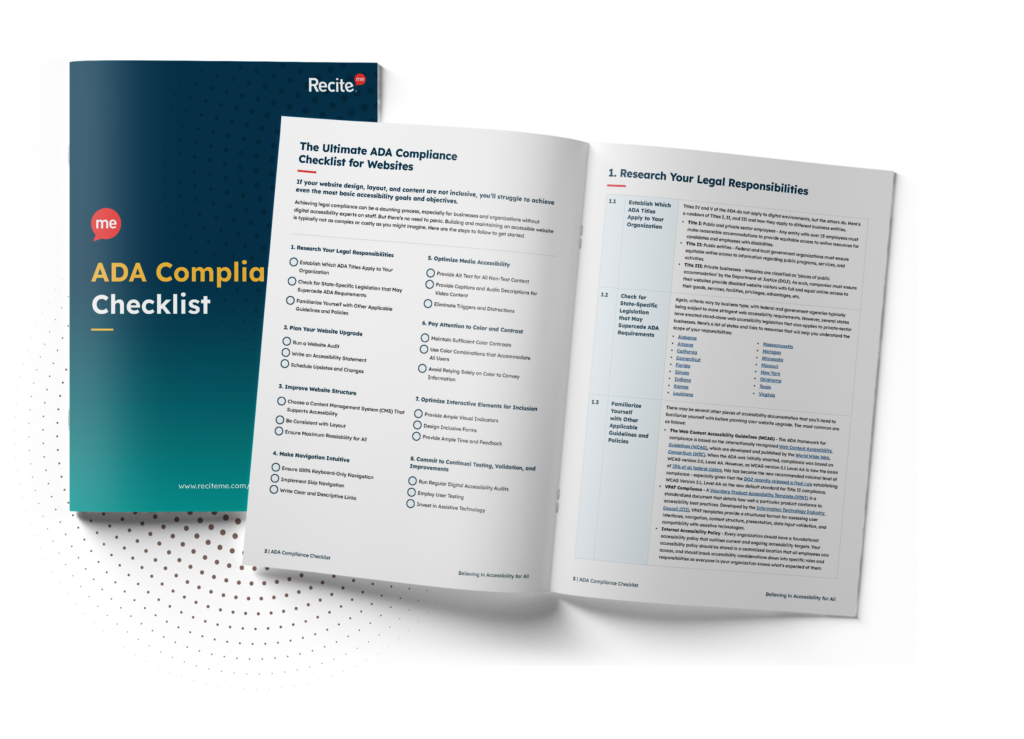
- Download official ADA compliance checklists to evaluate your current site and prioritize improvements.
- Explore innovative design examples, such as a curated collection of landing pages, to inspire accessible solutions.
Implementing these strategies ensures your website remains inclusive, legal, and competitive in the digital landscape.