Understanding how URLs work in WordPress is essential for building a site that is both user-friendly and optimized for search engines. Among the many components of URL structure, the slug plays a crucial role in defining the readability, relevance, and SEO performance of your website’s content. This guide provides a comprehensive overview of what slugs are, how to effectively customize and optimize them, and best practices to ensure your URLs support your overall digital strategy.
Once overlooked as a minor detail, the importance of well-crafted slugs has become increasingly evident in creating accessible, high-ranking websites. Whether you’re managing a blog, an online store, or a corporate site, mastering slug management will help you improve navigation, boost your search engine rankings, and enhance user experience.
What is a WordPress Slug?
In WordPress, a slug is a simplified, human-readable portion of a URL that uniquely identifies a specific page, post, category, or tag within your website. It appears as the last segment of the URL after your domain name and any subfolders. For instance, in the URL https://www.yourwebsite.com/blog/my-awesome-article, the slug is “my-awesome-article”.
Slugs are automatically generated based on your page or post titles but can and should be customized for maximum effectiveness. Clear and descriptive slugs help visitors understand what to expect from the page before clicking, leading to better engagement and easier navigation. From an SEO perspective, search engines interpret slugs as a key indicator of a page’s relevance to specific queries, making them a vital part of your overall optimization strategy.
The Importance of Slugs
Although they may seem like minor details, slugs significantly influence both user experience (UX) and search engine optimization (SEO):
-
User Experience: Well-structured, descriptive slugs enable visitors to quickly grasp the content of a page. They contribute to intuitive navigation, reducing bounce rates and increasing the likelihood of engagement. For example, a slug like
/seo-tips-for-beginners/immediately communicates the page’s focus. -
Search Engine Optimization: Search engines analyze slugs to assess a page’s relevance to search queries. Incorporating target keywords naturally into slugs can improve your rankings and visibility. Properly optimized slugs also appear prominently in search results, encouraging clicks. For more insights into SEO best practices, see this guide on performing an SEO audit.
The Building Blocks of a Slug
Understanding how slugs are constructed helps you create URLs that are both user-friendly and SEO-optimized:
Characters and Formatting
Slugs primarily use lowercase letters, numbers, and hyphens (-) to separate words. Special characters and spaces are avoided because they can cause encoding issues and reduce readability. For example, instead of using spaces or underscores, hyphens improve clarity and search engine friendliness.
Hyphens as Word Separators
Hyphens are the standard separator for words in slugs because they enhance readability for users and are preferred by search engines over underscores. While underscores are technically acceptable, hyphens tend to perform better in SEO.
Including Keywords
Embedding relevant keywords into your slugs helps clarify the page’s content to both users and search engines. This practice supports higher rankings and makes URLs more meaningful. For example, a slug like /best-wordpress-hosting/ combines clarity with SEO relevance.
Readability and Conciseness
Effective slugs are straightforward, concise, and easy to remember. Avoid overly long or complex structures that could confuse visitors or dilute your SEO efforts. Strive for clarity without sacrificing essential keywords.
Slugs vs. Permalinks
While often used interchangeably, slugs and permalinks serve different functions:
- Permalink: The full, permanent URL of a page or post, including the domain name, subfolders, and the slug.
- Slug: The customizable part at the end of the permalink, providing a descriptive, human-readable identifier for the content.
Understanding this distinction is vital when configuring your site’s URL structure to optimize both usability and SEO.
Permalink Settings and Customization
WordPress allows you to control the structure of your permalinks through the dashboard:
Accessing Permalink Settings
Navigate to Settings > Permalinks in your WordPress admin area. Here, you can select from common structures like:
- Plain: Default numeric URLs (not recommended for SEO)
- Day and name: Includes date and post title
- Month and name: Similar but with month
- Post name: Focuses solely on the post’s slug, the most SEO-friendly option
- Custom Structure: Enables advanced URL customization using tags like
%category%and%postname%
Changing your permalink structure impacts your site’s URLs, so consider the SEO implications carefully, especially on established sites.
Default Settings and Why You Should Change Them
The default Plain setting results in URLs like /?p=123, which offers little value for SEO or readability. Switching to Post name or a custom structure improves user experience and search visibility. For instance, changing to /blog/%postname%/ creates URLs that are descriptive and keyword-rich.
Examples of Good and Bad Slugs
To illustrate effective URL practices, consider these examples:
Good Slugs:
https://www.yourwebsite.com/wordpress-hostinghttps://www.yourphotographysite.com/wedding-photography-tipshttps://www.bakingblog.com/best-banana-bread-recipe
Bad Slugs:
https://www.yourwebsite.com/page123https://www.yourwebsite.com/the-best-way-to-learn-wordpress-in-2024https://www.yourwebsite.com/seo-tips/wordpress-plugins
Remember, good slugs are descriptive, keyword-focused, and accurately reflect the page content. They should also be concise to facilitate sharing and memorability.
Customizing Slugs for Posts, Pages, Categories, and Tags
WordPress makes it simple to edit slugs directly during content creation or via quick edits:
For Posts and Pages
- Use the slug field below the title when creating new content.
- In the editor, click “Edit” next to the permalink to modify the slug.
- For quick edits from the list of posts or pages, hover over the title, click “Quick Edit,” and update the slug.
For Categories and Tags
- Go to Posts > Categories or Posts > Tags.
- Hover over a category or tag, click “Edit” or “Quick Edit,” and change the slug accordingly.
When customizing slugs, keep them short, relevant, and keyword-rich, but avoid stuffing keywords or creating awkward phrases.
Changing Permalink Structure and Its SEO Implications
Adjusting your permalink structure can enhance SEO but requires caution:
- Shallow URLs: Short, simple URLs are easier to crawl and remember.
- Hierarchical URLs: Useful for organized content but should not be overly deep.
- Impact on Existing Content: Changing URLs can break links and harm search rankings if not handled properly.
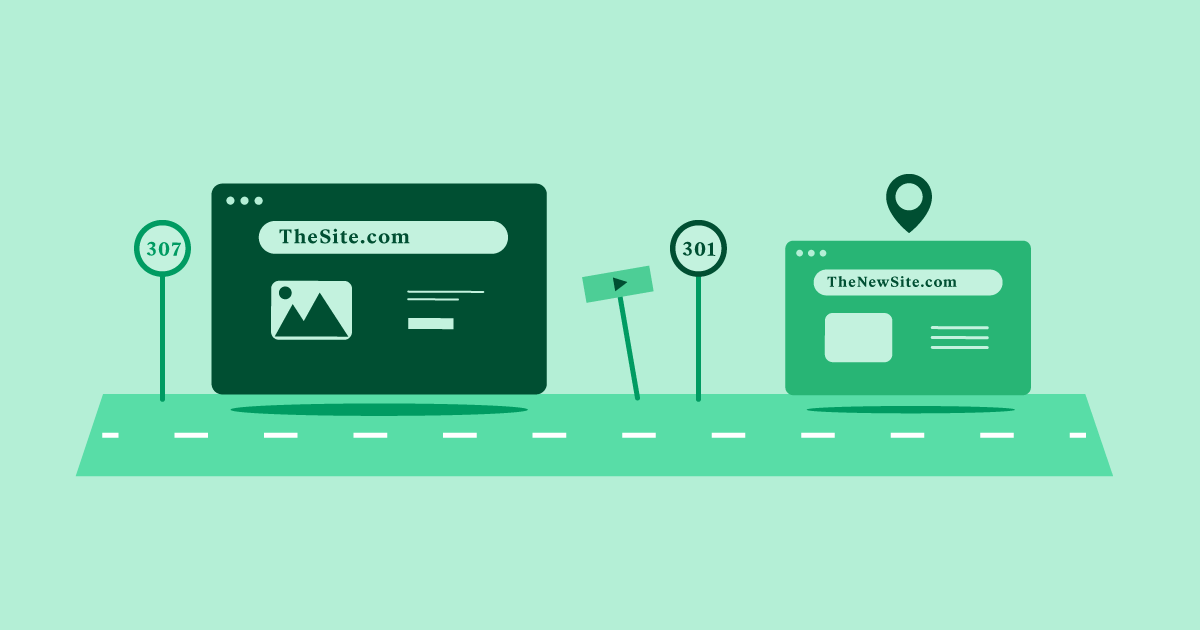
Implement 301 redirects to preserve link equity and avoid 404 errors. Plugins like Redirection make managing redirects straightforward.
SEO Best Practices for Slugs
Incorporating Keywords
Use your primary keywords naturally within slugs to signal relevance to search engines. This can improve rankings for targeted terms and make your URLs more appealing in search results.
Balancing Readability and Keywords
While including keywords is beneficial, readability should never be sacrificed. Slugs should be easy to interpret for users, which encourages clicks and sharing.
Length and Stop Words
Aim for slugs between 3-5 words, avoiding unnecessary filler. Remove stop words like “the,” “and,” or “of” when it improves clarity, but retain them if they make the URL sound more natural. Remember, search engines often ignore these words in URLs.
Advanced Techniques for Slug Optimization
Internal Linking and Keyword-Rich Anchors
Use descriptive, keyword-rich anchor text when linking internally to other pages. This reinforces the relevance of linked content and improves overall site structure.
Managing Redirects and Fixing Broken Links
Whenever you change slugs, set up redirects to avoid 404 errors. Proper redirect management maintains SEO value and ensures a seamless user experience.
Multilingual and Multiregional Slugs
For multilingual sites, consider subdirectories or subdomains to distinguish languages, and use hreflang tags to help search engines understand the content’s language and regional targeting.
Troubleshooting Common Slug Issues
- Special Characters: Avoid characters like &, %, and @ to prevent encoding problems.
- Capitalization: Stick to lowercase to prevent URL mismatches.
- Typos: Double-check for spelling errors before publishing.
- Duplicates: Ensure all slugs are unique to prevent conflicts.
- Broken Links: Regularly audit your site and update links after slug changes.
Tools and Plugins for Slug Management
Plugins such as Redirection facilitate easy management of redirects, while SEO plugins like Rank Math provide comprehensive tools for optimizing slugs and URLs. Consider using slug generators for inspiration, especially when creating new content.
Optimizing your WordPress slugs is a vital step toward building a site that ranks well and provides a smooth experience for visitors. By implementing these best practices, you ensure your URLs are descriptive, keyword-rich, and user-friendly—cornerstones of effective SEO. Whether starting fresh or refining existing links, careful slug management can significantly impact your website’s visibility and success.