Creating a compelling, functional website requires the right tools. Whether you’re a beginner just starting out or a seasoned professional seeking advanced features, selecting the optimal web design software can make all the difference. With technology constantly evolving, 2025 brings innovative platforms that streamline the design process, enhance collaboration, and deliver stunning results. This guide explores the best web design software available this year, helping you choose the perfect solution to bring your online vision to life.
In today’s digital landscape, a well-designed website not only attracts visitors but also engages them effectively. From intuitive drag-and-drop builders to powerful coding environments, the options are diverse. We’ve thoroughly tested leading platforms, examining their features, ease of use, and value for money. Whether you are exploring information architecture strategies or integrating cutting-edge Web3 branding elements, the right software supports your goals. For example, understanding the nuances between different design disciplines can improve your site’s structure—discover more about this topic by clarifying the distinction between information architecture and website navigation.
Furthermore, modern web design tools increasingly incorporate collaborative features, making teamwork seamless. Platforms like Figma excel in this area, enabling real-time feedback and shared workflows. For those focused on creating stunning UI/UX interfaces, selecting software with an intuitive interface and robust prototyping capabilities is essential. To explore best practices in UI/UX design, check out effective toast UI components best practices variants and design insights. Additionally, choosing a platform aligned with your skill level—whether for beginners or professionals—is crucial for efficient workflow and quality outcomes.
Best Web Design Software for Overall Use
Specifications
- Versatility for users of all skill levels
- Wide range of templates and customization options
- Integrated hosting and domain management
Reasons to choose
Wix stands out as a versatile platform suitable for both newcomers and experienced designers. Its extensive library of over 500 templates accelerates the start of any project, while the drag-and-drop editor offers a suite of tools—such as image editors, video backgrounds, animations, and social media buttons—that enable detailed customization. Recent enhancements like Wix Turbo significantly improve website speed and performance, ensuring your site loads swiftly across devices. Its user-friendly interface feels more like a native application than a typical website builder, making it intuitive to operate. However, support services can sometimes be sluggish, which is a minor drawback. Still, Wix remains one of the most accessible and powerful web design solutions on the market, especially for those without coding experience.
Discover more in our Wix review.
Reasons to avoid
While Wix offers excellent design flexibility, its reliance on templates and limited backend customization may restrict advanced users seeking full control. Also, some technical support aspects could be improved to ensure faster resolution of issues.
Best Web Design Software for Professionals
Specifications
- Advanced coding and customization capabilities
- Support for static and dynamic site development
- Integration with development workflows and version control
Reasons to choose
Adobe Dreamweaver remains a favorite among professional developers due to its powerful coding environment and flexibility. It supports HTML, CSS, JavaScript, and Bootstrap, providing complete control over the site’s structure and design. Unlike typical website builders, Dreamweaver offers a code-centric approach, ideal for creating optimized, fast-loading websites. Its integrated tutorials and tips help improve workflow and code quality. Nevertheless, the platform has seen limited updates, with the last significant release in 2022. This staleness could impact compatibility with newer hardware or technologies. Despite this, Dreamweaver remains a top choice for experienced developers who value creative freedom and precise control.
Read our comprehensive Dreamweaver review.
Reasons to avoid
The lack of recent updates may lead to compatibility issues or missing modern features, making it less suitable for those seeking cutting-edge tools or seamless integration with new tech.
Best Web Design Software for Beginners
Specifications
- Intuitive interfaces with minimal technical barriers
- Pre-designed templates and drag-and-drop editing
- Easy publishing and domain management
Reasons to choose
WordPress offers an accessible entry point into web design, primarily as a content management system (CMS). Its user-friendly backend, combined with thousands of free and premium themes, allows even novices to build professional-looking websites rapidly. Installing WordPress is straightforward, especially with many hosting providers offering one-click setup. Its extensive plugin ecosystem simplifies adding functionality without coding, making customization easy. However, beginners should be aware to disable comment features to prevent spam. Overall, WordPress provides a quick, flexible, and scalable solution for those new to website creation.
Check out our WordPress review.
Reasons to avoid
While user-friendly, WordPress can become vulnerable if not properly maintained, and some plugins or themes may introduce security risks or compatibility issues.
Best UI/UX Design Software
Specifications
- Collaborative online platform
- Advanced prototyping and design tools
- Compatibility across devices and operating systems
Reasons to choose
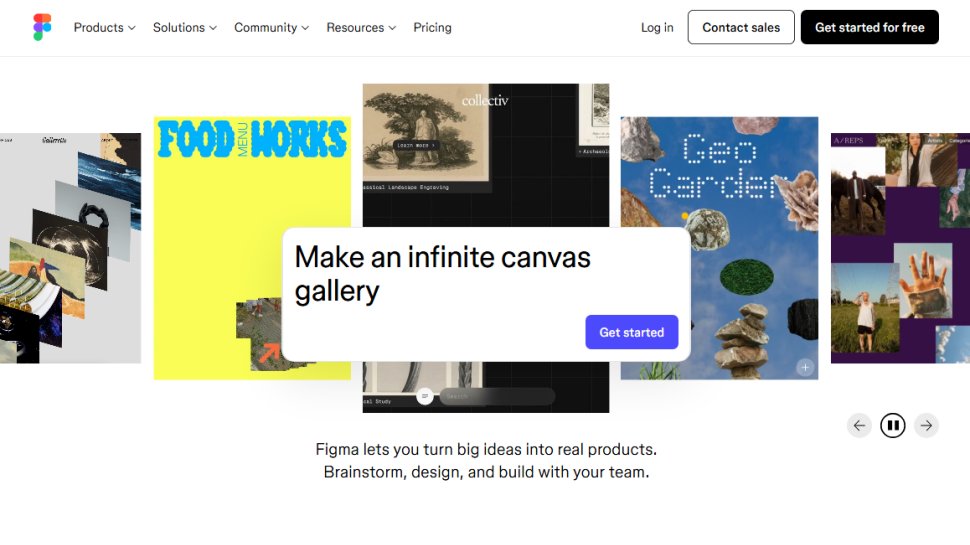
Figma has earned its reputation as a leading prototyping and UI/UX design platform. Its cloud-based nature facilitates real-time collaboration, allowing teams to work together seamlessly regardless of location. The platform’s intuitive interface simplifies creating website and mobile app mockups, with a rich toolkit supporting vector editing, interactive prototypes, and user testing. Its free tier is suitable for small projects, while subscription plans expand capabilities for larger teams. Figma’s emphasis on teamwork and accessibility makes it an indispensable tool for modern digital design.
Learn more in our Figma review.
Reasons to avoid
The free version has limitations in output size and storage, which may require upgrading for larger projects or professional use.
Best E-Commerce Web Design Software
Specifications
- Built-in shopping cart and checkout features
- Mobile-optimized themes
- SEO and marketing integrations
Reasons to choose
Weebly offers an easy-to-use platform tailored for e-commerce and small business websites. Its drag-and-drop interface simplifies store setup, and its selection of clean, responsive themes ensures your site looks professional across all devices. The platform includes essential features like SEO tools, analytics, and direct ad posting to social media platforms such as Facebook. The free plan is suitable for basic needs, but to access custom domains and remove ads, you’ll need to opt for paid plans like the Professional tier.
See our Weebly review.
Reasons to avoid
Limited theme options and potential restrictions on customization might deter users seeking highly personalized online stores.
Best Web Design Software for Non-Coders
Specifications
- Visual drag-and-drop editing
- No coding required
- Automated code generation for clean output
Reasons to choose
Webflow empowers non-technical users to design sophisticated websites through its intuitive interface. Its cross-platform, web-based environment ensures flexibility, while the platform’s automation produces clean, production-ready HTML and CSS. Granular adjustments are possible via panels, enabling detailed customization without code. Webflow offers a free demo and a starter plan that allows creation of up to two projects, making it ideal for testing and small projects.
Explore more in our Webflow review.
Reasons to avoid
Advanced features and larger projects may require paid plans, and the learning curve can be moderate for complete beginners.
Open-Source Web Design Tools
7. Bluefish
Specifications
- Lightweight, fast code editor
- Supports multiple programming languages
- Syntax highlighting and project management
Reasons to buy
Bluefish is a minimalistic yet powerful open-source editor ideal for those comfortable with coding. Its lightweight design ensures quick setup and operation, while features like syntax highlighting, multi-language support, and extensive search functions aid efficient coding. The interface, primarily text-based, is straightforward, making it suitable for developers who prefer a clean, distraction-free environment. Though it lacks visual editing or FTP upload features, Bluefish excels at producing clean, optimized code for web projects.
Reasons to avoid
The interface may seem dated or overly minimal for users accustomed to visual editors, and FTP integration is limited.
8. Visual Studio Code
Specifications
- Highly customizable code editor
- Extensive extension marketplace
- Built-in debugger and terminal
Reasons to choose
VS Code has become the go-to tool for developers due to its flexibility and rich feature set. Its support for JavaScript, Python, and many other languages makes it suitable for both front-end and back-end development. The platform’s extensive extensions allow tailoring the environment to specific workflows, including version control, live preview, and code linting. For those comfortable with coding, VS Code provides a highly efficient and adaptable workspace.
Find out more in our VS Code review.
Reasons to avoid
Not suitable for complete beginners without coding experience, as it requires familiarity with programming concepts.
Best Tools for Mockups and Simple Sites
Specifications
- User-friendly interface
- Extensive library of assets and templates
- Quick mockup creation and publishing options
Reasons to choose
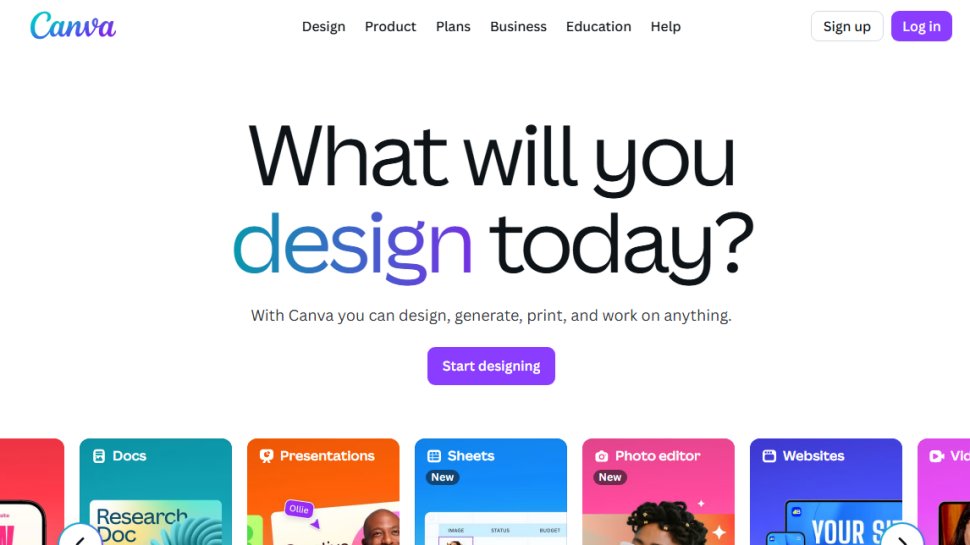
Canva provides an extremely accessible platform for creating website mockups and simple designs. Its drag-and-drop interface and vast library of elements enable users to swiftly produce prototypes or visual concepts without prior experience. It offers a variety of customizable templates for key web pages, allowing edits to copy, colors, and images with just a few clicks. Publishing directly to a website or going live with a free Canva domain simplifies launching your project. Paid subscriptions unlock premium assets and branding tools for more polished presentations.
Read more in our Canva review.
Selecting the best web design software depends on your specific needs, skill level, and project scope. Whether you prioritize ease of use, advanced coding capabilities, or collaborative workflows, the options outlined above are among the best available in 2025. Consider your goals carefully, explore trial versions when possible, and choose tools that align with your vision to craft exceptional websites.