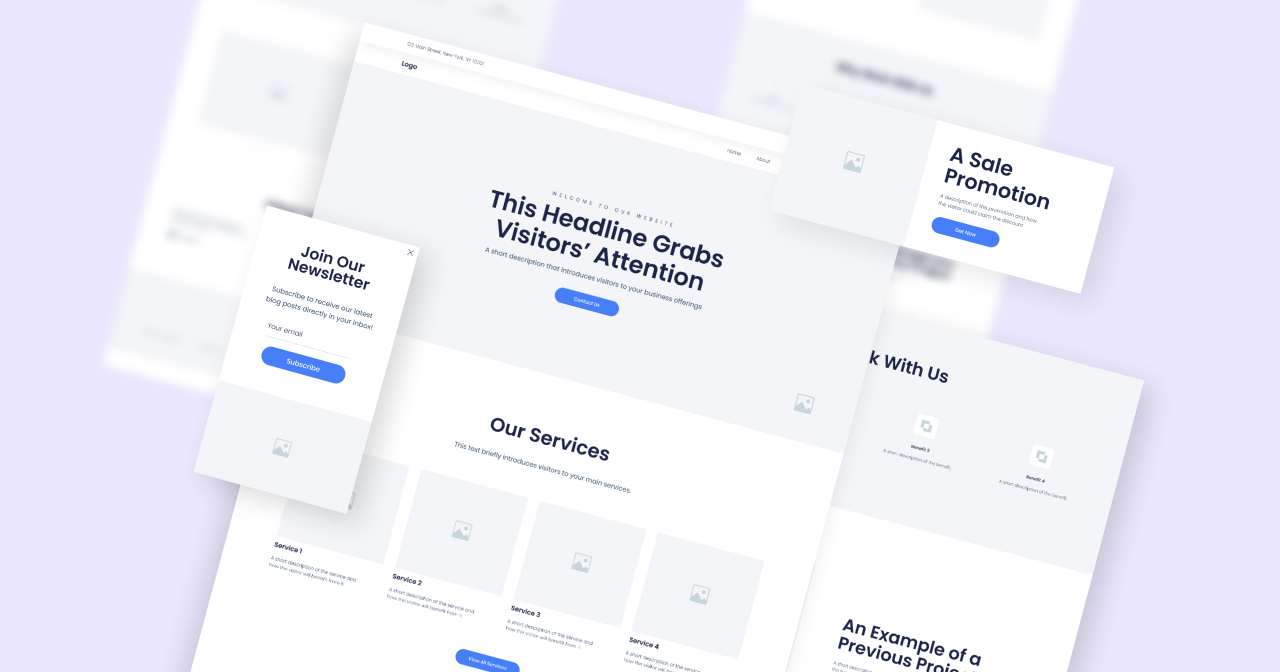
Creating an effective website or app begins with a clear plan. Wireframes serve as the foundational blueprints, providing a visual guide that maps out layout, content placement, and user navigation. They help teams align on project goals, identify potential issues early, and streamline the development process. Selecting the right wireframing tool is crucial, as it can significantly impact the efficiency, collaboration, and quality of your design. With a variety of options available, understanding each tool’s unique features and strengths can help you make an informed choice that best fits your project needs.
In this guide, we explore the eight leading wireframing solutions available in 2025, highlighting their capabilities, advantages, and ideal use cases. Whether you’re a solo designer, part of a collaborative team, or managing complex projects, these tools can help simplify your workflow and produce professional results. Additionally, integrating effective web design practices—like understanding how strategic design enhances your SEO or how site performance influences user experience—can make your projects more successful. For more insights on these topics, check out how strategic website design enhances your seo and boosts online presence.
Table of Contents
- What are Wireframes?
- Why Wireframes Matter in UX/UI Design
- Why Use Wireframe Tools?
- How to Choose the Best Wireframe Tool
- Top 8 Wireframe Tools for 2025: In-Depth Reviews
- From Wireframe to Live Website with Elementor
What are Wireframes?
Wireframes are simple, schematic outlines of your website or app’s structure. They act as visual representations that show the placement of key elements, content organization, and user flow. Think of them as architectural sketches for digital projects—focusing on layout and functionality before any detailed visual design is applied. Using reliable wireframing tools can enhance this process, making it more efficient and collaborative. For example, the impact of web design choices on site speed and performance is significant; a well-structured wireframe can help optimize these aspects from the outset. Learn more about this at the impact of web design choices on site speed and performance.
Why Wireframes Matter in UX/UI Design
Wireframes are essential because they enable designers and stakeholders to focus on user experience and functionality early in the process. They facilitate quick testing of different layouts and ideas without the distraction of colors or detailed graphics. This approach ensures the user’s needs remain central and helps teams communicate effectively, reducing misunderstandings. Early wireframing also helps identify potential usability issues, saving time and resources during later development stages. By using specialized wireframing tools, teams can create prototypes that are easy to modify and share, improving overall project efficiency. Discover how thoughtful design choices can further enhance your website’s performance and SEO by visiting how strategic website design enhances your seo and boosts online presence.
Why Use Wireframe Tools?
While sketching by hand is useful, dedicated wireframing tools offer numerous advantages. They accelerate the creation and editing process, support team collaboration through real-time editing and commenting, and often include libraries of pre-made components to ensure design consistency. These tools also facilitate the transition from wireframes to prototypes, allowing for interactive testing before development begins. Additionally, considering the impact of design on site performance, choosing a tool that supports responsive and optimized layouts is critical. For more on how site speed influences SEO, see the crucial impact of website speed on search engine optimization. By leveraging these tools, you can reduce costs, improve communication, and deliver a better user experience.
How to Choose the Best Wireframe Tool
Selecting the right wireframing solution involves evaluating several key features:
- Ease of Use: Prioritize intuitive tools that are accessible to beginners yet powerful enough for advanced users.
- Team Collaboration: Look for features like real-time editing, commenting, version control, and user permissions.
- Prototyping Capabilities: Some tools allow turning static wireframes into clickable prototypes, facilitating user testing.
- Integration: Ensure compatibility with your other design and development software.
- Design Library: Access to templates and UI components can speed up your workflow.
- Responsiveness: The ability to design for multiple devices and screen sizes is vital.
- Feedback Features: Built-in review and commenting systems streamline iterations.
- Export Options: Easy sharing through formats like PDF, PNG, or interactive prototypes is essential.
- Cost and Support: Consider your budget, available tutorials, customer support, and community resources.
- Scalability: As your team or project grows, your tools should scale accordingly. Remember, the right tool can turn your ideas into reality efficiently and effectively.
Top 8 Wireframe Tools for 2025: In-Depth Reviews
1. Elementor AI: For Web Creators
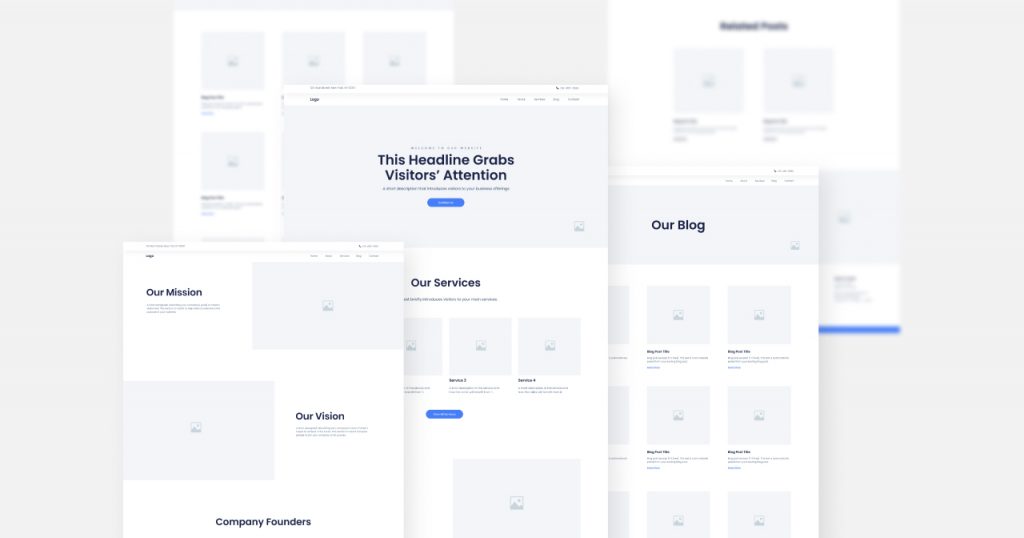
Elementor AI enhances the familiar Elementor website builder with artificial intelligence capabilities. It acts as a smart assistant, suggesting layouts, generating content, and creating images based on your descriptions. This integration simplifies the transition from wireframes to live websites, especially for those unfamiliar with coding. Use it to generate professional sitemaps and wireframes in minutes, making it easier to plan and execute your website projects. For a detailed understanding of how design choices influence your site’s search rankings, see how effective web design boosts your search engine rankings.
Key Features:
- AI-powered layout suggestions
- Content and code generation
- Image creation and editing
- Integration with Elementor’s existing tools
Pros and Cons
- Pros: Accelerates creative workflows, supports content and image generation, user-friendly for both novices and experts.
- Cons: Still evolving with some limitations, requires an Elementor Pro subscription.
Pricing: Available as part of Elementor Pro plans, offering progressive features for professional web development.
2. Sketch: Precision Interface Design
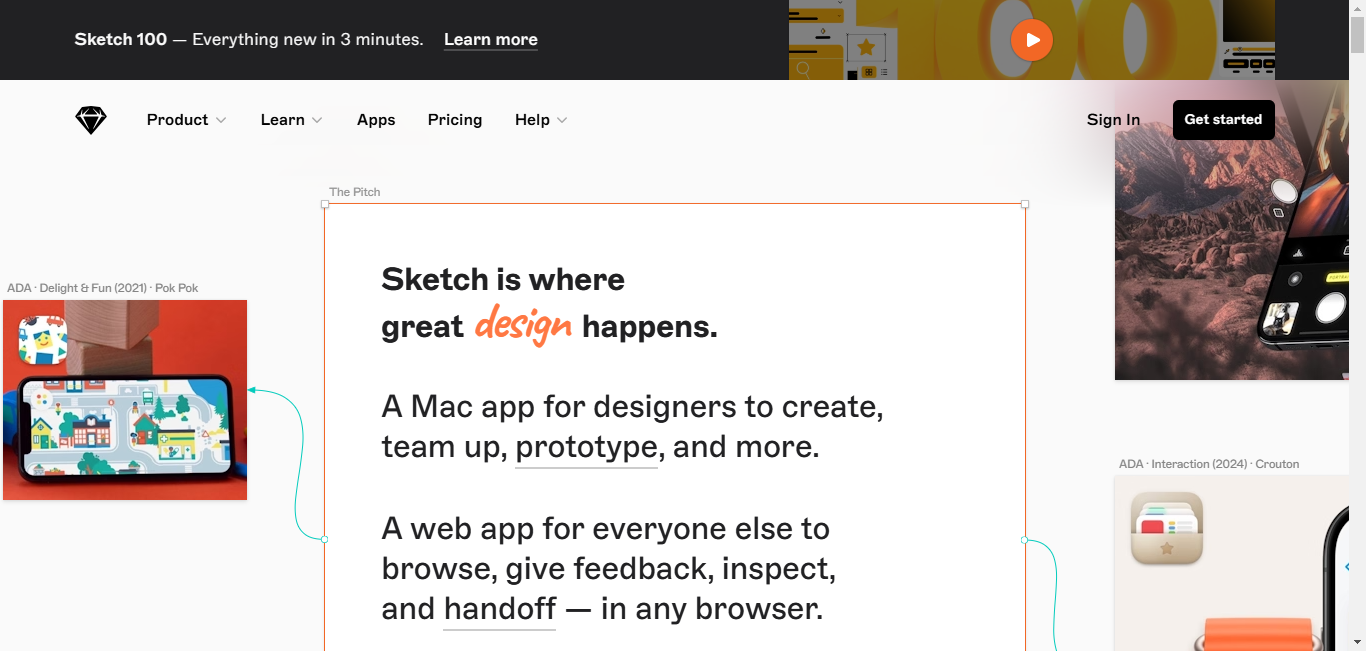
Sketch has long been a preferred tool among interface designers, particularly for high-fidelity wireframes. Its vector-based editing ensures crisp visuals on any device, and its symbol system promotes reusable components, enhancing consistency. Although limited to Mac users, Sketch offers a vast plugin ecosystem that extends functionalities for prototyping, collaboration, and more. For teams working on detailed UI projects, Sketch provides the control and flexibility needed to craft pixel-perfect designs. To learn more about improving user engagement through design, visit the impact of web design choices on site speed and performance.
Advantages:
- User-friendly with powerful vector tools
- Extensive plugin support
- Strong community backing
Limitations: Mac-only platform and limited built-in prototyping features.
3. Figma: Collaborative Cloud Design
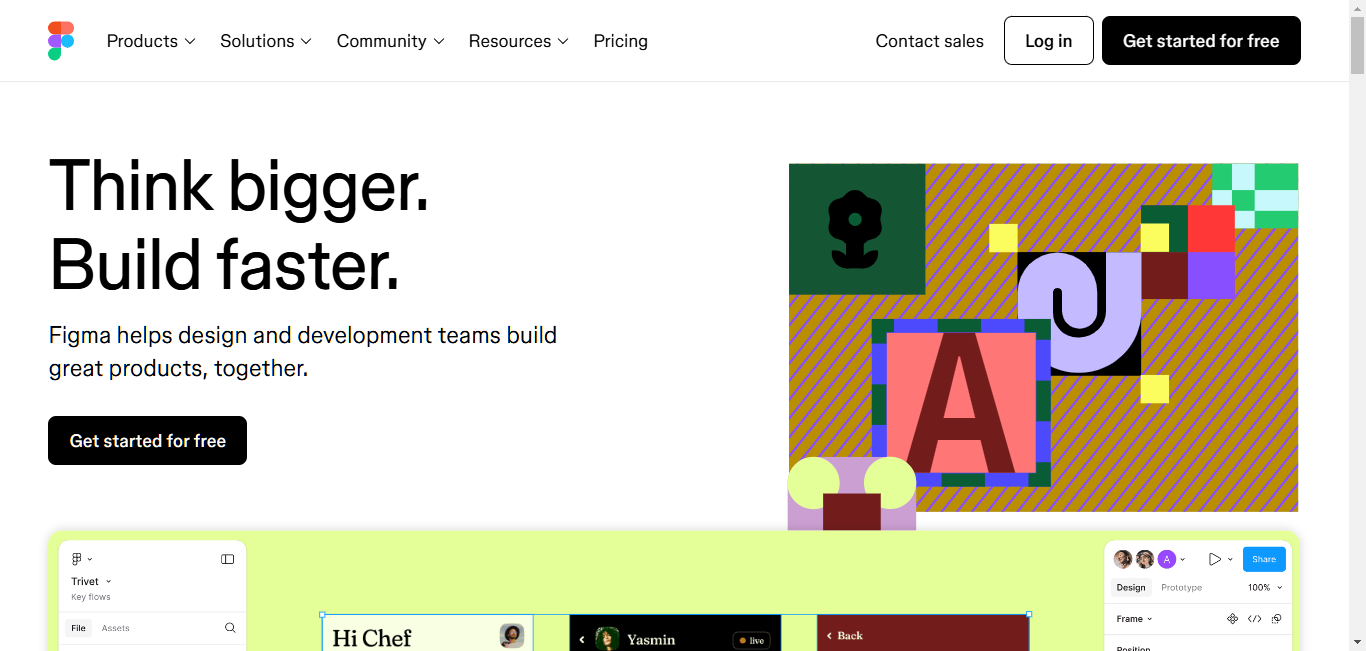
Figma stands out for its cloud-based approach, enabling real-time collaboration among team members. Multiple users can work simultaneously on a wireframe, making it ideal for remote teams and stakeholders. Its component system allows for easy reuse of elements, and auto-layout features facilitate responsive design across devices. Figma’s complete design-to-prototype workflow streamlines product development, reducing miscommunication and accelerating delivery. For insights on how design impacts SEO and user engagement, explore how strategic website design enhances your seo and boosts online presence.
Strengths:
- Seamless team collaboration
- Responsive design features
- Integrated prototyping and developer handoff
Weaknesses: Requires a continuous internet connection and can be complex for newcomers.
4. Adobe XD: Integrated Creative Workflow
Adobe XD offers an intuitive interface, making wireframing and prototyping straightforward. It integrates well with other Adobe tools like Photoshop and Illustrator, providing a cohesive creative environment. Features such as the repeat grid and responsive resize simplify creating consistent, multi-device layouts. While it offers many functionalities, fewer plugins are available compared to Figma, but its seamless Adobe ecosystem benefits users already invested in Adobe Creative Cloud. To understand the influence of website speed on SEO, see the crucial impact of website speed on search engine optimization.
Advantages:
- Easy-to-use with rapid prototyping
- Strong integration with Adobe products
- Efficient for designing responsive layouts
5. Balsamiq: Focused on Rapid Ideation
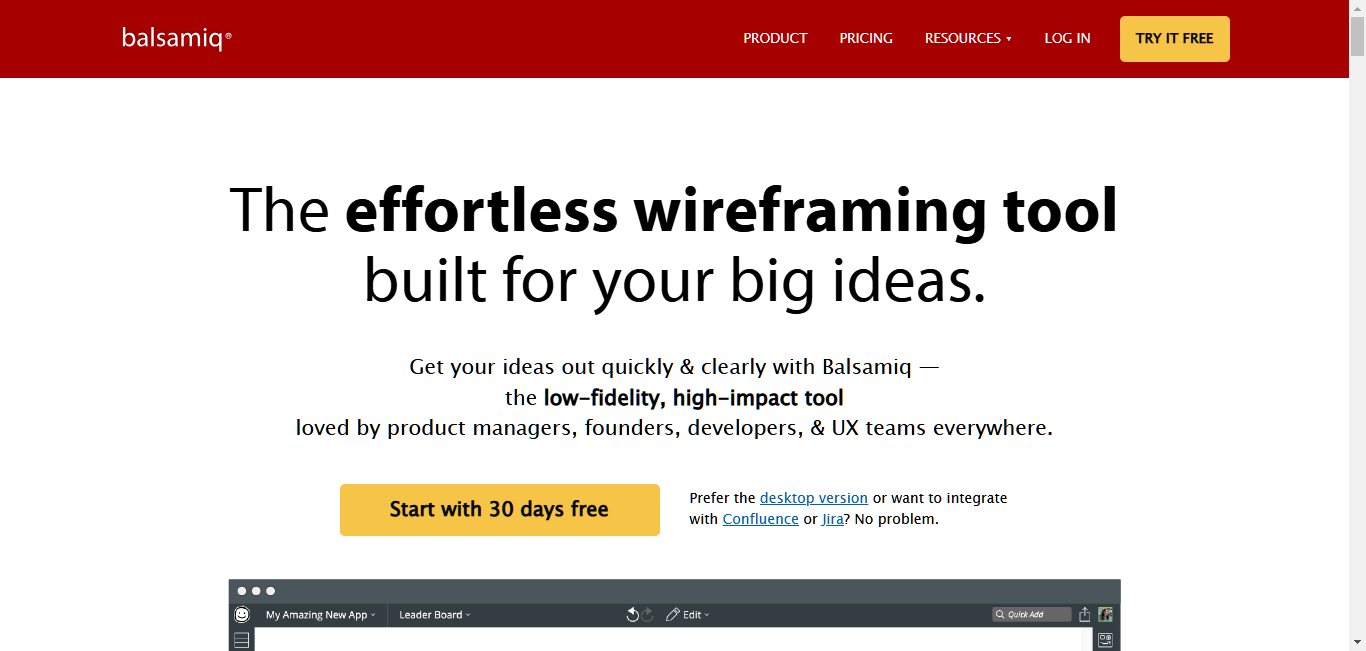
Balsamiq offers a distinctive hand-drawn style that emphasizes structure over visual polish. Its simple drag-and-drop interface is designed for quick sketching and iteration, making it perfect for brainstorming sessions and early-stage concepts. The focus on usability rather than aesthetics encourages teams to concentrate on functionality and user flow. For teams seeking quick feedback, Balsamiq’s straightforward approach can be highly effective. For more on how site performance influences your search rankings, check the crucial impact of website speed on search engine optimization.
Strengths: Rapid prototyping, easy to learn, fosters creative exploration.
Limitations: Limited styling options and less suitable for high-fidelity prototypes.
6. Wireframe.cc: Minimalist Simplicity

Wireframe.cc offers a clean, distraction-free workspace aimed at beginners and those wanting to focus solely on structure. Its minimalist interface uses basic shapes and a grid system to facilitate quick layout sketches. Sharing and collecting feedback is straightforward, making it a good choice for early-stage ideation. While it lacks advanced features, its simplicity encourages clarity and speed. To learn about how website design influences user engagement, see the impact of web design choices on site speed and performance.
Advantages: Easy to learn, quick setup, supports collaboration.
Limitations: Fewer advanced features and styling options.
7. MockFlow: User-Friendly and Efficient
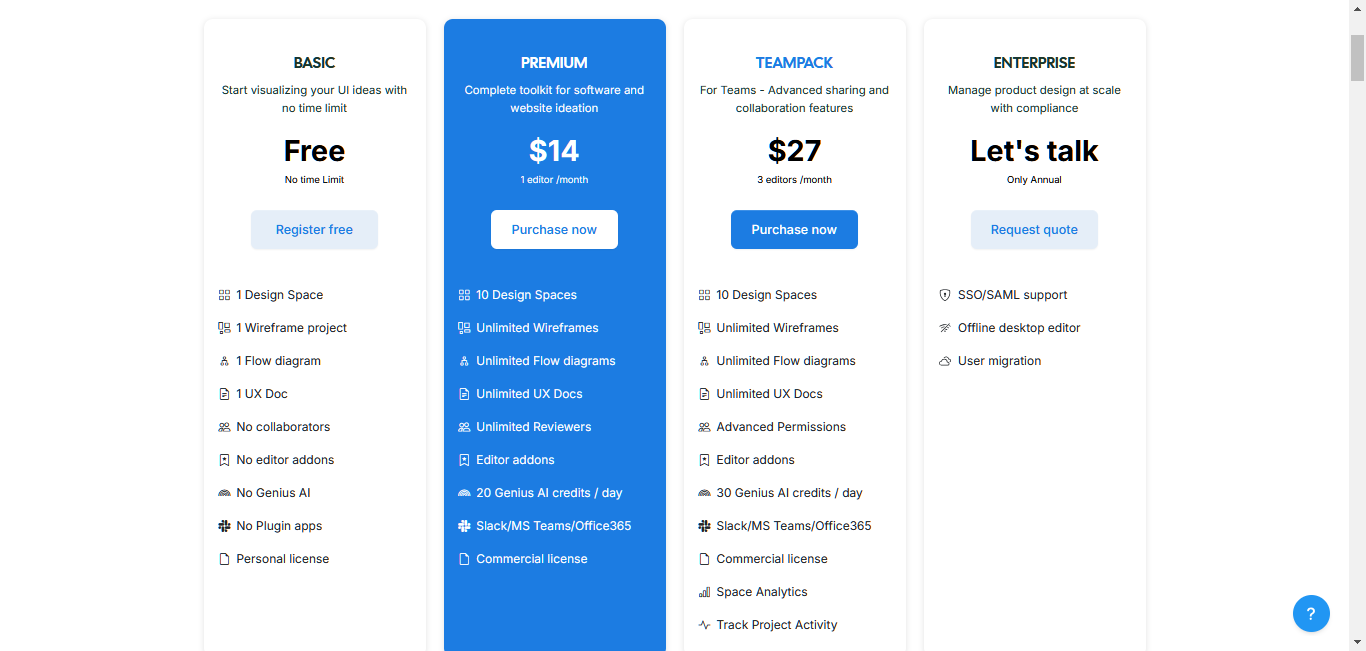
MockFlow combines simplicity with a comprehensive library of templates and components. Its drag-and-drop interface facilitates rapid wireframing, and the platform supports real-time team collaboration and feedback. Change tracking and version control streamline project management, making it suitable for teams that value efficiency and visual consistency. Ideal for rapid prototyping and stakeholder presentations. For detailed insights on how well-structured wireframes can improve project outcomes, refer to the impact of web design choices on site speed and performance.
Strengths: Intuitive interface, extensive component library, collaboration features.
8. Axure RP: For Complex Prototyping
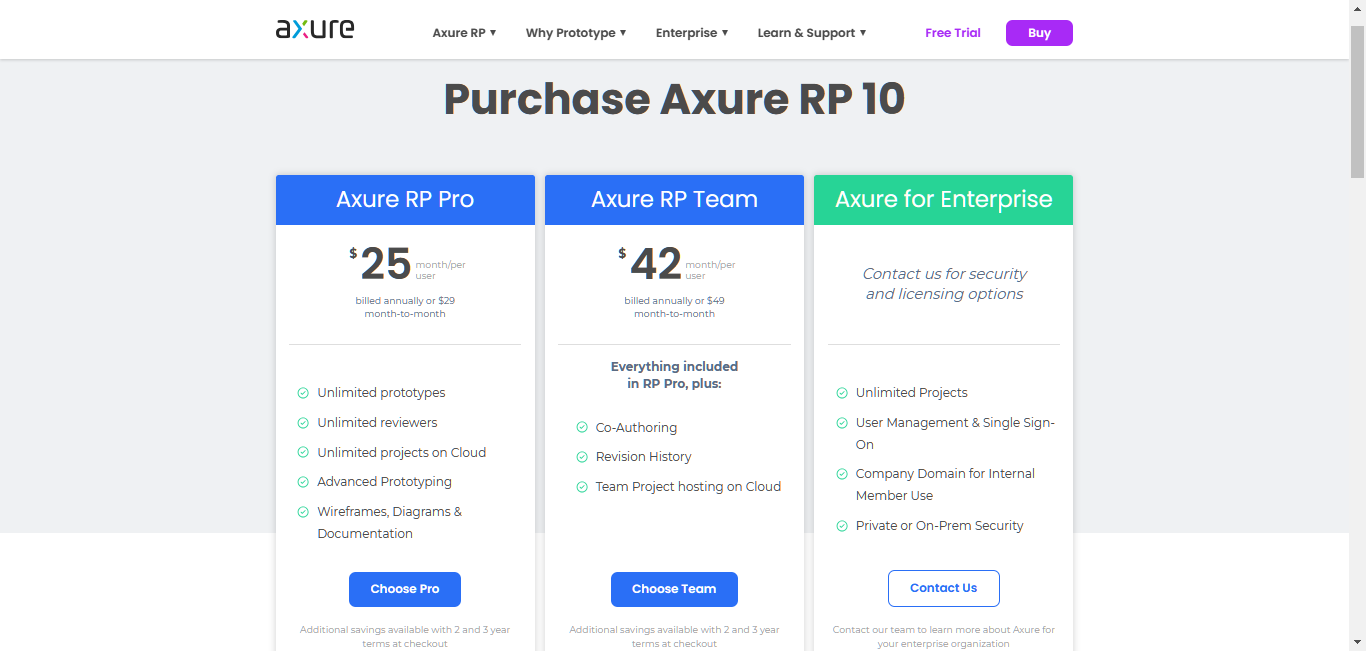
Axure RP is a powerhouse for creating detailed, interactive prototypes and comprehensive documentation. Its advanced features support complex interactions, conditional logic, and dynamic content, making it preferred for large-scale projects. While it has a steeper learning curve, Axure’s capabilities are unmatched for intricate prototypes and extensive documentation. This makes it suitable for enterprise teams and projects requiring thorough testing. For advanced design insights, explore the impact of web design choices on site speed and performance.
Strengths: Deep interaction capabilities, detailed documentation, ideal for complex projects.
From Wireframe to Live Website with Elementor
Transforming your wireframes into a fully functional website is simplified with Elementor. It provides an intuitive drag-and-drop interface, extensive template library, and responsive design tools that align perfectly with your wireframing plans. Whether you started with Figma, Sketch, or another tool, Elementor allows you to replicate your designs seamlessly and customize them further. Its integrated SEO tools help improve your visibility in search results, while WooCommerce support enables easy setup of online stores. To see how a well-designed website can boost your online presence, visit how strategic website design enhances your seo and boosts online presence.
Final Thoughts
Effective wireframing is a cornerstone of successful web design. The tools discussed—ranging from simple sketching platforms to advanced prototyping solutions—each serve different needs and skill levels. The key is selecting a tool that aligns with your team’s workflow, project complexity, and future growth plans. Testing various options helps find the perfect fit. Whether you’re a beginner or an experienced designer, remember that good wireframes pave the way for intuitive, user-friendly websites. Combining wireframing with platforms like Elementor makes the journey from concept to launch smoother and more efficient, ultimately delivering better experiences for your users.