Designing a website or application requires seamless teamwork, especially when team members are spread across different locations. Imagine orchestrating a project where everyone—UI/UX designers, front-end developers, back-end specialists, and others—is able to work together effortlessly, sharing ideas, feedback, and updates in real time. This is precisely what makes Figma a game-changing tool in the digital design landscape. It acts like a virtual studio where collaboration happens fluidly, eliminating the barriers of traditional software and physical distance.
Figma is a versatile, cloud-based design platform that empowers teams to create, prototype, and refine user interfaces for websites, mobile apps, and digital products—all within a single environment accessible from any device with an internet connection. Its browser-based nature means there’s no need for downloads or installations, making it incredibly convenient for teams that operate across different operating systems like Windows, Mac, or Linux. This cross-platform flexibility ensures everyone can participate equally, regardless of their device preference.
What Is Figma?
Figma is a comprehensive design tool renowned for its collaborative features that facilitate the creation of user interfaces and interactive prototypes. Unlike traditional design programs that require software installation and are often limited to specific operating systems, Figma’s web-based architecture allows anyone to access it via a browser. This platform independence significantly enhances teamwork and streamlines the design process.
To illustrate, picture designing a shopping app. You can start by creating the login screen, complete with username and password fields. Next, you could design the main homepage where users browse categories like mobiles, groceries, and electronics. Figma’s interactive prototyping capabilities enable you to add features such as sorting options or filter functions, giving stakeholders a realistic preview of the user experience before development begins.
Why Use Figma?
Figma’s array of features makes it an indispensable tool for modern designers and development teams. Its cloud-based setup means multiple users can work on the same project simultaneously, with updates visible instantly—a feature that accelerates workflows and fosters clear communication. This real-time collaboration ensures everyone—from designers to stakeholders—remains aligned throughout the project lifecycle.
Furthermore, Figma is designed for platform neutrality. As a web app, it functions smoothly across all operating systems, removing barriers caused by software compatibility. Its auto-layout and constraints features facilitate the creation of responsive designs that adapt seamlessly to different device screens, enhancing the user experience across platforms.
For teams working on mobile or web interfaces, Figma’s collaborative environment enables simultaneous editing, commenting, and feedback. This real-time exchange of ideas helps catch issues early, iterate rapidly, and deliver high-quality results faster. If you want to explore how consistency enhances user experience, check out why consistency is vital in web design.
Key Features of Figma
Collaborative Environment:
Figma excels in supporting teamwork. Multiple users can edit a file concurrently, with changes updating instantly for everyone. Comments can be left directly on the design, streamlining feedback and revisions.
Prototyping Tools:
Beyond static design, Figma provides robust prototyping features. You can create interactive prototypes that include animations, transitions, and gestures, enabling stakeholders to experience how the final product will feel and function.
Vector Editing:
Designers can craft scalable graphics with advanced vector editing tools, ensuring visuals look sharp on any device. This capability is essential for creating icons, logos, and intricate UI elements.
Component Libraries:
Reusable components like buttons, icons, and UI kits can be stored in shared libraries. Any updates to these components automatically propagate across all instances, maintaining consistency and saving time.
Plugins:
Figma’s ecosystem includes numerous plugins that enhance productivity—ranging from color management to accessibility checks. For instance, some plugins can even convert your designs into working websites without coding, streamlining the transition from design to development.
Additional Benefits of Figma
Being cloud-based, Figma allows team members to access projects from anywhere, at any time. This flexibility is vital for remote teams and distributed organizations. It also automatically saves progress and maintains an edit history, enabling revert to previous versions if needed. Comments and feedback can be embedded directly within design files, simplifying communication and facilitating iterative improvements. To understand how visual consistency impacts branding and usability, consider reading about the importance of maintaining uniformity in digital communication.
How to Use Figma?
- Visit the official Figma website to begin.
- Sign up for a free account by clicking on “Get started for free.”
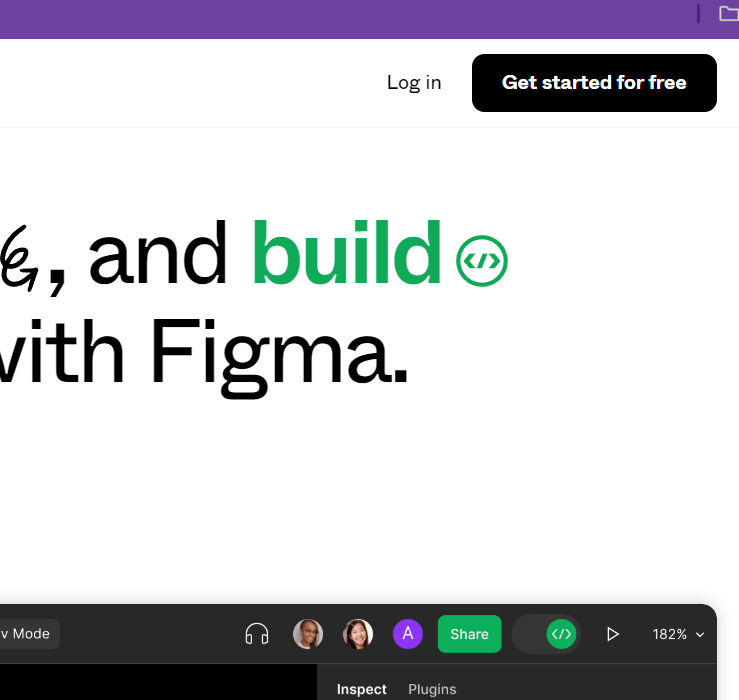
- Once registered, you’ll see the main interface where you can start creating your designs.

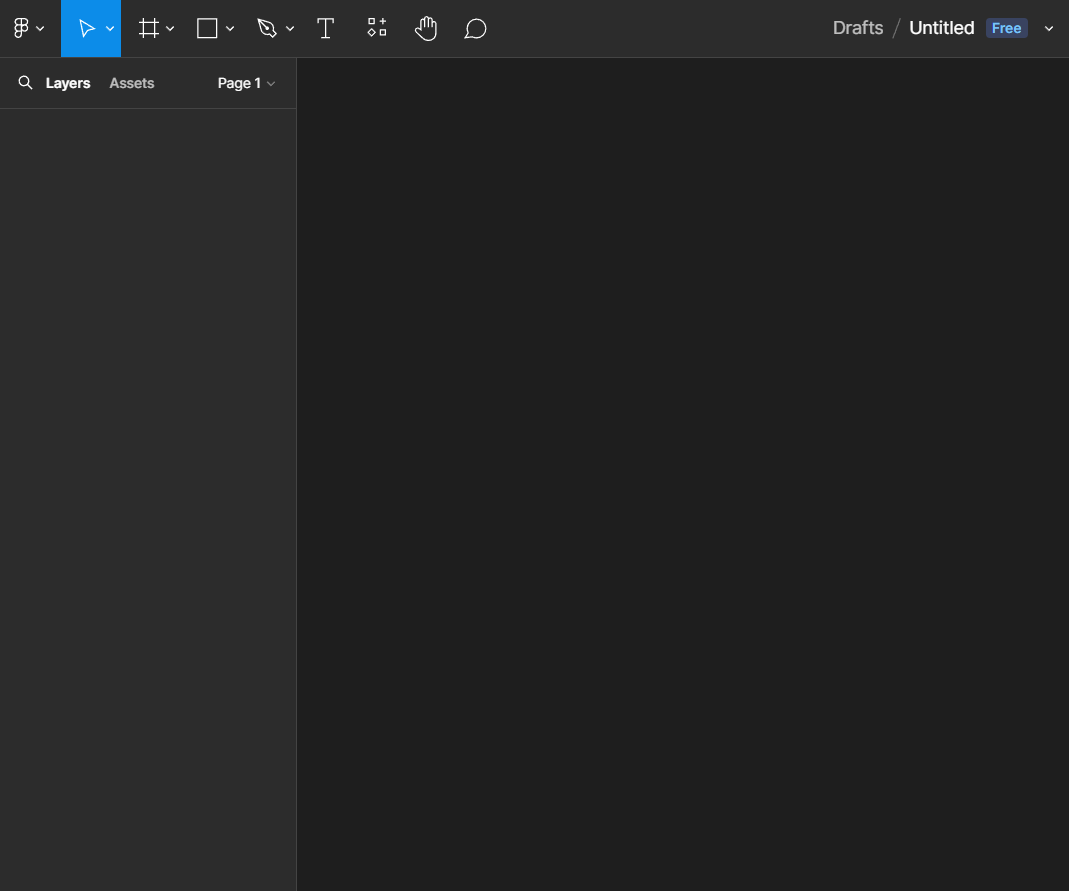
- To create a new project, navigate to the “Drafts” section and select it.

- Then, click on the “New File” button to generate a fresh design canvas.

- The initial workspace appears like this:
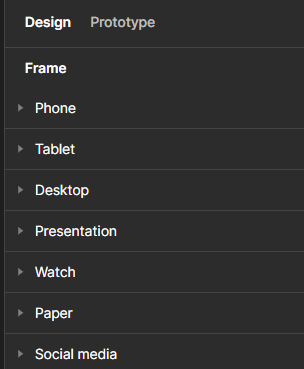
- To start designing, select the type of device or frame you want to create for. Use the shortcut F to access frame options.
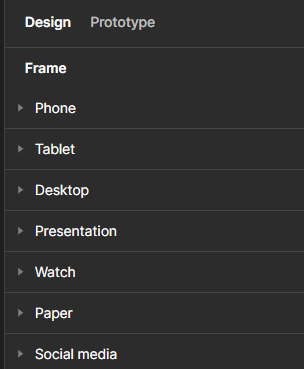
- For example, choosing a phone frame allows you to design mobile interfaces.

- Once your frame is set, explore the available design elements to craft your interface. Figma offers a rich library of components and tools to help you build engaging and functional designs.
Real-World Applications of Figma
Figma’s flexibility makes it suitable for a broad range of projects, particularly when collaboration is vital. Here are some practical use cases:
-
Website Design:
Design wireframes, prototypes, and final layouts efficiently. Figma enables quick iterations and visualizations, helping teams make informed decisions early.
To improve your web layouts, consider exploring the significance of visual consistency in web design. -
Mobile App Interfaces:
Create detailed screens, interactive prototypes, and user flows. Test how users will interact with your app before any code is written, reducing costly revisions later. -
Presentation and Stakeholder Demos:
Figma’s presentation mode allows you to showcase your designs professionally, gather feedback, and make adjustments seamlessly. -
Team Collaboration:
Its real-time editing fosters a collaborative environment where multiple team members can contribute, comment, and refine designs simultaneously. This approach accelerates project timelines and enhances the overall quality of the output. -
Design System Management:
Create and maintain consistent design standards with reusable components and shared styles, ensuring brand uniformity across multiple projects.
Additional Advantages of Figma
Since it operates entirely in the cloud, Figma offers unmatched accessibility. Stakeholders and team members can leave comments directly on the designs, facilitating quick revisions and clear communication. Its plugin ecosystem further enhances functionality, offering tools for accessibility checks, code export, and more—streamlining workflows significantly. Regular auto-save and version history features allow for safe experimentation and easy rollback if needed. For insights into the importance of a cohesive visual approach, review the impact of above-the-fold content in engaging visitors.
Conclusion
Figma revolutionizes digital design by integrating powerful features like real-time collaboration, platform independence, and extensive plugin support. Its user-friendly interface and versatile toolkit make it ideal for teams seeking efficiency, consistency, and high-quality output. Whether designing websites, mobile apps, or prototypes, Figma provides the tools needed to innovate and communicate effectively. As the demand for rapid, collaborative design grows, Figma remains an essential asset for modern digital creators.