In today’s digital world, web design has evolved beyond simple aesthetics — it’s a strategic tool essential for capturing and retaining online audiences. With fierce competition across the internet, having a well-crafted website is vital for business success. A captivating website not only draws visitors but also engages them, encourages exploration, and motivates actions such as purchases, form submissions, or newsletter sign-ups. The design of your website significantly influences user behavior and helps achieve your goals.
This guide explores ten fundamental principles of web design, offering insights and practical tips for creating visually appealing, user-friendly, and effective websites. Whether you’re a business owner revamping your site or a marketer optimizing your online presence, these principles will help your website stand out in a crowded digital landscape. Let’s begin.
Top 10 Web Design Principles for Success
- Use a Consistent Design
- Include Legible Fonts
- Provide Intuitive Navigation
- Choose Your Images Carefully
- Establish a Visual Hierarchy
- Use Whitespace Effectively
- Minimise Your Copy
- Keep Your User at the Centre
- Apply Hick’s Law
- Continuously Optimize Your Website
1. Use a Consistent Design
Consistency across your website creates a cohesive and professional appearance. When visitors arrive, they should immediately recognize your brand identity through uniform design elements. This includes a harmonious colour scheme—select a palette that aligns with your branding—and use it consistently for buttons, links, headings, and other components.
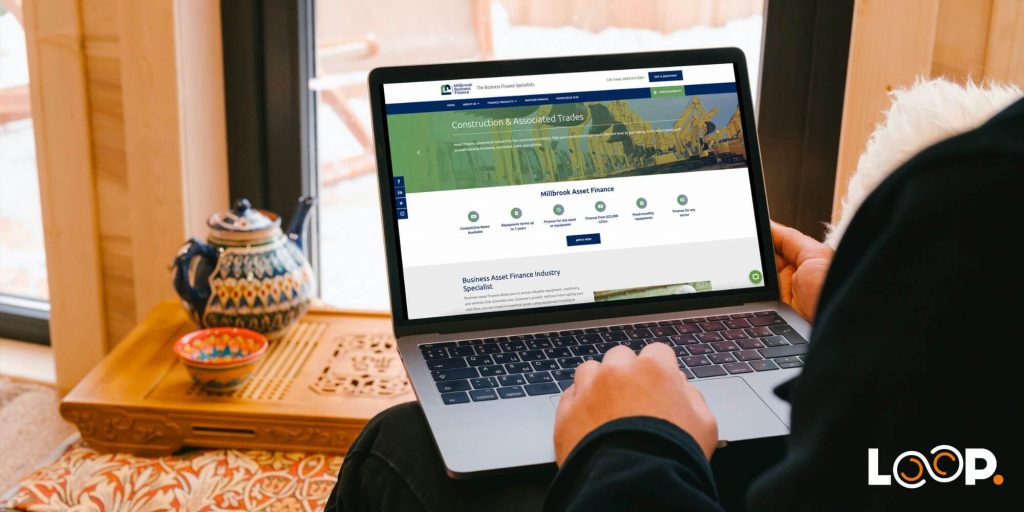
In addition to colour, layout consistency is crucial. Maintain uniform spacing, alignment, and grid systems throughout your site. This structured approach fosters a sense of order, making navigation intuitive and reinforcing your brand’s professionalism. A consistent design not only enhances visual appeal but also builds trust and confidence with your audience.
2. Include Legible Fonts
Choosing easy-to-read fonts is vital for a positive user experience. Your typography should match your brand’s personality while remaining clear across all devices and screen sizes. Avoid overly decorative fonts that can hinder readability.
When selecting fonts, consider size, spacing, and contrast. Use sufficiently large fonts for readability, especially on mobile devices, and ensure there’s ample spacing between lines and paragraphs to prevent clutter. High contrast between text and background is essential so content stands out and is easy to read.
Legible typography communicates your message effectively, reinforces your brand identity, and helps users navigate your site comfortably.
3. Provide Intuitive Navigation
Navigation impacts how effortlessly users find information and explore your website. An intuitive menu structure enhances user experience and keeps visitors engaged.
Position your navigation menu prominently—typically at the top or in a sidebar—and keep it consistent across pages. Use clear, descriptive labels that accurately reflect the content they link to, avoiding jargon or ambiguous terms.
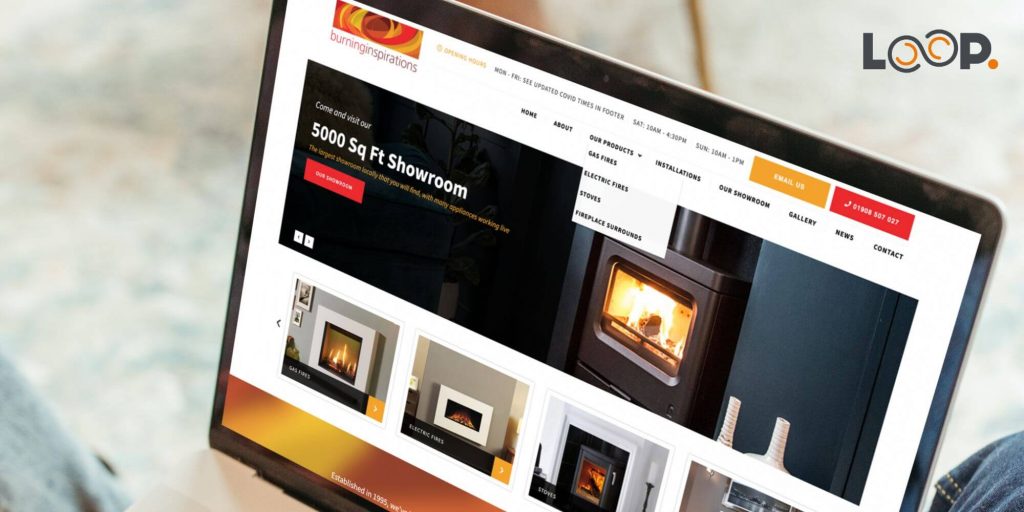
Limit the number of main links to reduce clutter. For sub-sections, consider dropdown menus or hierarchical structures that organize content logically. Incorporate search functions and breadcrumb trails to further assist visitors.
By designing logical, straightforward navigation, you improve usability, helping visitors find what they need quickly and efficiently.
4. Choose Your Images Carefully
Images significantly influence website aesthetics and user engagement. Select high-quality, relevant images that align with your brand and message.
Ensure images are sharp, well-composed, and optimized for web use, reducing load times and enhancing performance. Use descriptive alt text for accessibility, aiding users relying on screen readers.
Always verify you have the rights to use images—never employ copyrighted material without permission—and credit sources when necessary. Proper imagery can evoke emotions, tell stories, and reinforce your branding.
5. Establish a Visual Hierarchy
Visual hierarchy guides visitors’ attention through strategic arrangement and styling of elements. It helps users understand the importance and relationships of content on each page.
Prioritize key elements by using size, color, and placement to make them stand out. Contrast is effective for highlighting important features. Consistent use of fonts and colors reinforces structure, while alignment and grouping create clarity.
Design with mobile responsiveness in mind, ensuring the hierarchy remains clear on smaller screens. A well-defined visual hierarchy makes your site easier to scan and understand.
6. Use Whitespace Effectively
Whitespace, or negative space, is the empty area between elements. It enhances readability, creates balance, and prevents clutter, making your website more inviting.
Strategic use of whitespace allows content to breathe, emphasizing key messages and improving visual flow. It also contributes to a clean, elegant aesthetic that can elevate your brand perception.
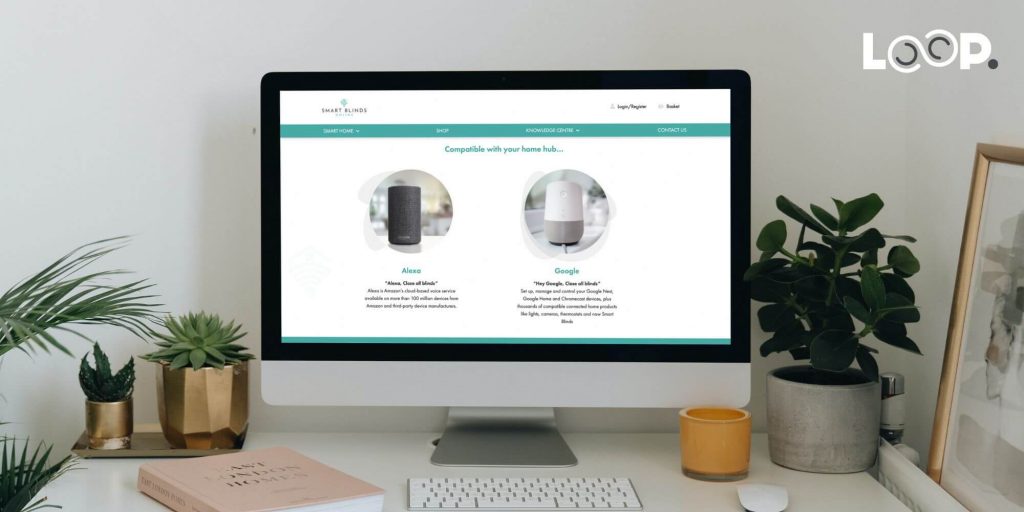
Remember, whitespace isn’t wasted space; it’s a design tool that improves usability and aesthetics, especially important for mobile layouts.
7. Minimise Your Copy
Less is more in web content. Overloading pages with lengthy text can discourage users and dilute your message. Focus on concise, clear communication.
Use headlines and subheadings to highlight main points, enabling visitors to scan and absorb information quickly. Incorporate bullet points, numbered lists, and visuals to present content engagingly.
Avoid jargon and technical terms—speak plainly and directly. Minimalist copy captures attention, conveys your core message, and encourages further interaction.
8. Keep Your User at the Centre
A user-centered approach ensures your website meets the needs and expectations of your audience. Conduct user research to understand their demographics, goals, and pain points.
Design with empathy—think about what users want to accomplish and how they prefer to navigate your site. Regular usability testing and feedback collection help identify issues and refine the experience.
By prioritizing your users, you create a site that is intuitive, engaging, and more likely to convert visitors into customers.
9. Apply Hick’s Law
Hick’s Law states that more choices lead to longer decision times. In web design, this emphasizes simplicity and minimalism.
Limit options and streamline pathways to key content or actions. Clear, straightforward navigation prevents decision paralysis and enhances user satisfaction.
Design with minimal menus, concise labels, and focused content. This approach reduces cognitive load, making it easier for visitors to find what they need and complete desired actions.
10. Continuously Optimize Your Website
Web design isn’t a one-and-done task. Regularly review your site’s performance through analytics tools like Google Analytics. Monitor metrics such as traffic, bounce rates, and conversions to identify areas for improvement.
Implement iterative changes—updating content, refining navigation, enhancing load times, and adjusting layouts based on user feedback and data insights. Testing different versions (A/B testing) helps determine what works best.
Ongoing optimization ensures your website remains relevant, functional, and aligned with your business goals, providing a better experience for your visitors.
Web Design at Loop Digital
At Loop, we recognize that web design is an evolving craft. We aim to create websites that combine aesthetic appeal with adherence to these core principles, ensuring they perform effectively in today’s competitive environment. For more insights on crafting a comprehensive web design strategy, explore what elements are essential to add to a web design brief.
Interested in working with us? Reach out today to learn more about our tailored web design services.
Looking for your next opportunity?
Digital Marketing Careers
We’re always seeking talented professionals to join our growing team. If you believe you could be a great fit for Loop Digital, we’d love to hear from you.

Subscribe to receive weekly growth strategies and insights—over 300 business owners are already benefiting.
Note: Fields marked with “” are required.*